124
Shape
Not available if oscillator 1 is in HyperSaw or WaveTable
mode. See “About HyperSaw and Sub Oscillators” on
page 107.
> Square, Triangle: Selects the sub oscillator waveform.
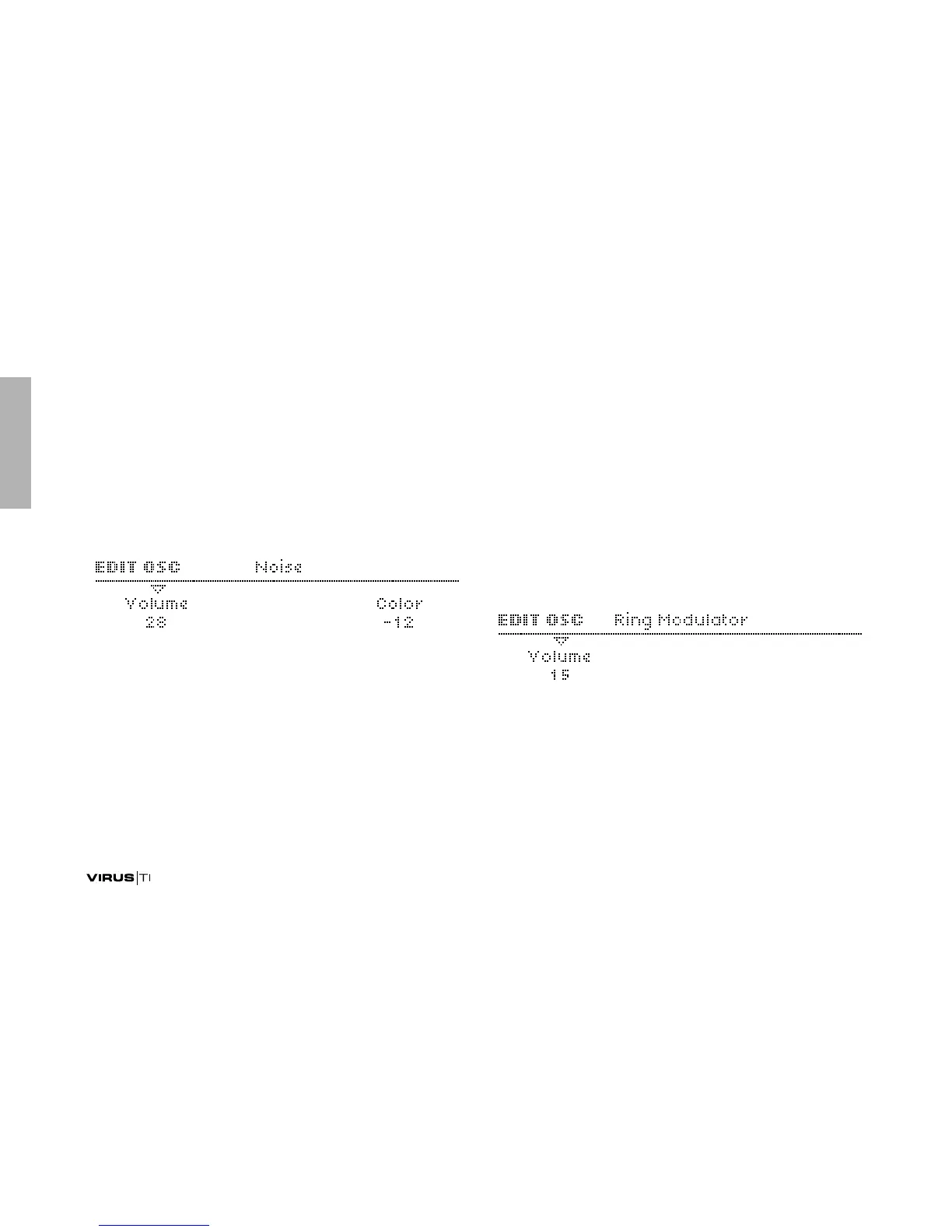
Noise
Volume
Accessible from the panel via NOISE VOLUME.
> Off, 1 to 127: The level of noise. If set to Off, the Color
parameter will not be visible. Modulation destination
“Noise Volume“.
Color
> -64 to +63: Adjusts the noise frequency range. Negative val-
ues are darker, positive ones are brighter. A value of 0 is
standard “white noise” (see glossary). Modulation destina-
tion “Noise Color“.
Ring Modulator
The Ring Modulator creates additional frequencies (the sum
and difference) by multiplying the oscillator 1 and 2 signals.
Not active in Split Mode (see “Routing” on page 144).
Volume
Accessible from the panel via SHIFT + NOISE VOLUME.
> Off, 1 to 127: The output level of the ring modulator. Inde-
pendent of OSC VOLUME (see “OSC VOLUME” on
page 137). Modulation destination “Ring Modulator“.



 To Next Page