166
In earlier Virus models, Multi mode programs consisted of 16
Parts, each one referencing a Single program. The downside:
Multi programs depended on the location of all their refer-
enced Singles, so if you changed any program while working in
Single mode, Multi programs would change accordingly.
In the Virus TI however, each of the 16 Parts actually contains
the equivalent of a Single program. Parts also require a few
additional parameters (e.g. transposition, keyboard range)
which are all accessed via MULTI EDIT – hold down SHIFT and
press the master EDIT button to the left of the display. From
operating system revision 1.1 onwards, there is another 112
referencing Multi mode programs in order to supply you with
old and newfashion Multi mode program. The additional pro-
grams can be accessed on slot 17-127.
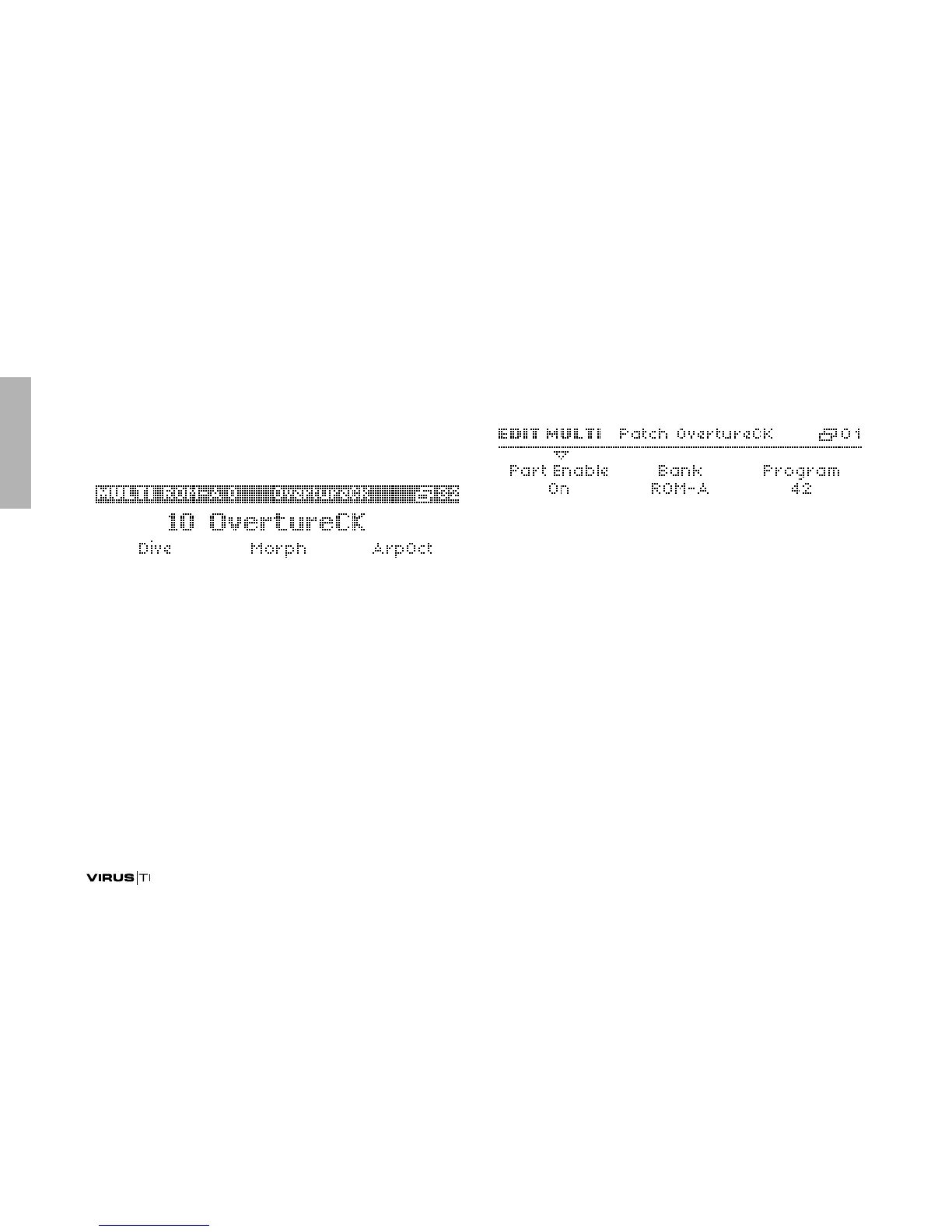
Patch
The Bank and Program parameters in the first page are used to
copy existing Singles into the current Part. If you do this by
mistake, just press UNDO before adjusting any other parame-
ters. Tip: Save your Multi programs regularly.
Part Enable
> Off, On: Specifies whether the selected Part is active.
Bank
Also directly available from the panel when this menu is closed
via SHIFT + PARAMETERS.
>A to T: Selects the bank from which a Single program is
automatically copied into the current Part.



 To Next Page