134
>Dynamic: The source specified by Input Select (see below)
is routed to the FILTERS section, the envelopes remain func-
tional. This means you have to play a note to hear any
sound. Although there is only one audio source, each note
has an independant envelope and filter.
> Static: The source specified by Input Select is routed to the
FILTERS section, but all envelopes are ignored. The filter
section effectively becomes “monophonic”.
Input Select
Specifies the signal source.
> Left, L+R, Right: Signal from the left, both or right inputs.
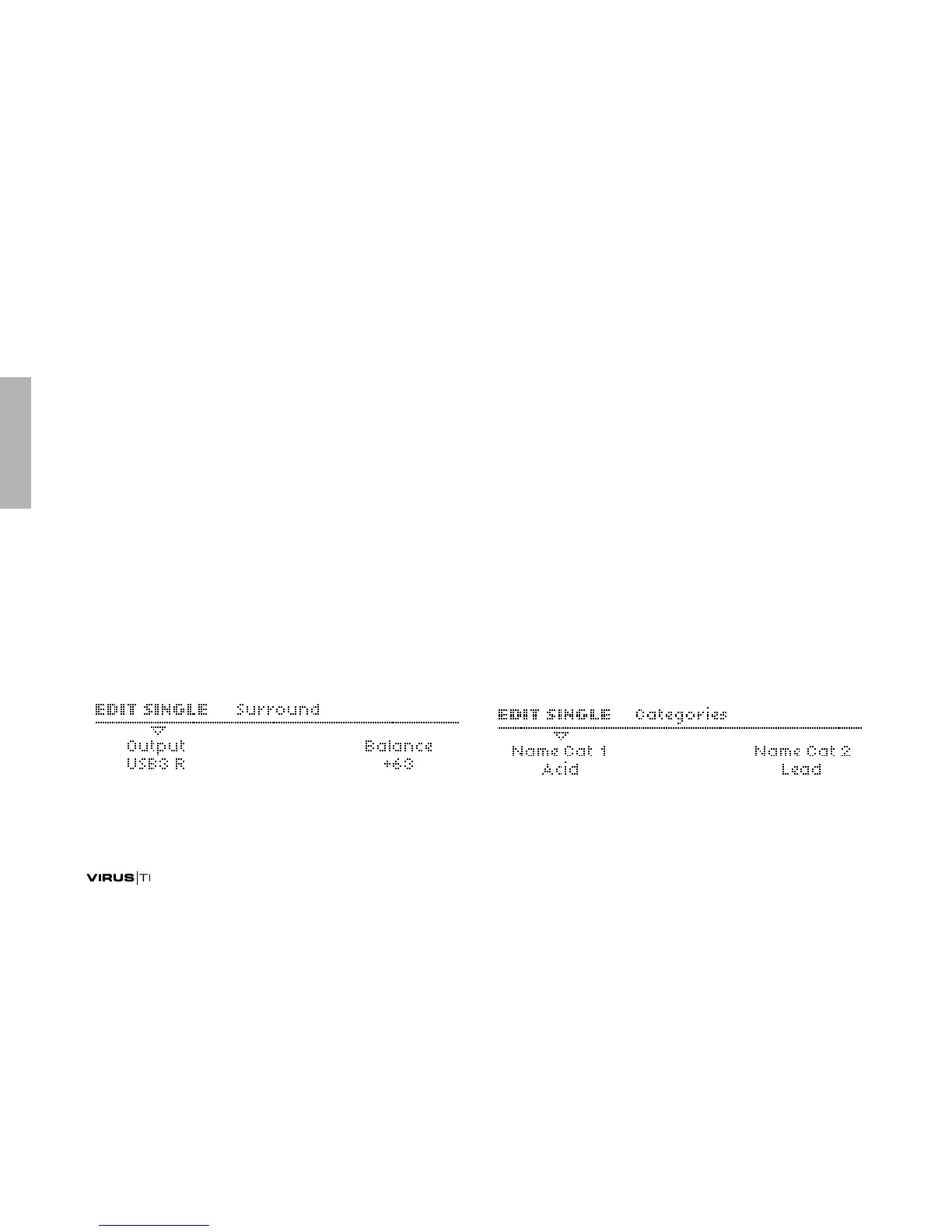
Surround
The Virus has two additional stereo outputs. Although espe-
cially useful in MULTI mode, the addtional stereo outputs can
also be used in SINGLE mode as send channels for external
effects etc..
Output
> Out1 L ... Out3 R: Which audio jacks will be used for addi-
tional audio output.
Balance
> -64 to +63: Cross fade between standard outputs and sur-
round outputs (see above). Useful as external effect send, or
for surround mixes in combination with the Panorama
parameter (see “Panorama” on page 87).
Categories
Programs are assigned one or two categories to make it easier
to find particular types (Lead, Pad, Drums etc.) via the SEARCH
function.



 To Next Page