136
STORE
Store
To save the current program under the same name to the same
position (RAM only), press STORE three times in succession.
To abort any of these functions, press the
ÛEXIT button.
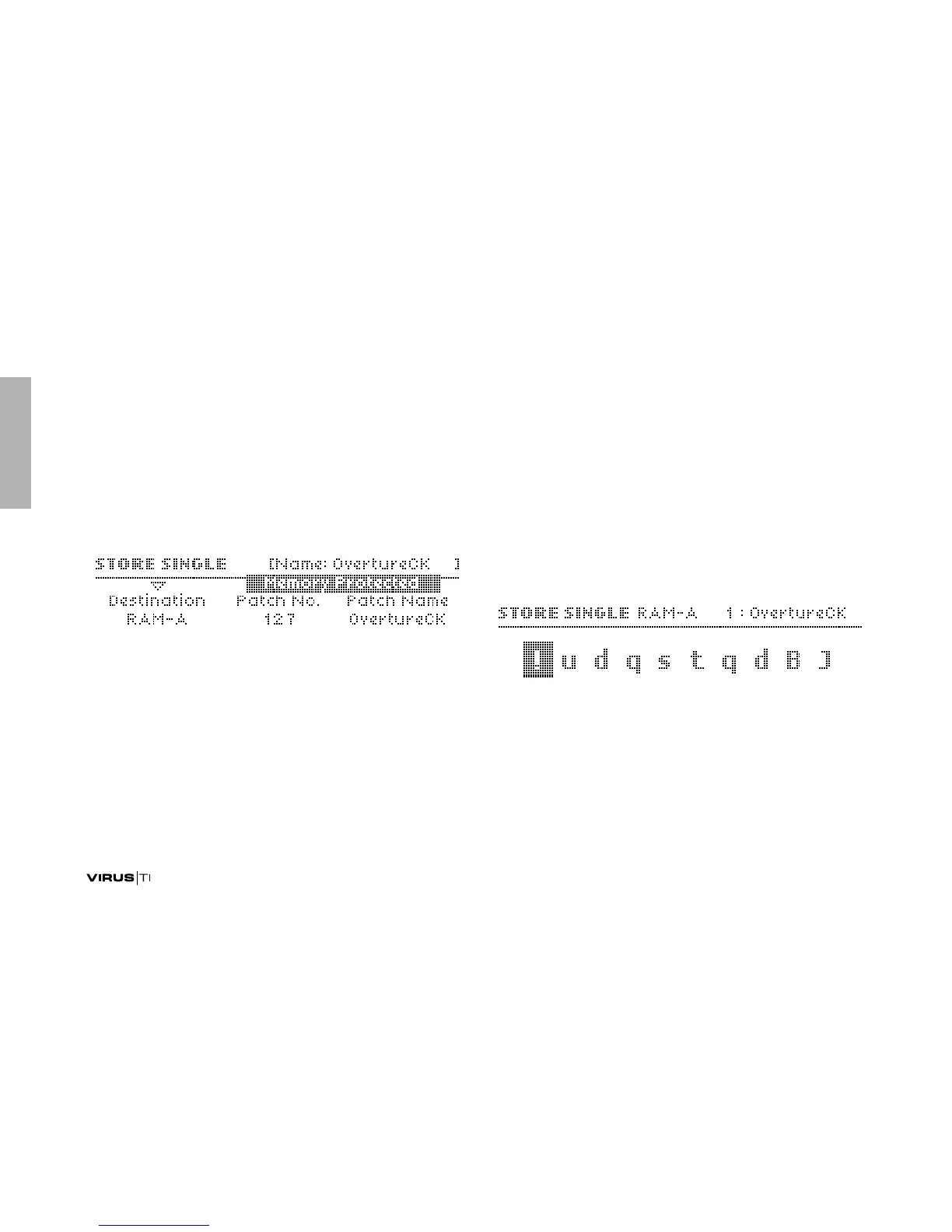
Destination
>RAM-A to RAM-D: Select a bank to store to.
> Dump Single: Send the current program via MIDI to an
external device e.g. computer or another Virus. When you
are ready to transmit the program (e.g. another Virus is con-
nected via MIDI or your sequencer has started recording),
press STORE again.
Patch No.
> 0 to 127: Selects the program number you wish to overwrite.
After selecting a bank and patch number, press STORE
again to edit the name (see “Editing the Patch Name”
below).
Patch Name
>(dynamic): Displays the name of the program currently in
the location of Patch No.. To name the new patch, press
STORE a s econd time...
Editing the Patch Name
>(dynamic): Use the PARAMETERS buttons as cursor and
any of the VALUE knobs/buttons to change the character.
When you have finished, press STORE a third time to finally
save your program.



 To Next Page