146
Decay
Accessible from the panel via the upper DECAY knob.
> 0 to 127: The time it takes to fall from maximum to the Sus-
tain level (see below).
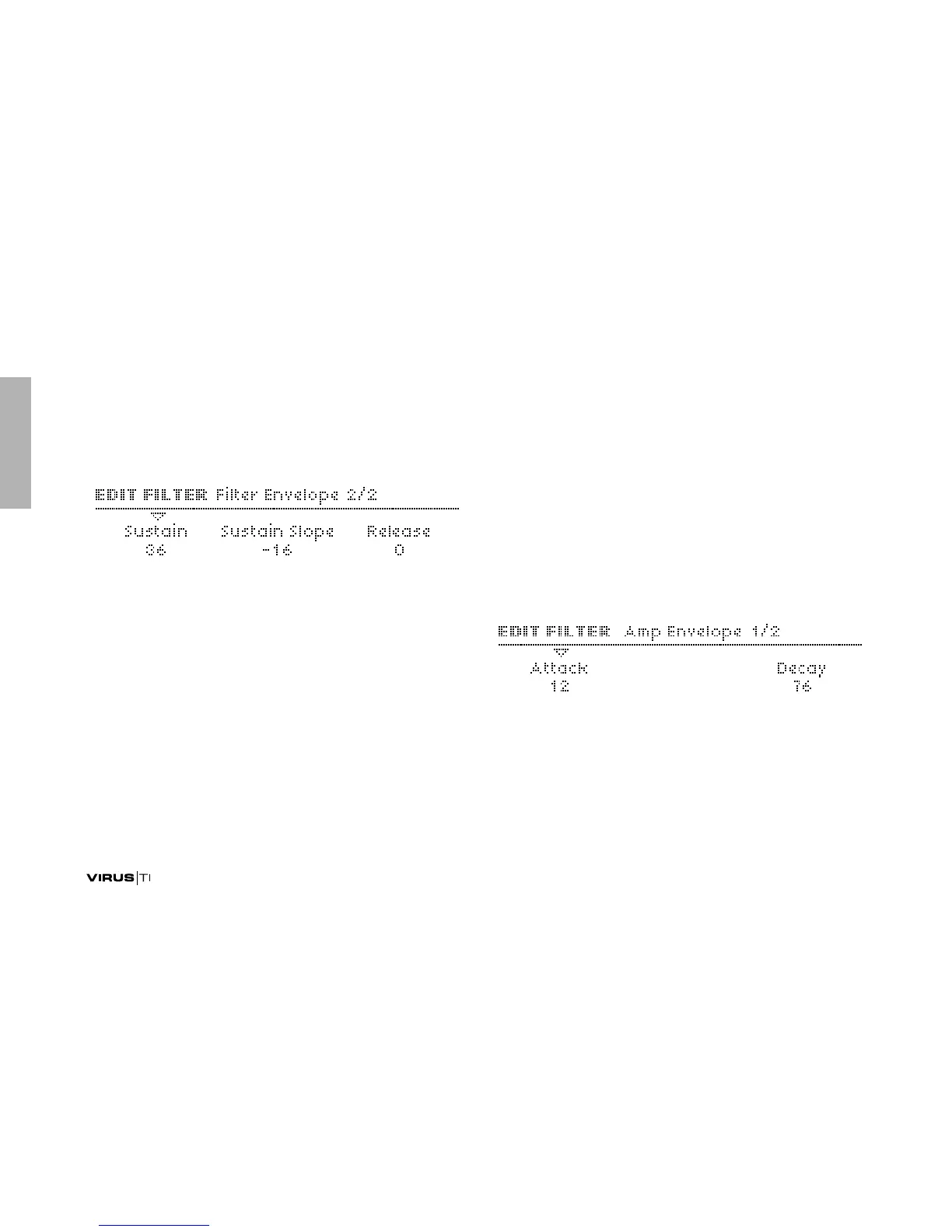
Sustain
Accessible from the panel via the filter SUSTAIN knob.
> 0 to 127: The nominal level after the Decay.
Sustain Slope
Accessible from the panel via SHIFT+SUSTAIN in the Filter
Envelope section.
> -64 to +63: Negative values cause the sustain phase to
decay to zero, positive values cause it to rise to maximum.
See the images in “FILTER ENVELOPE” on page 148.
Release
Accessible from the panel via the RELEASE knob
> 0 to 127: Starts as soon as a note is released – the time it
takes to fall from the current level to zero.
Amp Envelope
Please refer to the images in “The Amplifier Envelope Section”
on page 21. As the amplifier envelope section has no EDIT but-
ton, these parameters are accessed via the EDIT button in the
FILTERS section.
Attack
Accessible from the panel via the lower ATTACK knob.
> 0 to 127: The time it takes for the amplifier envelope to rise
from 0 to maximum.



 To Next Page