100
Spread
> 0 to 127: How far apart the resonant peaks between multiple
stages are. Modulation destination “Phaser Spread“.
Vocoder
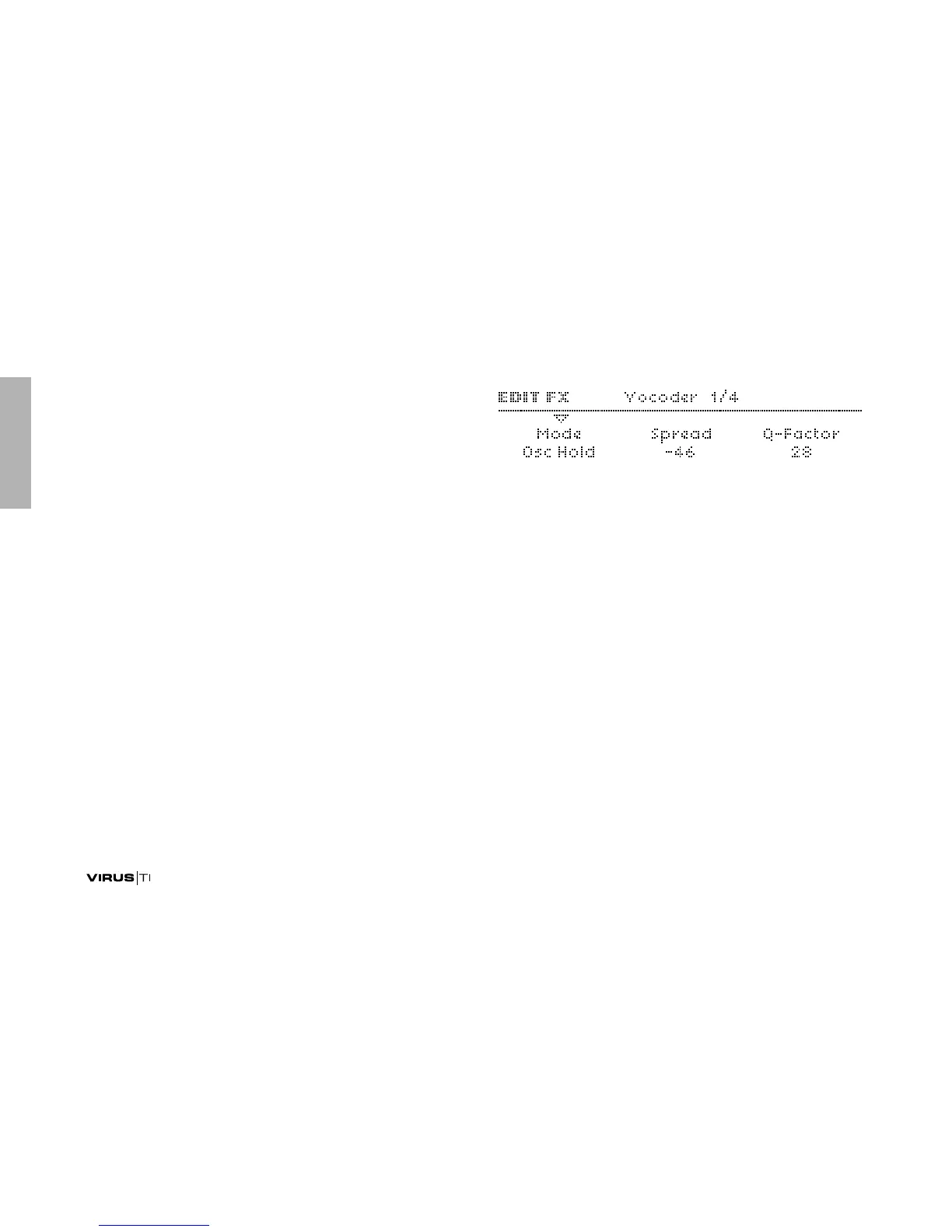
To enter these pages, press EDIT (lower EFFECTS section)
once or twice so that its LED flashes, then navigate using the
PARAMETERS buttons. Although available as “effect”, the
Virus Vocoder actually replaces the entire filter section i.e. Voc-
oder and normal filters cannot be used at the same time within
a single program.
The Virus vocoder has two banks of up to 32 bandpass filters:
One to analyse the frequency spectrum of a modulator audio
signal (see “Input Select” on page 134), and the other to proc-
ess a carrier signal (usually the internal oscillators) accord-
ingly. Please refer to the “Vocoder Table” on page 104.
As well as the functions of a few knobs in the filter section, two
of the parameters appearing in the first page of the vocoder
menu are sensitive to SELECT status in the Filters section: If
FILT1 is selected, carrier parameters will appear here. If FILT2
is selected, modulator parameters will appear.
Mode
Specifies the carrier signal...
>Off: The Vocoder is disabled, no other Vocoder parameters
will be visible.
> Oscillator: The carrier is the entire oscillator section, includ-
ing any noise.
>Osc Hold: Identical to “Osc” except that Hold mode (see
“Key Mode” on page 122) is activated for the vocoder.
>Noise: The carrier is the noise signal only. The rest of the
oscillator section is disabled, thus saving polyphony.
> In L, In L+R, In R: The carrier is one or both of the audio
inputs.



 To Next Page