115 SOUND PARAMETERS REFERENCE
> -64 to +63: Adjusts the relative levels of oscillator 1 and oscil-
lator 2 (including FM), whereby -64 is oscillator 1 only and +63
is oscillator 2 only. Note that this parameter is mirrored in the
oscillator 2 menu. Modulation destination “Osc Balance”.
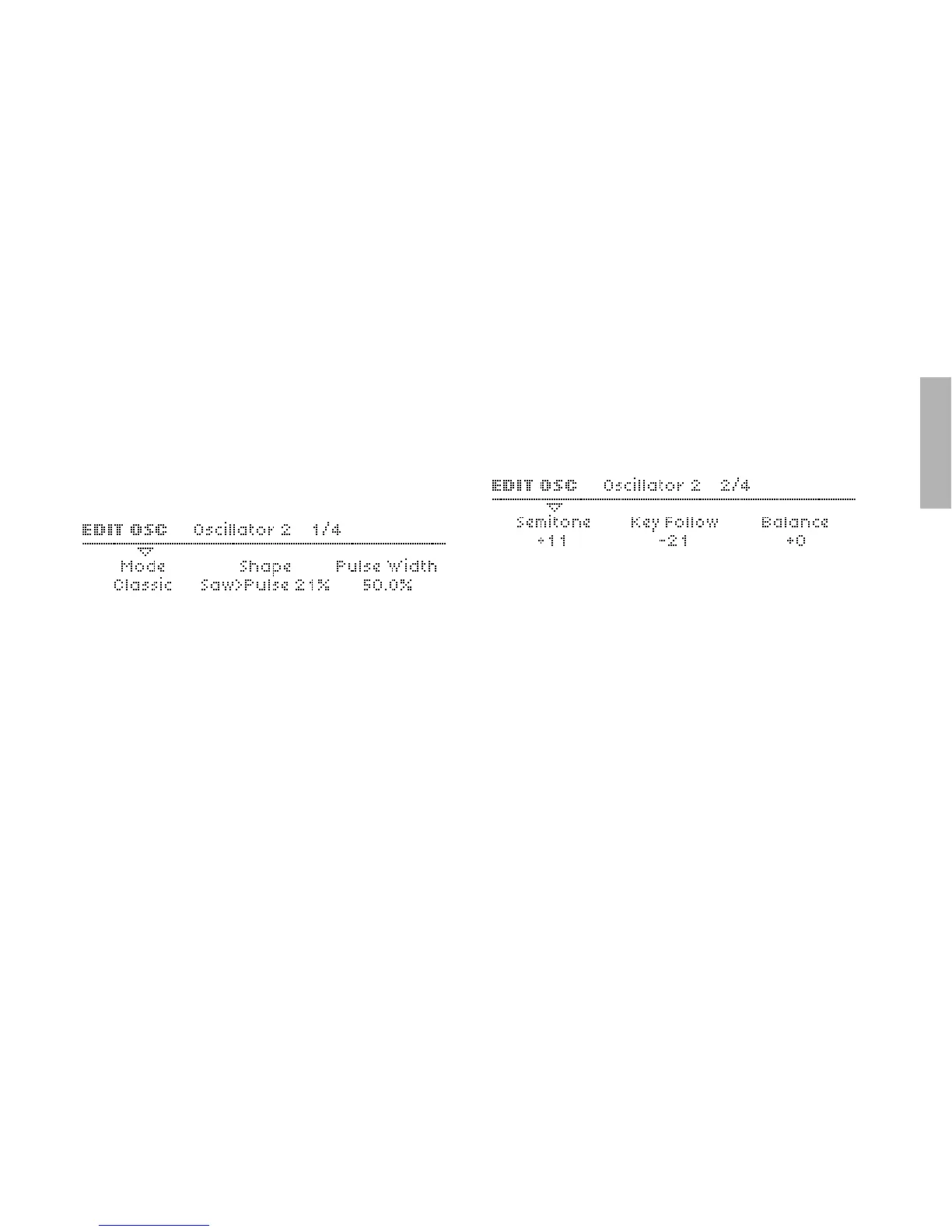
Oscillator 2 – Classic
Mode
Accessible from the panel via SHIFT + oscillator SHAPE.
> Classic, HyperSaw, WaveTable: Selects the basic type of
oscillator.
Shape
As in oscillator 1 – see “Shape” on page 111. Modulation desti-
nation “Osc2 Shape“.
Wave Select or Pulse Width
As in oscillator 1 – see “Wave Select or Pulse Width” on
page 111. Modulation destination “Osc2 Wave Select“ or
“Osc2 Pulse Width“.
Semitone
As in oscillator 1 – see “Semitone” on page 111. Modulation
destination “Osc2 Pitch“.
Key Follow
As in oscillator 1 – see “Key Follow” on page 112.
Balance
Mirrors the Balance parameter in the oscillator 1 page – see
“Balance” on page 112.



 To Next Page