121 SOUND PARAMETERS REFERENCE
>Slave: Oscillator 3 will follow oscillator 2. The mixture of
waveforms i.e. SHAPE and any modulation applied to oscilla-
tor 2 will also apply to oscillator 3. The values of “Semitone”
and “Detune” (see below) are ignored.
> Saw, Pulse, Sine, Triangle, Wave 3 to Wave 64:
Oscillator 3 waveform. Note that if “Pulse” is selected here, its
pulse width will follow that of oscillator 2.
Semitone
> -48 to +48: The pitch of oscillator 3. If Slave mode (see
“Mode/Wave” above) is selected, this value will be ignored
and oscillator 3 pitch will track oscillator 2 pitch. Modulation
destination “Osc3 Pitch“.
Volume
> 0 to 127: The level of oscillator 3 when switched on (see
“OSC3 ON” on page 110 and “Mode/Wave” above). Modula-
tion destination “Osc3 Volume”.
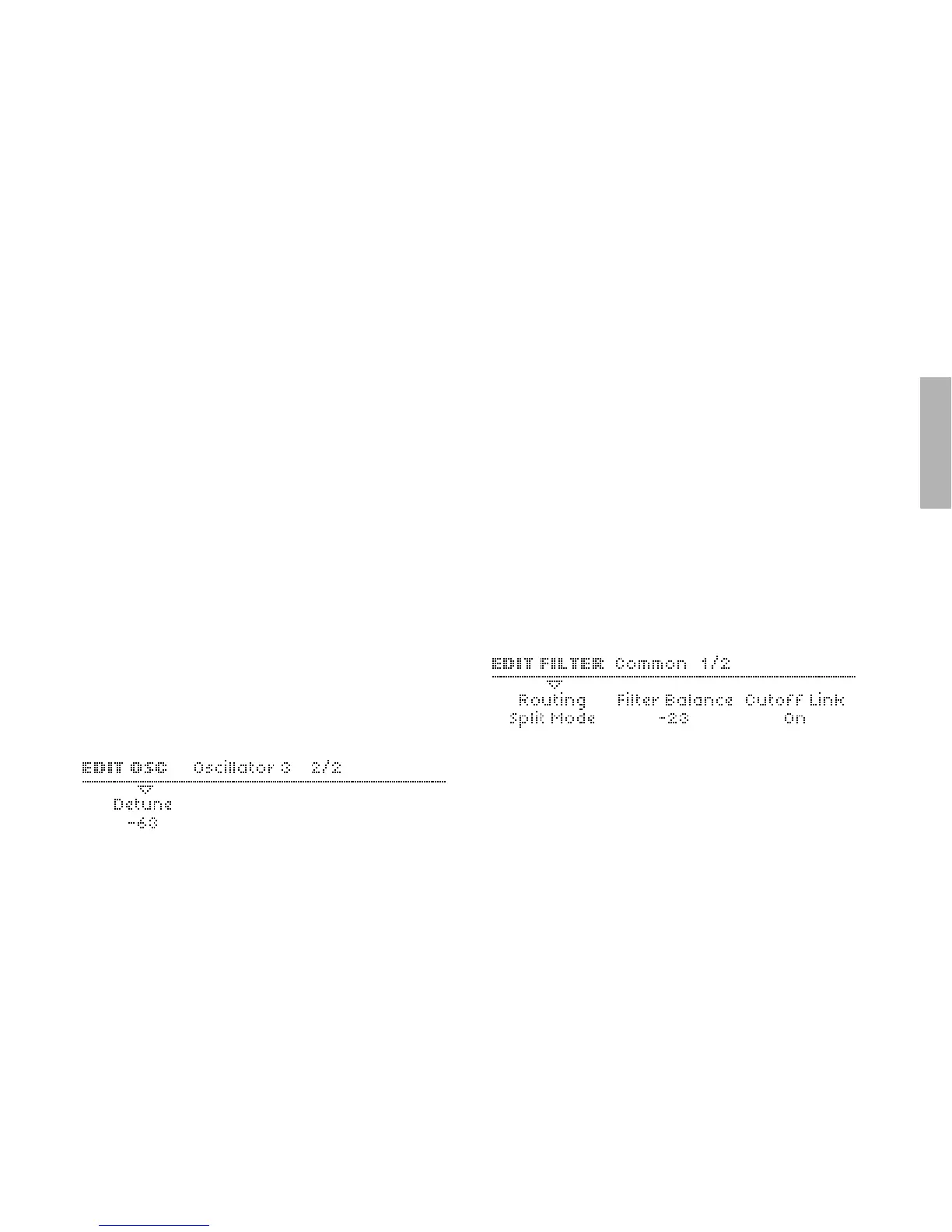
Detune
Accessible from the panel via the DETUNE 2/3 knob if
oscillator 3 is selected. Ignored if Slave mode (see “Mode/
Wave” above) is selected.
> 0 to -127: Fine-tunes oscillator 3 downwards. Modulation
destination “Osc3 Detune“.
Common
The Common pages contain parameters which affect more than
one oscillator at the same time. To enter these pages, press
EDIT once or twice until the LED flashes, and navigate using the
PARAMETERS buttons.
Initial Phase
Modulation destination “Osc Initial Phase”.



 To Next Page