112
Key Follow
> -64 to +31, Norm, +33 to +63: How much the pitch of oscil-
lator 1 follows the keyboard (i.e. MIDI note number). Press
both VALUE buttons at the same time for normal tuning
(Norm).
Balance
Accessible from the panel via the OSC BALANCE knob in the
MIX section.
> -64 to +63: Adjusts the relative levels of oscillator 1 and
oscillator 2 (including FM), whereby -64 is oscillator 1 only
and +63 is oscillator 2 only. Note that this parameter is mir-
rored in the oscillator 2 menu. Modulation destination “Osc
Balance”.
Oscillator 1 – HyperSaw
This information only applies to oscillator 1 in HyperSaw mode
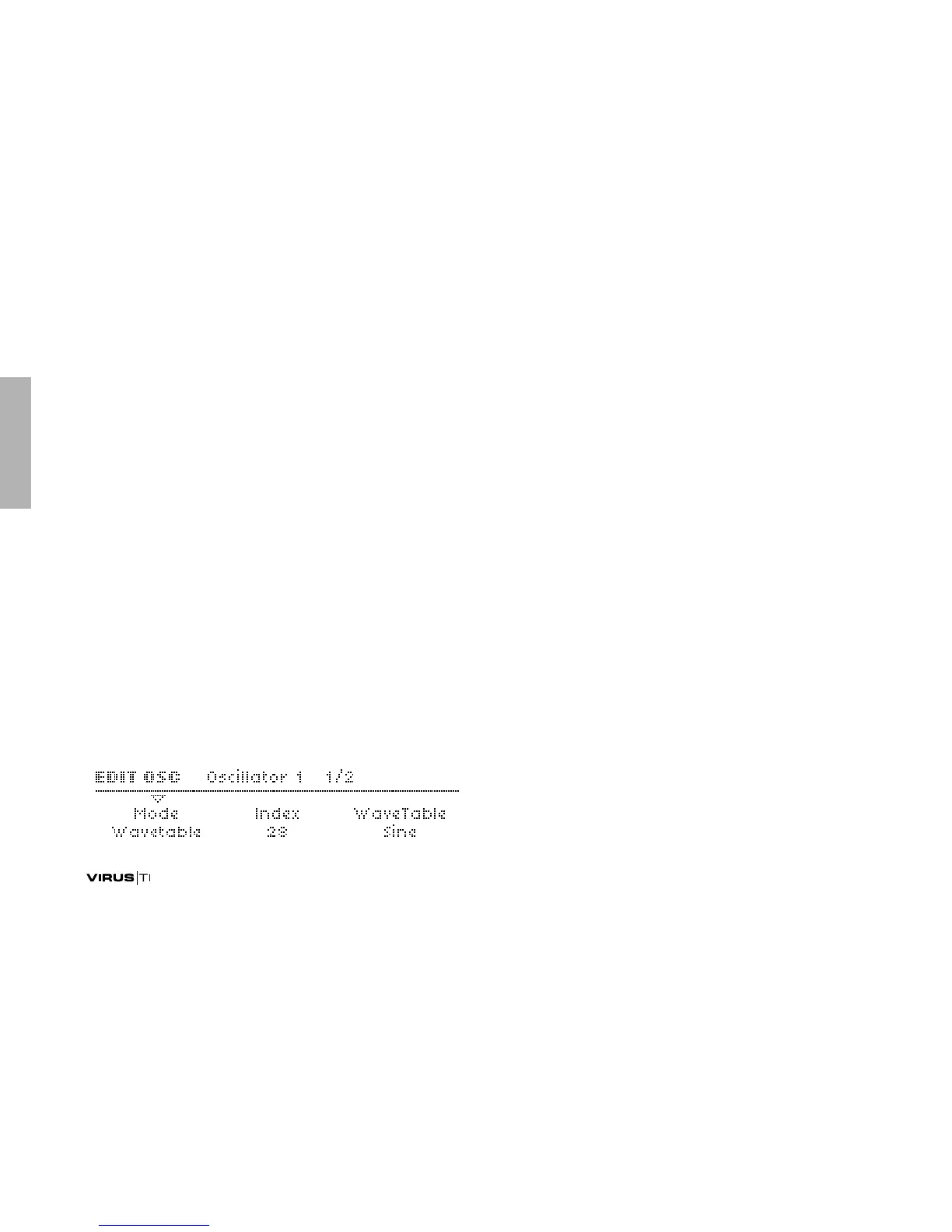
Mode
Accessible from the panel via SHIFT + oscillator SHAPE.
> Classic, HyperSaw, WaveTable: Selects the basic type of
oscillator.
Density
Accessible from the panel via the oscillator SHAPE knob.
>1.0 to 9.0: The number of sawtooth waves used. The vol-
umes are cross-faded for completely smooth transitions.
Modulation destination “Osc1 Shape“.
Spread
Accessible from the panel via WAVE SELECT/ PW.
> 0 to 127: Detuning of individual sawtooth waves within the
HyperSaw. Modulation destination “Osc1 Pulse Width”.



 To Next Page