111 SOUND PARAMETERS REFERENCE
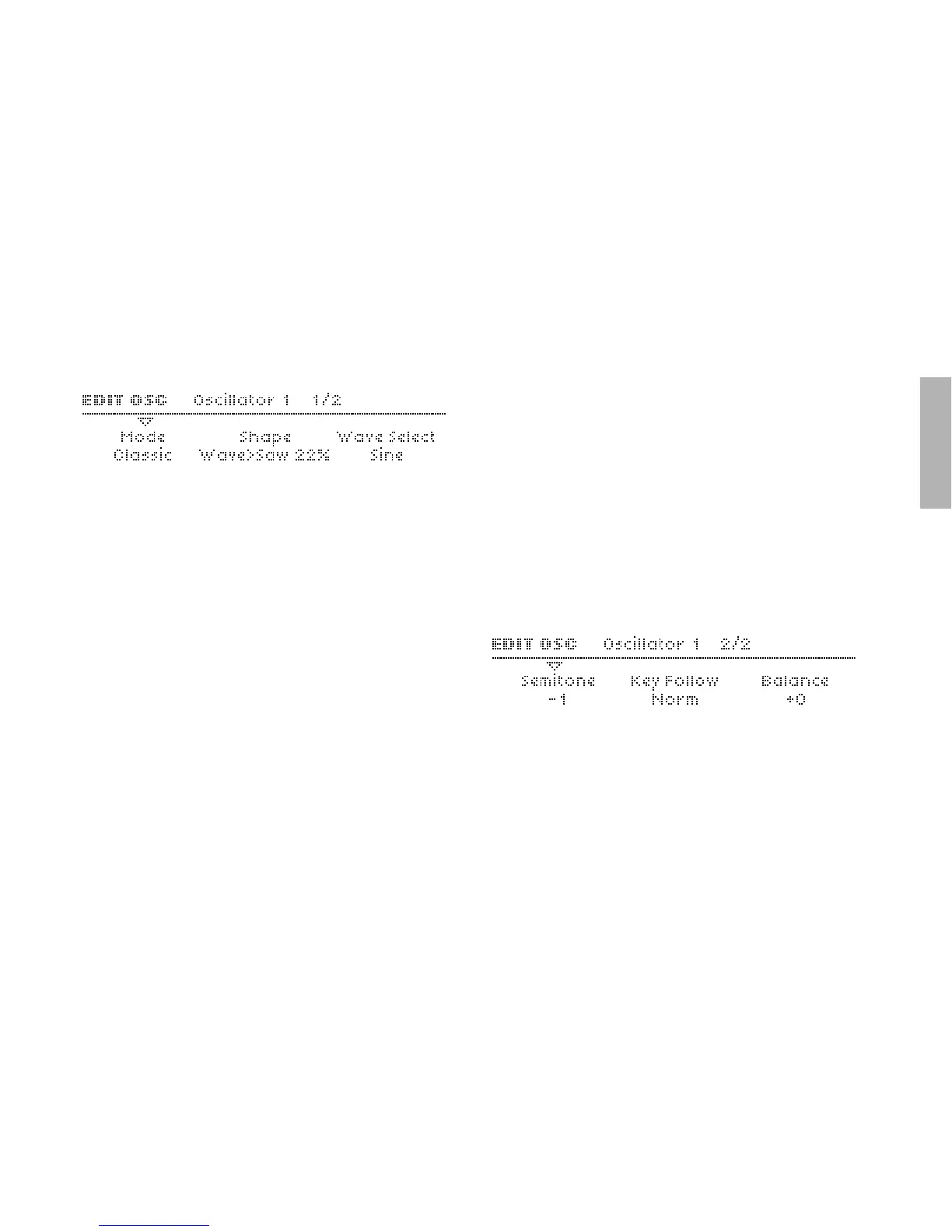
Mode
Accessible from the panel via SHIFT + oscillator SHAPE knob.
> Classic, HyperSaw, WaveTable: Selects the basic type of
oscillator.
Shape
Accessible from the panel via the SHAPE knob. Modulation
destination “Osc1 Shape”.
> Spectral Wave ... Sawtooth ... Pulse: Waveform mix. At min-
imum, you will only hear one of the 64 spectral waves, at
dead centre you will hear a pure Sawtooth, at maximum a
pure Pulse wave. Set intermediate values for different mix-
tures (these are displayed as percentages).
Wave Select or Pulse Width
Accessible from the panel via WAVE SELECT/ PW. Two distinct
functions, depending on the value of the Shape parameter (see
below): If Shape is anywhere below centre, WAVE SELECT/ PW
will select a spectral wave. If SHAPE is set to “Sawtooth” or
above, the WAVE SELECT/ PW knob will control pulse width
instead...
> Sine, Triangle, Waves 3 to 64: Spectral Wave function. Mod-
ulation destination “Osc1 Wave Select“.
or
> 50.0% to 100%: Pulse width function. Modulation destination
“Osc1 Pulse Width“.
Semitone
Accessible from the panel via the SEMITONE knob.
> -48 to +48 semitones: The nominal pitch of oscillator 1.
Modulation destination “Osc1 Pitch“.



 To Next Page