72
REMOTE Page
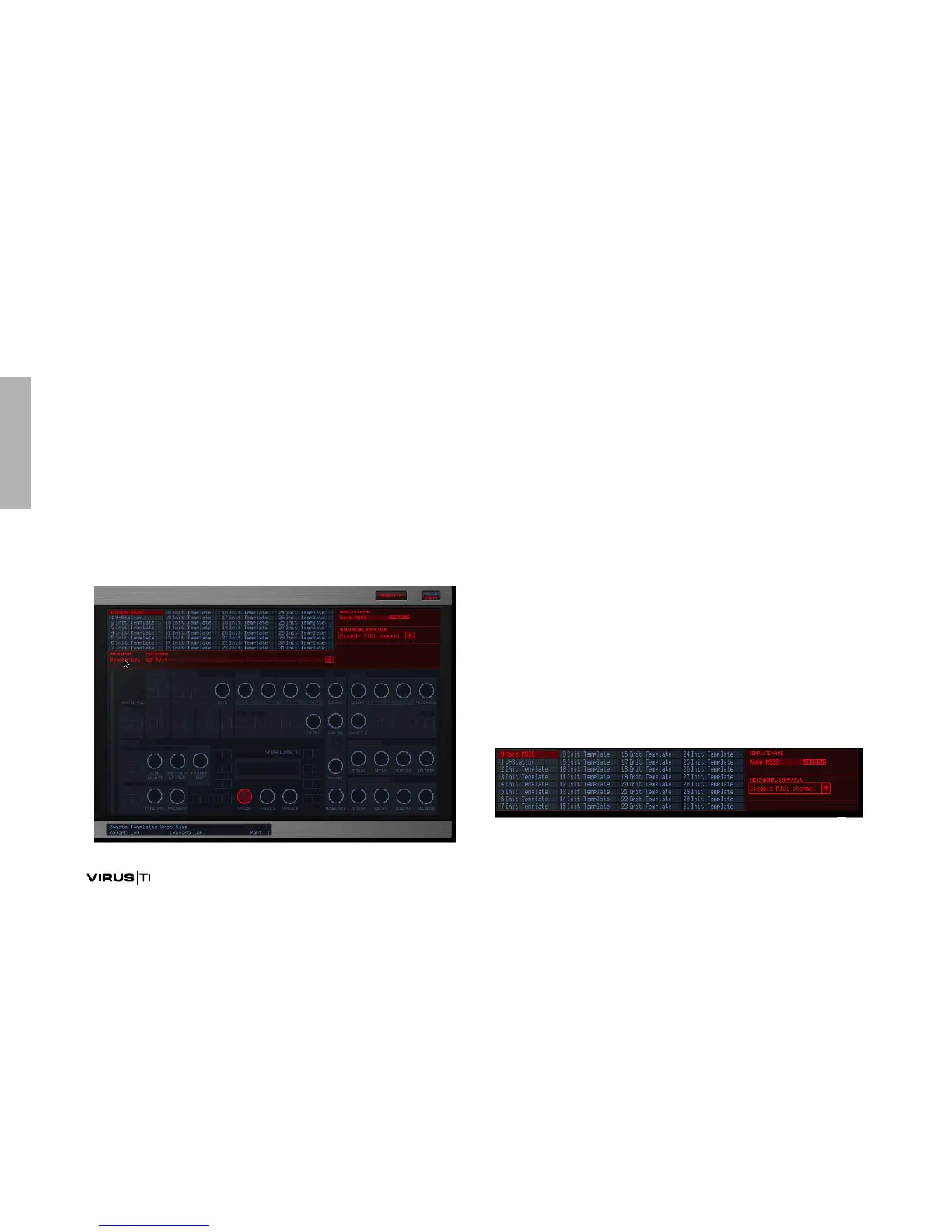
Here is where you can create templates which will allow you to
remote control your favourite plug-ins and other hardware
synths using the knobs of your Virus TI. There are 32 locations
in the TI for storing templates – we have included a full bank
containing ready-made templates for some of the most popu-
lar plug-ins to get you started. To access the Remote page,
you will first need to click on Patch/Utility at the top right of the
GUI.
It is only necessary to use the VirusControl to create new tem-
plates or load in new ones from additional libraries – Remote
mode is fully functional in standalone mode.
Please check www.acccess-music.de for new templates – we
will be adding to the public library regularly. If you create any
new templates and are happy to share them with other users,
please send them to support@access-music.de
Remote Mode
In order to use the TI’s Remote functionality, you must first
switch it into Remote Mode. To do this, press SHIFT+CONFIG.
Selecting a Template
To select a remote template, double-click on one of the 32
templates listed at the top of the Remote page. These repre-
sent the templates which are currently stored in the TI’s inter-
nal RAM.



 To Next Page