58
BROWSER Page
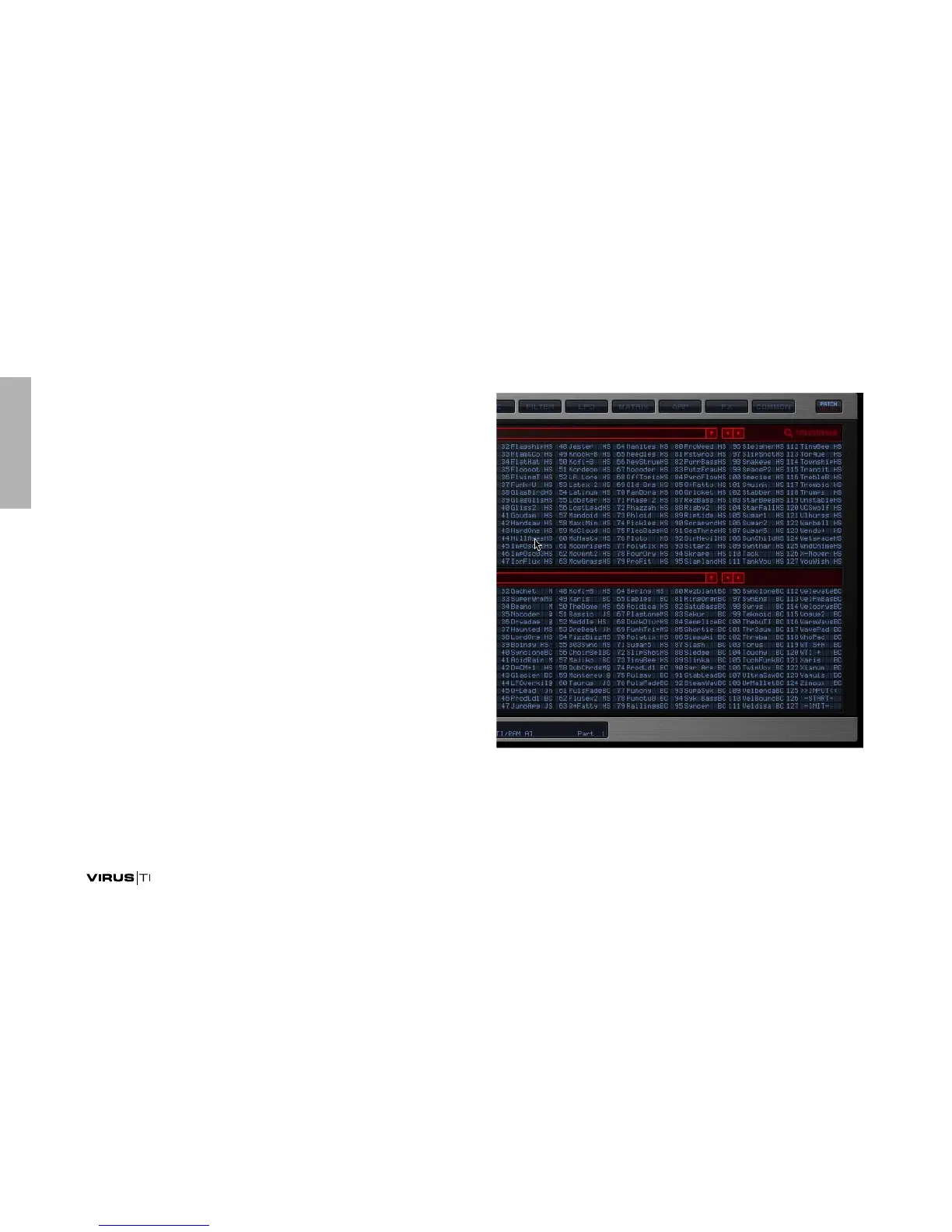
The Browser page is where you can locate and manage all of
the presets on the TI, as well as all your personal patch librar-
ies.
As you can see, it is always possible to view two banks at a
time. Select which banks to browse by clicking anywhere in
the long red box above each one. You will be presented with 3
options: ‘Virus TI’, ‘Categories’ and ‘Personal Libraries’.



 To Next Page