97 SOUND PARAMETERS REFERENCE
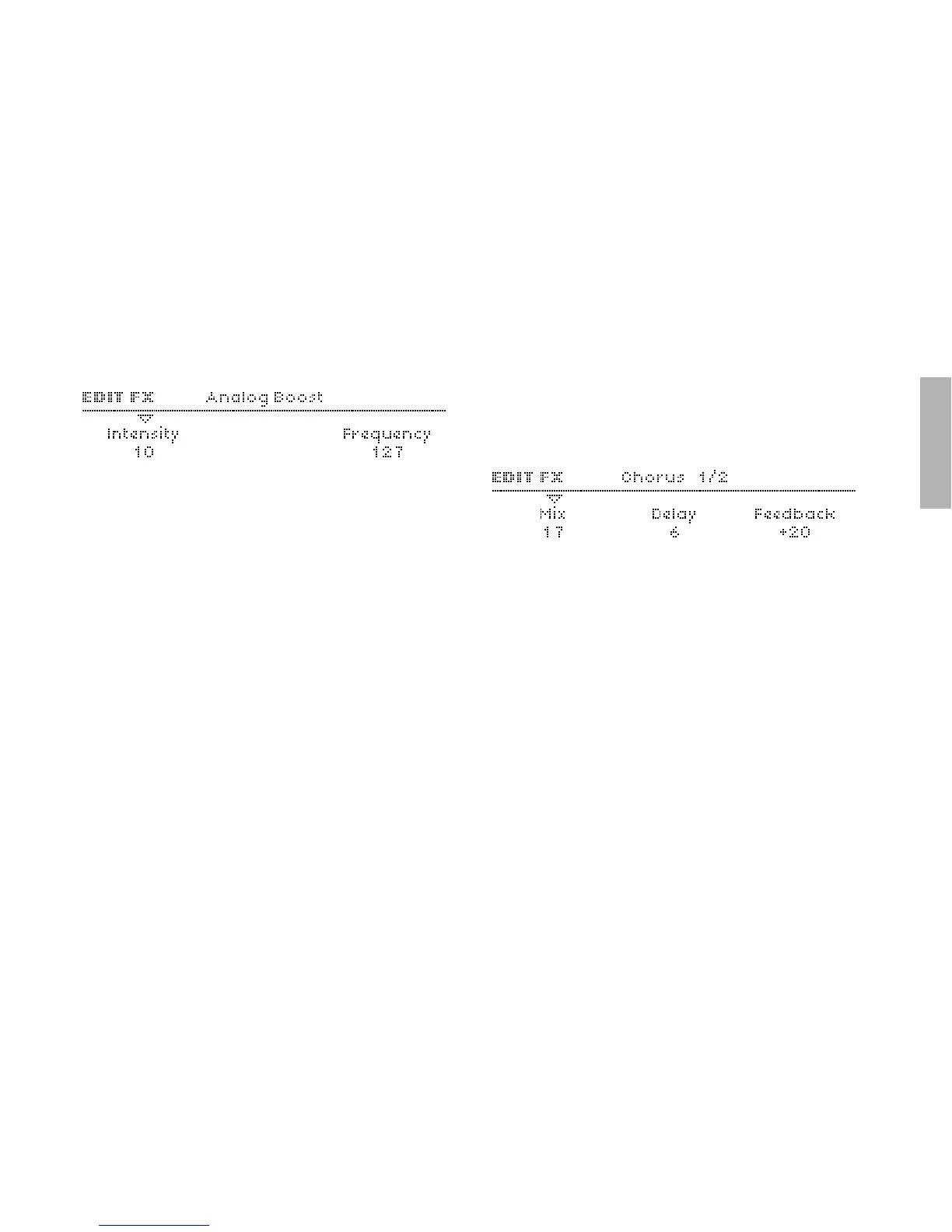
Intensity
Accessible from the panel via the INTENSITY knob.
> Off, 1 to 127: The degree of Analog Boost. Modulation desti-
nation “Analog Boost Int“.
Frequency
Accessible from the panel via the TYPE/MIX knob. Only visible if
Intensity is not set to Off.
> 0 to 127: The frequency where Analog Boost is applied. Very
high values will even boost mid-range frequencies.
Chorus
Typically, Chorus is a thickening effect caused by modulating a
pair of very short delay lines via a dedicated LFO, then mixing
this with the original dry signal. In combination with Feedback,
the Chorus effect in your Virus is also capable of flanging,
ensemble, vibrato or resonator effects. Note that if the Mix
parameter is set to Off, the other parameters will not be visible
in the menu.
Mix
Accessible from the panel via the TYPE/MIX knob
> Off, 1 to 127: Cross-fade between the dry and wet signal. Set
this to 64 for maximum Chorus, or to 127 for a vibrato effects.
If set to Off, none of the other parameters in this menu will be
visible. Modulation destination “Chorus Mix“.
Delay
> 0 to 127: The nominal delay time, modulated by a dedicated
LFO (see “Mod Rate” etc. below). Very high values result in a
short but noticable stereo delay effect. Modulation destina-
tion “Chorus Delay“.



 To Next Page