123 SOUND PARAMETERS REFERENCE
FiltEnv>H-Sync
Only visible if at least one of the oscillators is in HyperSaw
mode.
> -64 to +63: Controls how much filter envelope is applied to
HyperSync Offset (see “HyperSync Offset” below). Analogous
to FiltEnv>FM in the other oscillator models. If oscillators 1
and 2 are both HyperSaws, this parameter modulates the
Sync Offset of both oscillators at the same time. Note that it
will not effect oscillator 1 if SYNC is not active (see “About
HyperSaw and Sync” on page 107).
Modulation destination “FiltEnv>FM/Hsync”.
H-Sync Offset
Only visible if at least one oscillator is in HyperSaw mode.
Directly accessible from the panel via FM AMOUNT.
> 0 to 127: The frequency offset of the audible HyperSaw with
respect to its own internal “master” oscillator. Modulation desti-
nation “FM/HyperSync”.
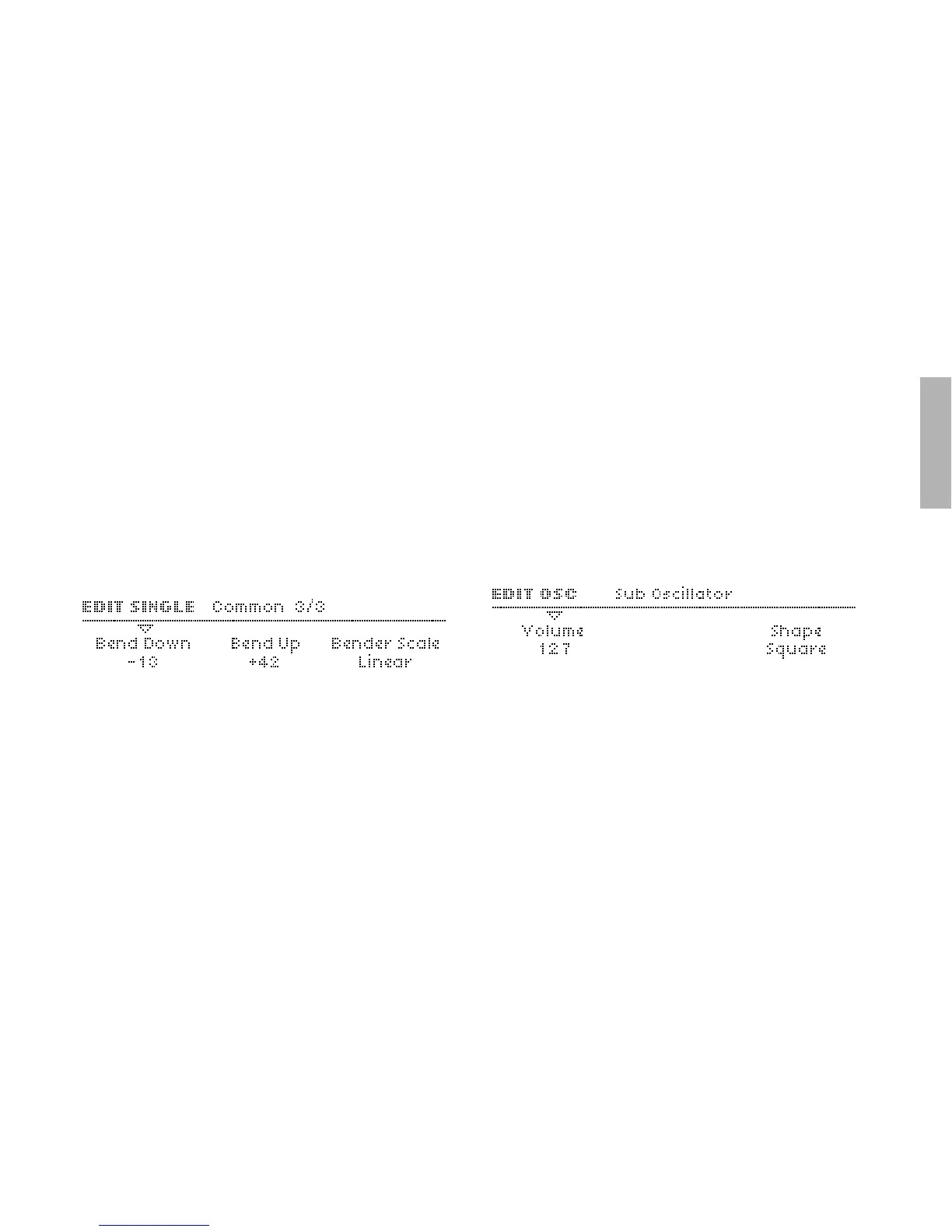
Sub Oscillator
An extra “slave” oscillator tuned an octave below its master
oscillator. If oscillator 1 is in Classic mode, the sub-oscillator is
a Square or Triangle wave slaved to oscillator 1. See “Oscillator
1 – Classic” on page 110.
If either oscillator 1 or 2 is in HyperSaw mode, the sub oscillator
is HyperSub instead – see “About HyperSaw and
Sub Oscillators” on page 107 and “Oscillator 1 – HyperSaw” on
page 112.
Volume
Accessible from the panel via SUB OSC VOLUME.
> 0 to 127: Sub oscillator mix. In HyperSaw mode, this parame-
ter crossfades between HyperSaw and HyperSub. See
“About HyperSaw and Sub Oscillators” on page 107. Modu-
lation destination “Sub Osc Volume“.



 To Next Page