82
SELECT
These buttons are used to switch between the three LFOs –
the upper row of controls (ENV MODE, SHAPE and RATE) will
apply to the selected LFO only. Pressing an already active
SELECT button will jump into the LFO destinations menu, and
pressing it repeatedly will step through the pages.
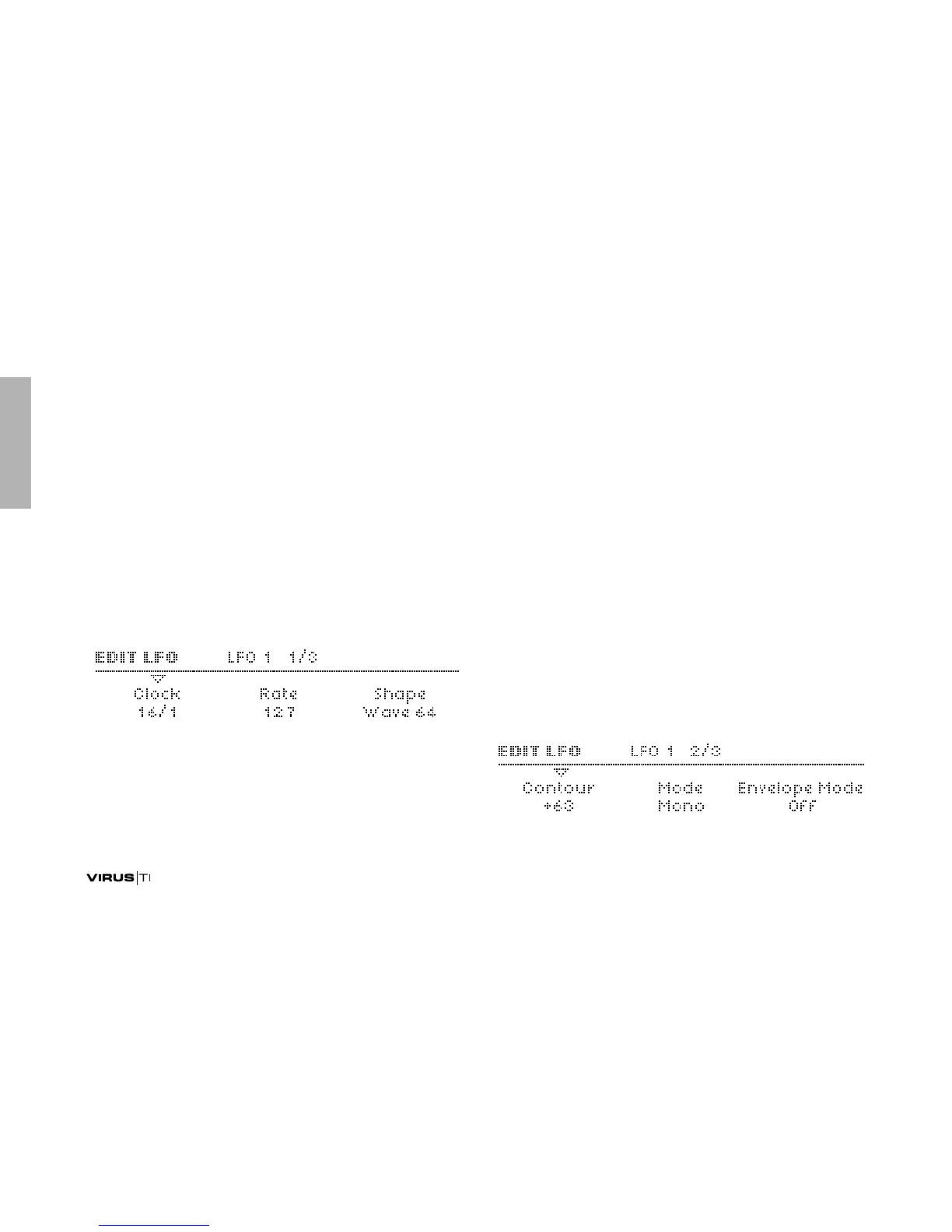
LFO 1
Clock
Accessible from the panel via the RATE knob if a value is
defined here.
>Off: LFO1 is not synchronized.
> 1/64 ... 16/1: LFO1 rate is synchronized to the Clock,
expressed as a fraction of one bar in 4/4 time. See “Tempo”
on page 129.
Rate
Accessible from the panel via the RATE knob if “Clock” is set
to Off.
> 0 to 127: The speed of LFO1 when not synchronized (see
“Clock” above). Modulation destination “LFO1 Rate“.
Shape
> Sine, Triangle, Sawtooth, Square, S&H, S&G,
Waves 3 to 64: Specifies the LFO waveform. If S&H, S&G or
one of the additional waves is selected, this can be
accessed directly from the panel via the SHAPE button
(select “WAVE”). If Sine, Triangle, Sawtooth or square is
selected here, the status LEDs will move accordingly.
>EDIT MENUS



 To Next Page