118
Key Follow
As in oscillator 1 – see “Key Follow” on page 112.
Balance
Mirrors the Balance parameter in the oscillator 1 page – see
“Balance” on page 112.
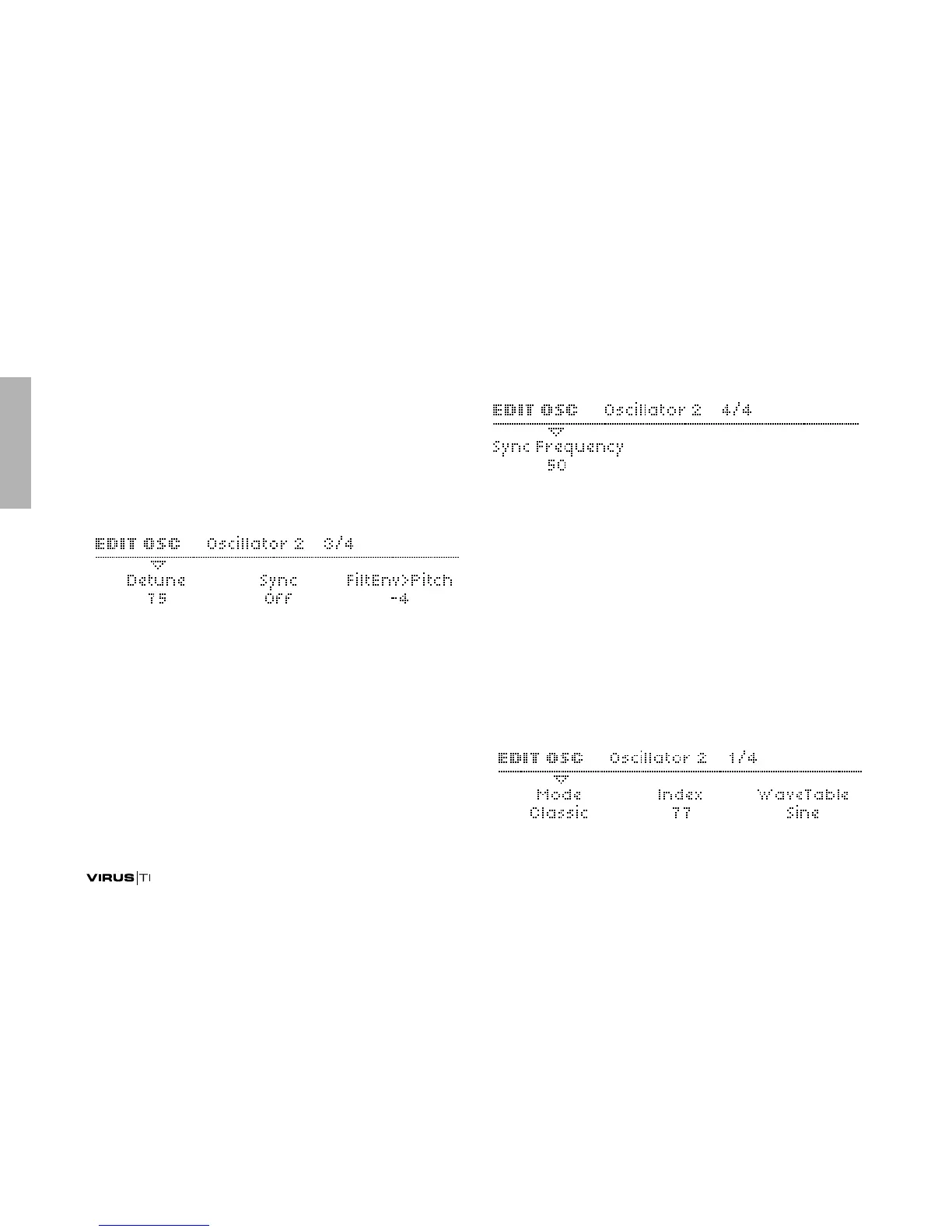
Detune
Accessible from the panel via the DETUNE 2/3 knob when
oscillator 1 or 2 is selected.
> 0 to 127: Fine-tunes oscillator 2 upwards. Modulation desti-
nation “Osc2 Detune“.
FiltEnv>Pitch
As in Classic mode – see “FiltEnv>Pitch” on page 116.
H-Sync Offset
Accessible from the panel via the FM AMOUNT knob. Note
that this parameter is mirrored in the Common menu because
it can apply to oscillators 1 and 2 at the same time – see “H-
Sync Offset” on page 123
> 0 to 127: The frequency offset of any HyperSaw (both oscil-
lator 1 or 2) with respect to its own internal “master” oscilla-
tor. Modulation destination “FM/HyperSync”.
Oscillator 2 – WaveTable



 To Next Page