142
Env Amount
Accessible from the panel via ENV AMOUNT when filter 1 is
selected.
> 0 to 127: The amount of filter envelope applied to filter 1
Cutoff. Note that this effect can be inverted (see “Env Polar-
ity” on page 143).
Modulation destination “Filter 1 Env Amount”.
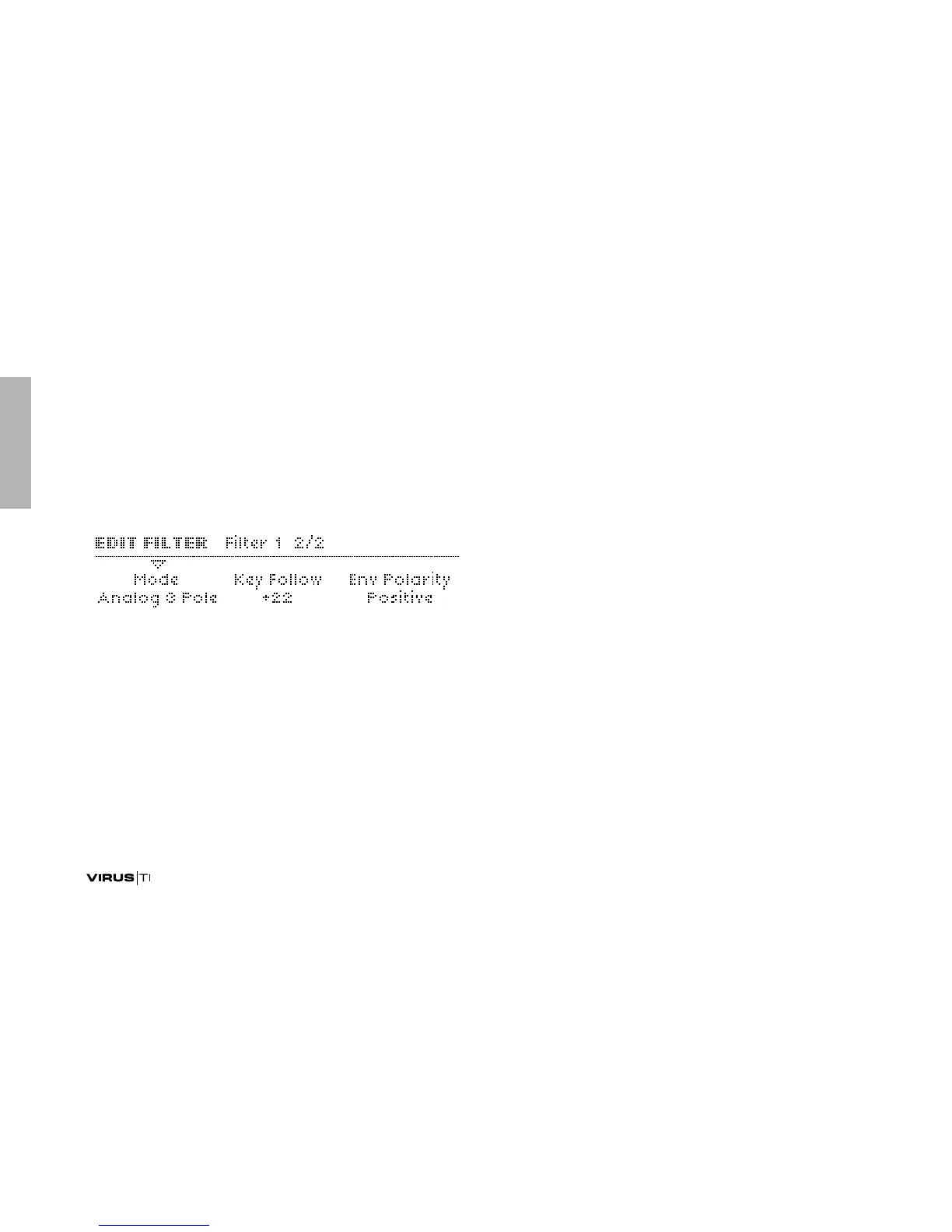
Mode
Accessible from the panel via the FILT1 button (except the
Analog modes).
> Low Pass: LP. Allows frequencies below the cutoff point to
pass through i.e rejects those above the cutoff point
>High Pass: HP. Allows frequencies above the cutoff point to
pass through i.e. rejects those below the cutoff point
> Band Pass: BP. Allows frequencies close to the cutoff point
to pass through i.e. simultaneously rejects those above and
below the cutoff point
> Band Stop: BS. Rejects frequencies close to the cutoff point
i.e. allows frequencies above or below the cutoff point to
pass through. Note that Resonance (see “Resonance” on
page 141) effectively narrows this band, making the effect
actually more subtle.
> Analog 1 Pole ... Analog 4 Pole: Emulation of a classic ana-
log cascade (or ladder) filter, but with a variable number of
poles. In this mode, the Saturation Type (see “Type” on
page 140) is ignored – it is replaced by MiniMoog™ style fil-
ter saturation. This type is interesting for experimentation,
often yielding surprising results when the resonance is set
very high.
Key Follow
Accessible from the panel via SHIFT + ENV AMOUNT when
filter 1 is selected.
> -64 to +63: How much cutoff follows the MIDI note and pitch
bender. See “Key Follow Base” on page 145.



 To Next Page