22
RELEASE
Turn the RELEASE down to minimum (the original value is 4).
Then, while playing notes on your keyboard, gradually turn it
up again: The sound fades more slowly after you release keys.
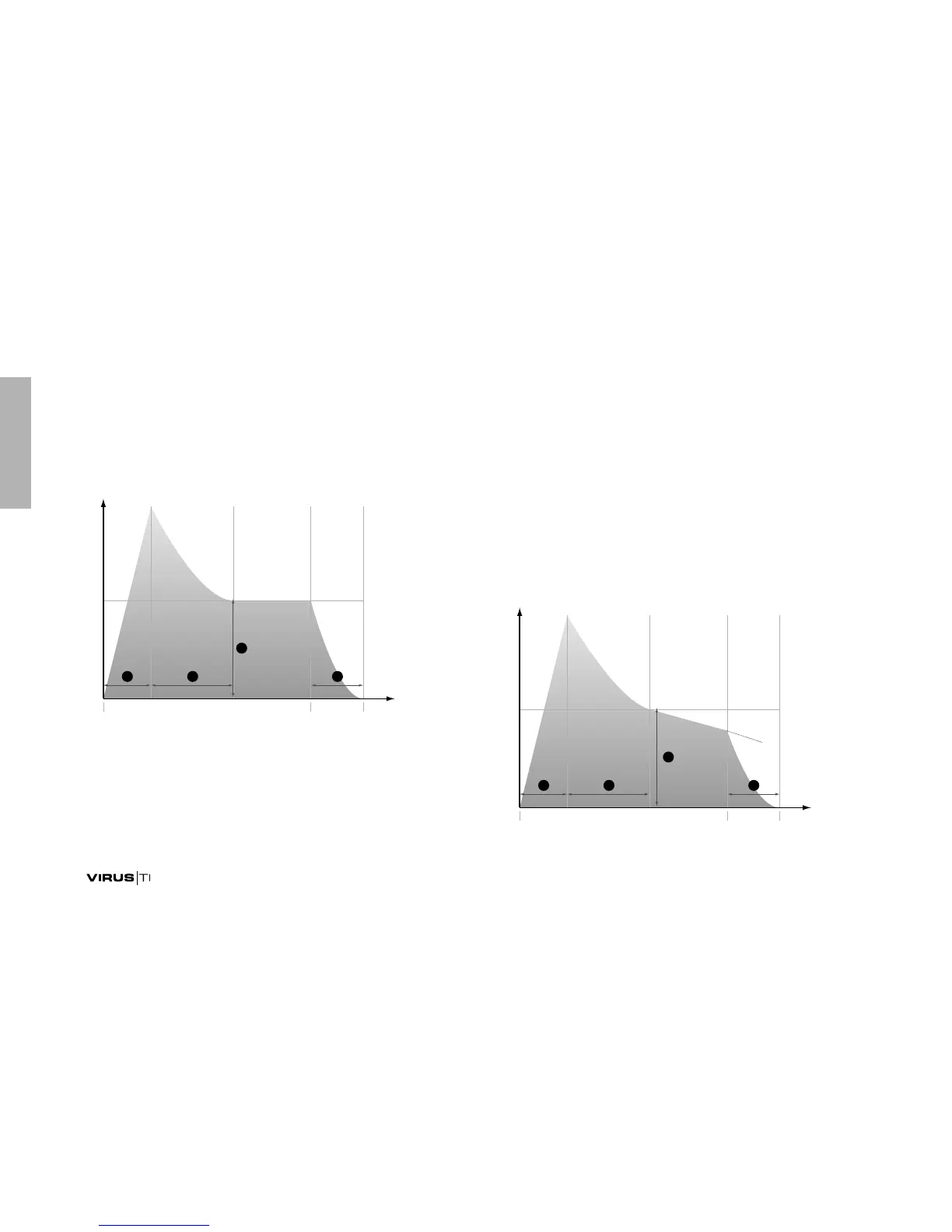
Set RELEASE to around 40 – the amplifier envelope now looks
something like this:
All the red labelling (blue in the case of the Pølar model) you
can see on the panel identifies the SHIFT functions. To access
these, hold down the SHIFT button to the left of the display
immediately before using the knob or button, then release it
afterwards.
PATCH VOLUME
Via SHIFT + ATTACK. The overall volume, stored as part of
each program. Mainly used for balancing levels between differ-
ent programs. The best value to start with is 100, leaving you
some headroom to make this particular program louder in
future.
SUSTAIN SLOPE
Via SHIFT + SUSTAIN. If SUSTAIN SLOPE is set to any value
other than 0, the sustain phase (which is normally flat) turns
into a gradient:
,
-
6
/
ÌiÊ"vv ÌiÊ"



 To Next Page