Step 5 Install the Operating System and ARMC/2 Drivers, Continued
Installing Virtual Floppy Drivers on Microsoft® Windows Operating Systems, Continued
Step Action
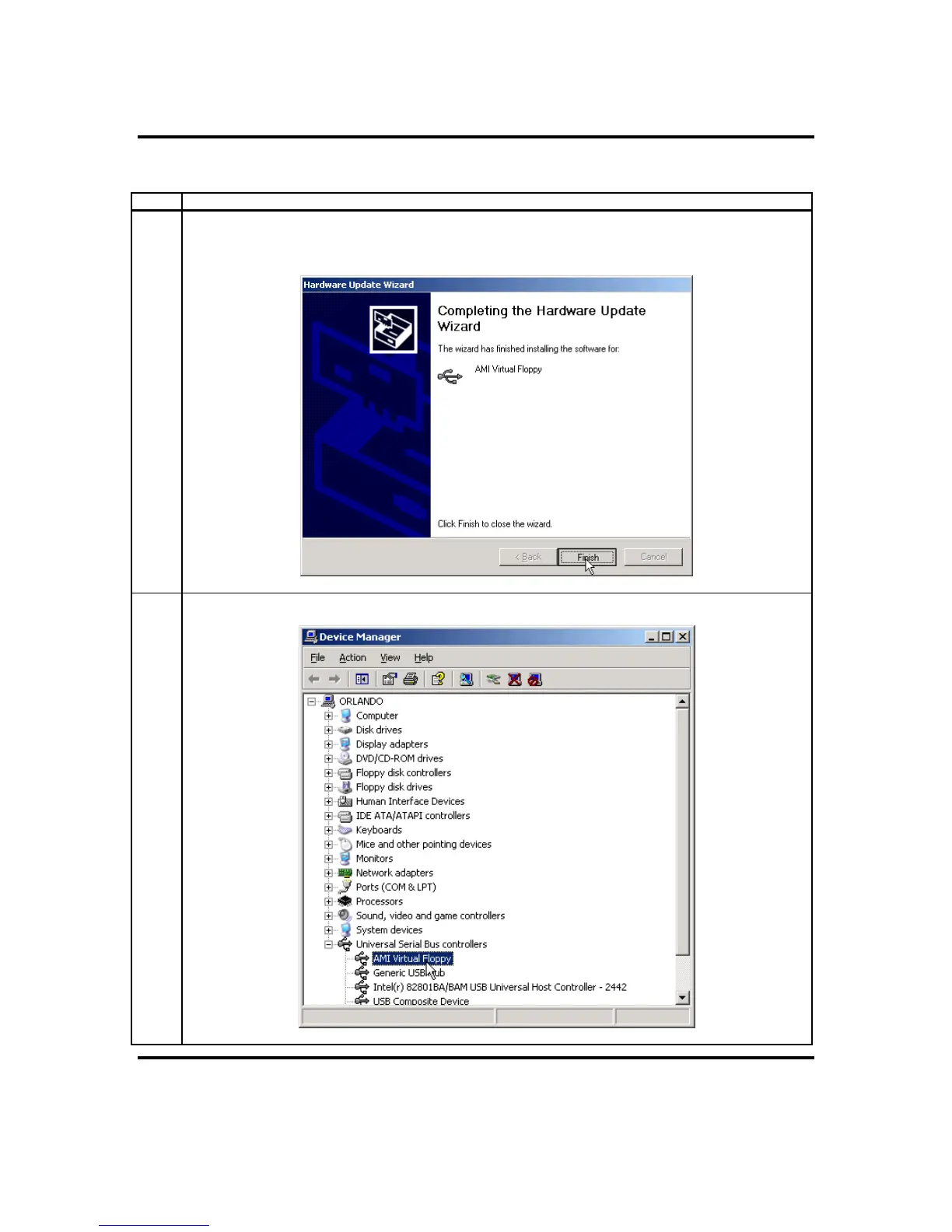
4 Once this file is loaded and recognized by the Microsoft® Windows operating system, left click the
Finish button. The Microsoft® Windows operating system may require a reboot of the host system
after the installation of the Virtual Floppy driver.
5 Congratulations! You have successfully installed the Virtual Floppy driver.
ARMC/2 User’s Guide
14



 To Next Page