Step 6 Install the Acer ARMC/2 Windows Software Components, Continued
Follow the steps outlined in the following table to install the Acer ARMC/2 Windows
Software Components:
Step Description
1 Insert your ARMC/2 CD into the host system. The host system is the system that has the ARMC/2
card installed into it. Browse to the following folder and file:
CDROM\ServerTools\Win32\Setup.exe
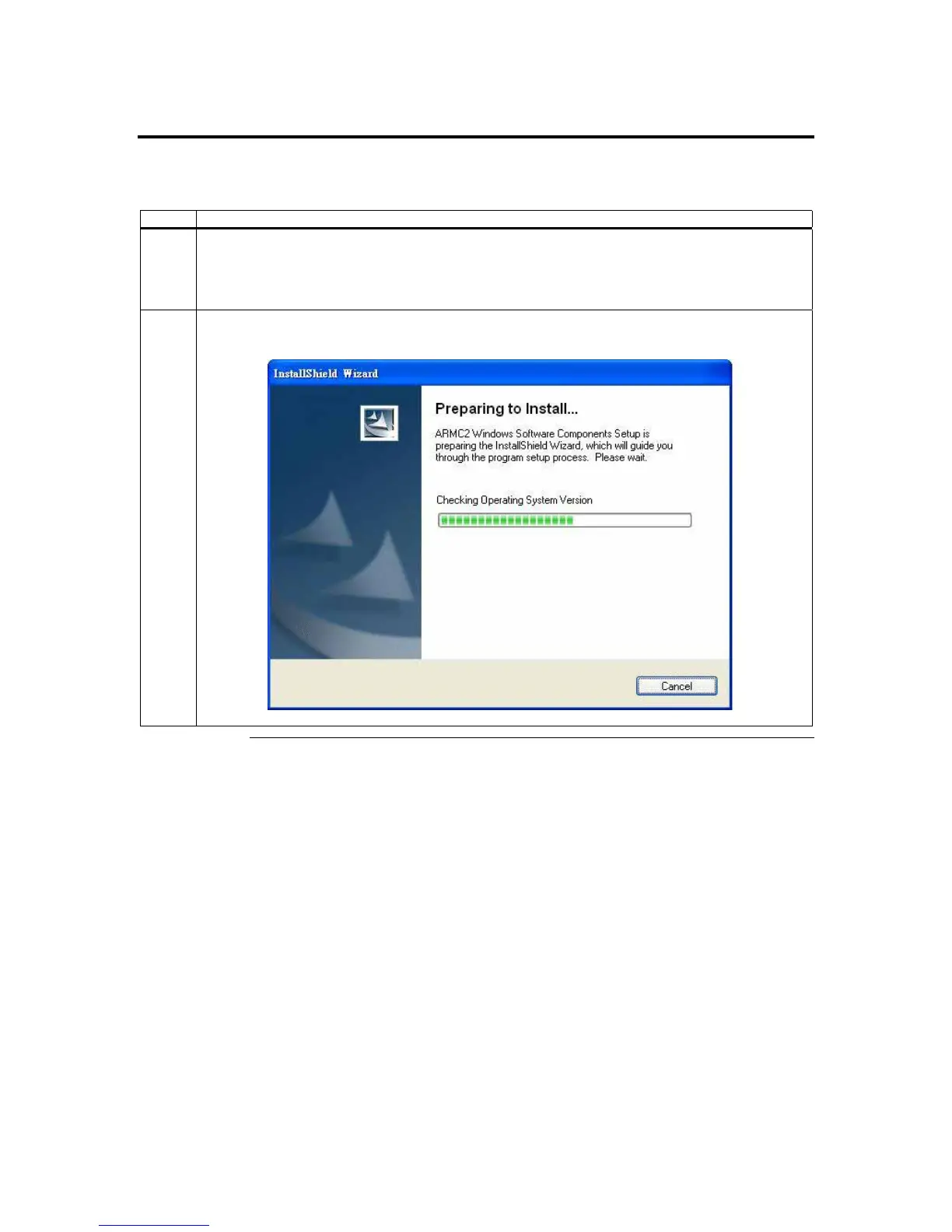
2 Double left click the Setup.exe icon to begin the installation of the Acer ARMC/2 Windows Host
Component.
Cont’d
ARMC/2 User’s Guide
16



 To Next Page