Step 8 Connect to the ARMC/2 from a Client System, Continued
Step Description
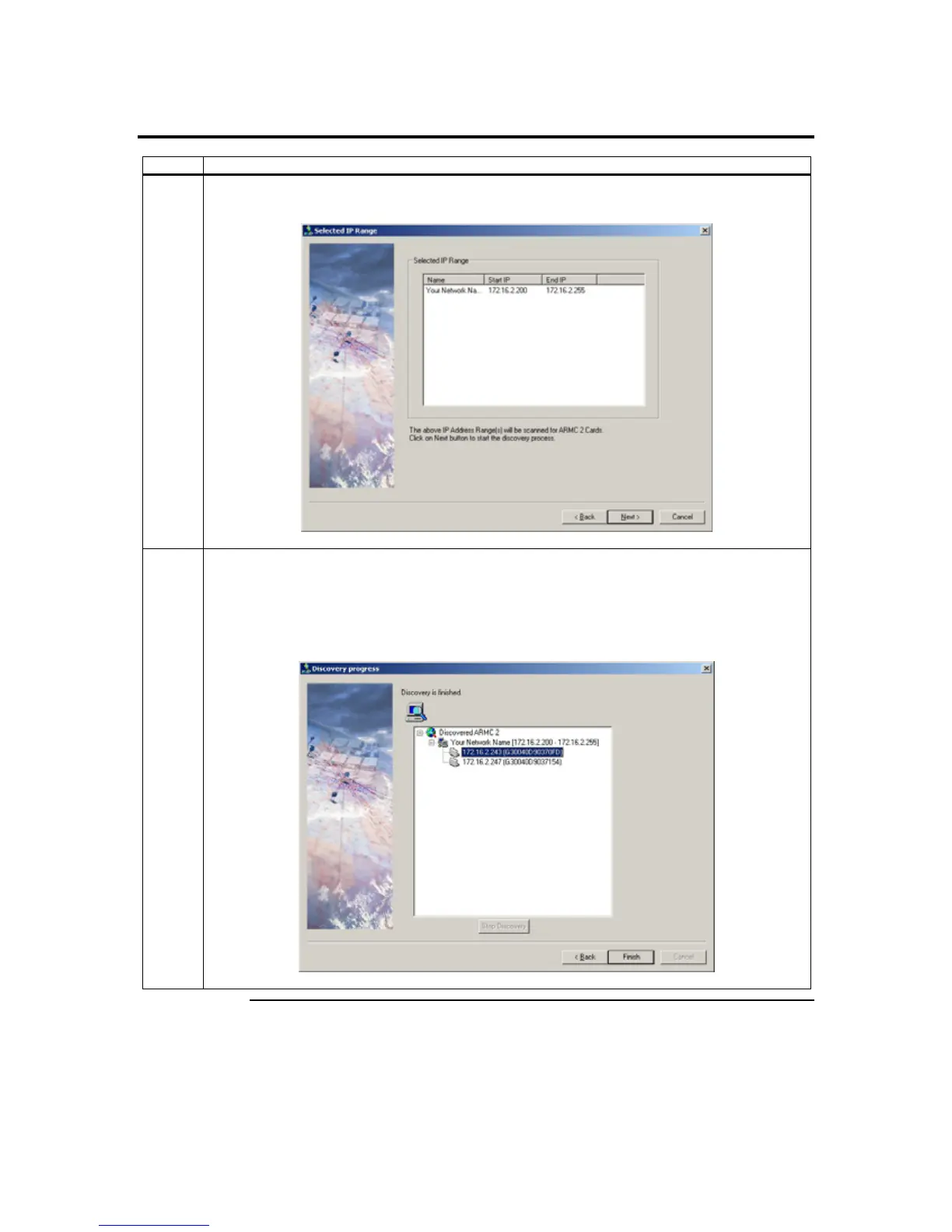
5 The name and IP range of the ARMC/2 will display in the Selected IP Range window. Left click on
the Next button.
6 If the IP range is correct, ARMC2RMseek Locator will locate the ARMC/2 card. It will list all
ARMC/2 cards it has discovered.
Note: If more than one ARMC/2 card is found, you can distinguish them by the ARMC/2 card’s
name. The ARMC/2 card’s name consists of the words ARMC2 and the IP address of the
ARMC/2 card’s NIC.
Cont’d
Chapter Two : Installing Your ARMC/2 Card
25



 To Next Page