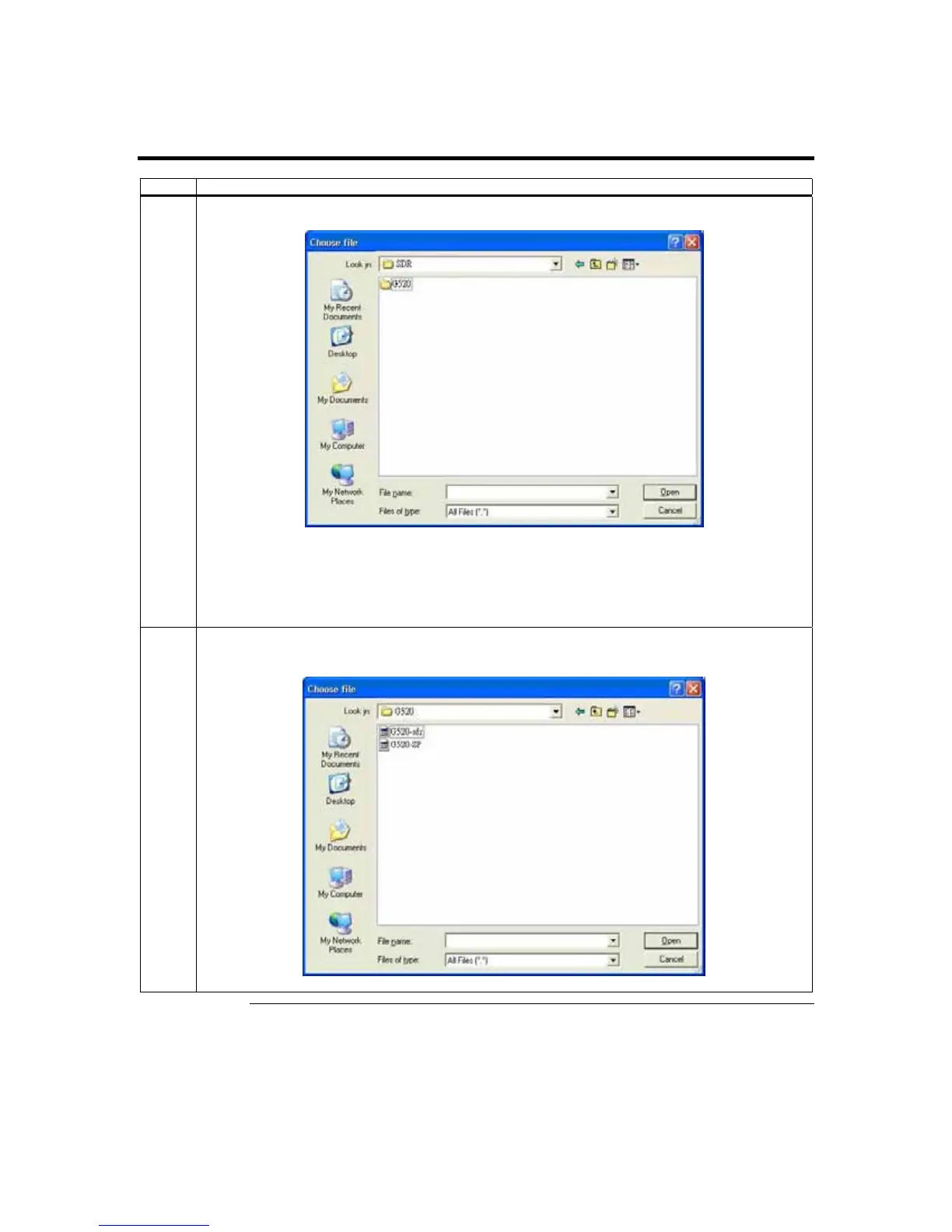
Step 9 Load the ARMC/2 SDR and Soft Processor (SP) File for Your Server
Board Model,
Continued
Step Description
3 Insert the ARMC/2 and browse to it. Select the SDR>G520> directory. .
Note: You can create your own SDR and Soft Processor (SP) Files using the
Platform Management
Configuration Program (PMCP) tool
.
Note: The Choose File browse window differs from operating system to operating system. However,
the procedure is similar.
4 Select the SDR and Soft Processor (SP) File with the BIN file extension and left click the Open
button.
Cont’d
ARMC/2 User’s Guide
28



 To Next Page