Step 9 Load the ARMC/2 SDR and Soft Processor (SP) File for Your Server
Board Model,
Continued
Step Description
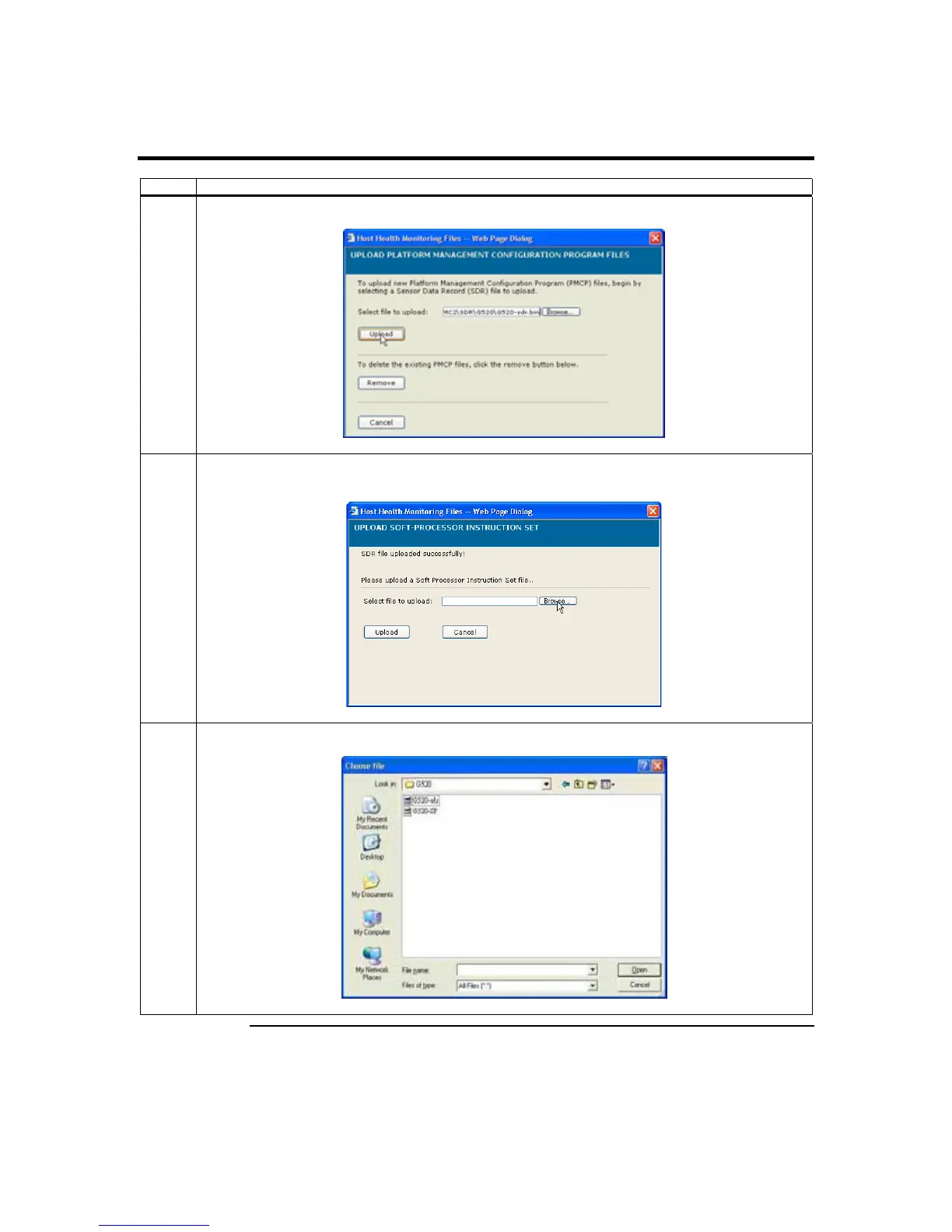
5 Left click the Upload button.
6 Once the SDR and Soft Processor (SP) File is uploaded, you are prompted with verification that the
SDR and Soft Processor (SP) File uploaded.
7 Select the Soft Processor (SP) file with the BIN file extension and left click the Open button.
Cont’d
Chapter Two : Installing Your ARMC/2 Card
29



 To Next Page