Step 9 Load the ARMC/2 SDR and Soft Processor (SP) File for Your Server
Board Model
Continued
Step Description
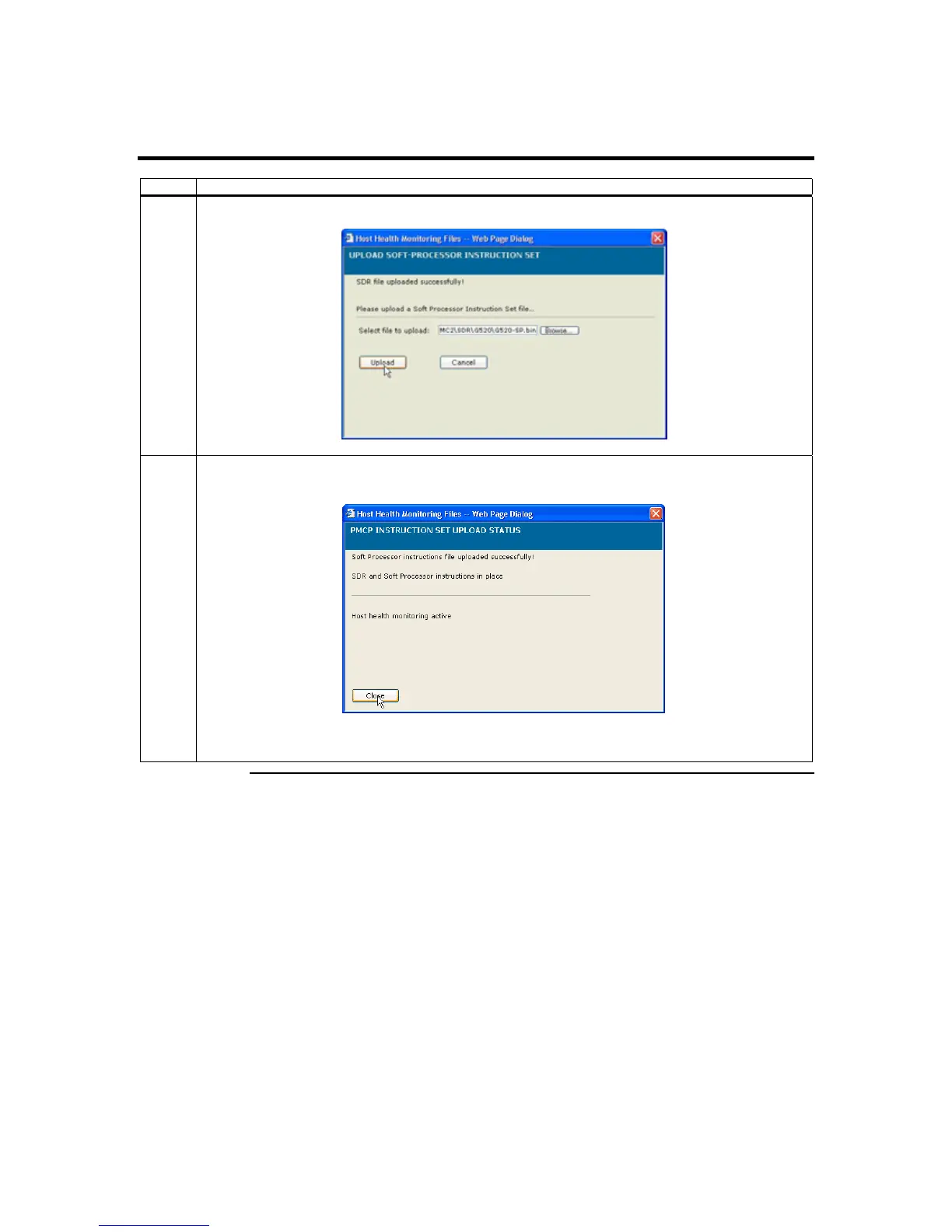
8 Left click the Upload button.
9 Once the Soft Processor (SP) file is uploaded, you are prompted with verification that the Soft
Processor (SP) file uploaded.
You can close the Host Health Monitoring Files dialog box by left clicking the close icon on the upper
right corner of the dialog box.
ARMC/2 User’s Guide
30



 To Next Page