Locating Your ARMC/2 Card, Continued
Step Description
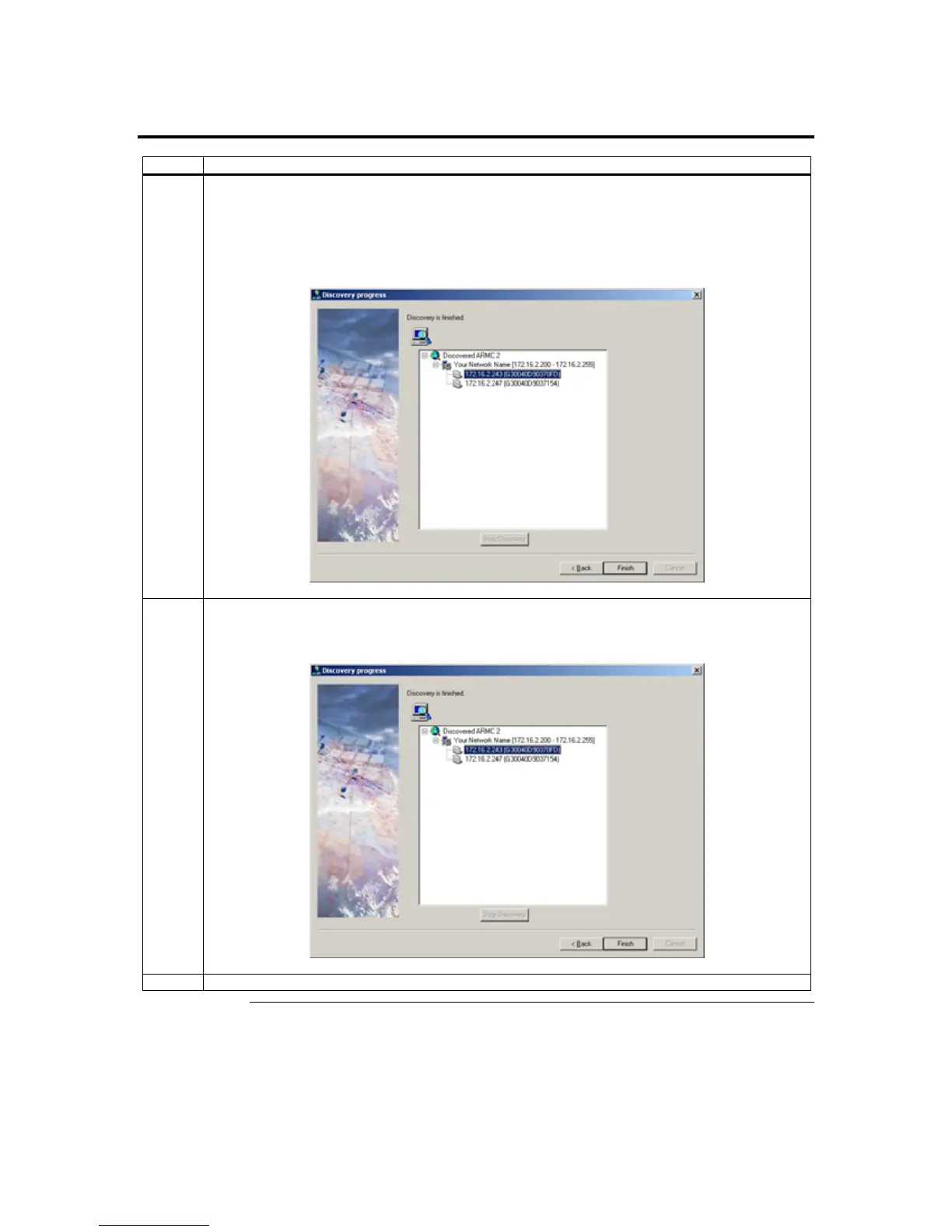
6 If the IP range is correct, ARMC2RMseek Locator will locate the ARMC/2 card. It will list all
ARMC/2 cards it has discovered.
Note: If more than one ARMC/2 card is found, you can distinguish them by the ARMC/2 card’s
name. The ARMC/2 card’s name consists of the words ARMC2 and the IP address of the
ARMC/2 card’s NIC.
7 In this example, the ARMC/2 card’s IP address is 192.168.0.36. Double left click on the IP address
to start managing the ARMC/2 card and write down its IP address. Left click on the Finish button
after ARMC2RMseek Locator discovers all ARMC/2 cards.
Congratulations! You have successfully located your ARMC/2 card.
ARMC/2 User’s Guide
34



 To Next Page