Redirection, Continued
Console Redirection Window, Continued
Dropdown
Menu Item
Description
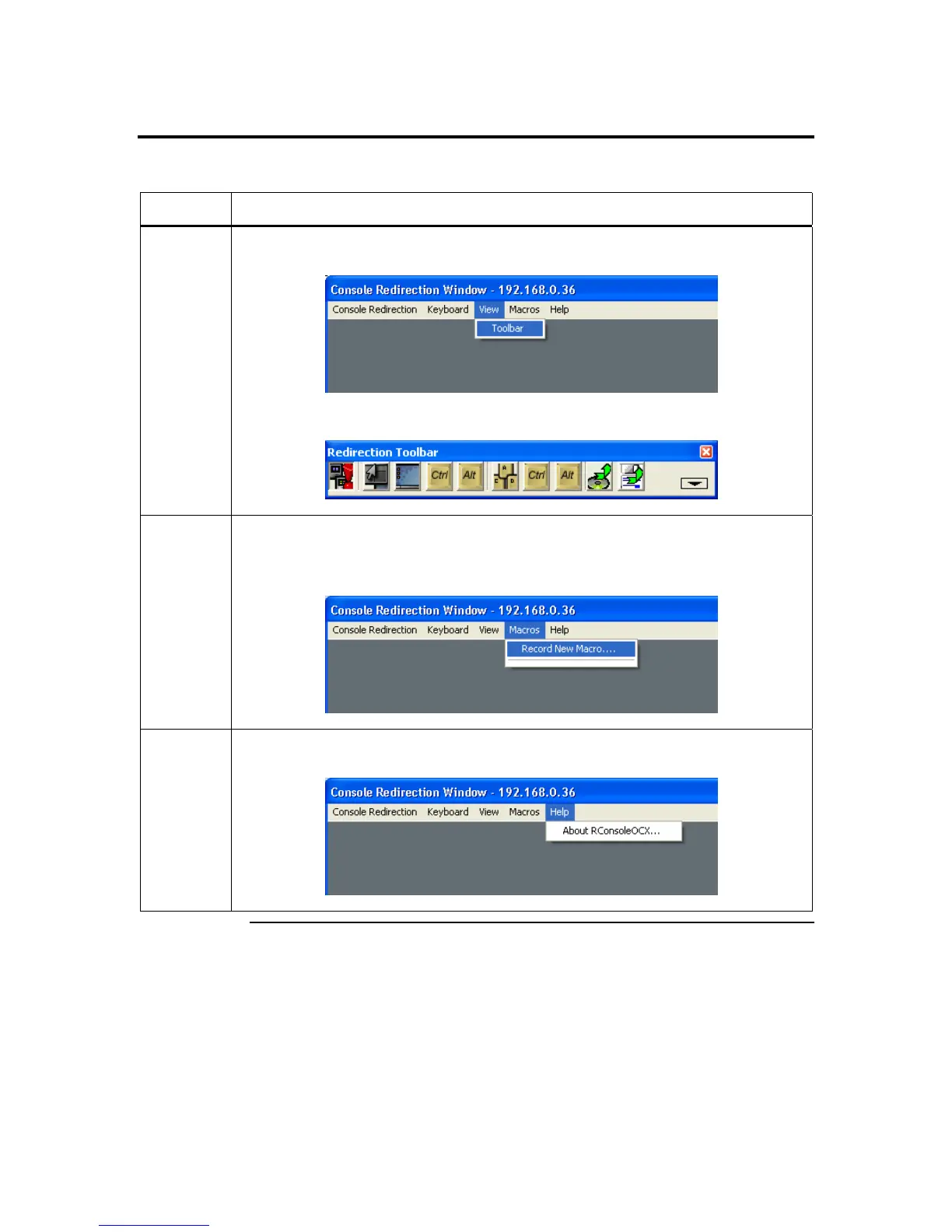
View This dropdown menu item contains the Toolbar menu item that allows you to start the Console
Redirection toolbar.
The following window is a screen capture of the Console Redirection toolbar.
Macros This dropdown menu item contains the Record New Macro menu item that allows you to
record a set of keystrokes. A good example is when using the ARMC/2 in conjunction with a
KVM. Normally, you must use a key sequence to switch systems. If you programmed a macro,
you would be able to switch systems by selecting a preprogrammed macro.
Help This dropdown menu item contains the About RConsoleOCX Control menu item that allows
you to view the RConsoleOCX Control version number and copyright information.
Cont’d
Chapter Four : Using Your ARMC/2
53



 To Next Page