3–6 SelectSet Avantra Series Control Panel and Operating Guide
How to Image a Test Page
Basic Steps
The basic steps for imaging and evaluating a test page follow:
1. Run a test page from the control panel.
2. Process the medium.
3. Evaluate the processed medium.
4. Use your results to set the imagesetter exposure.
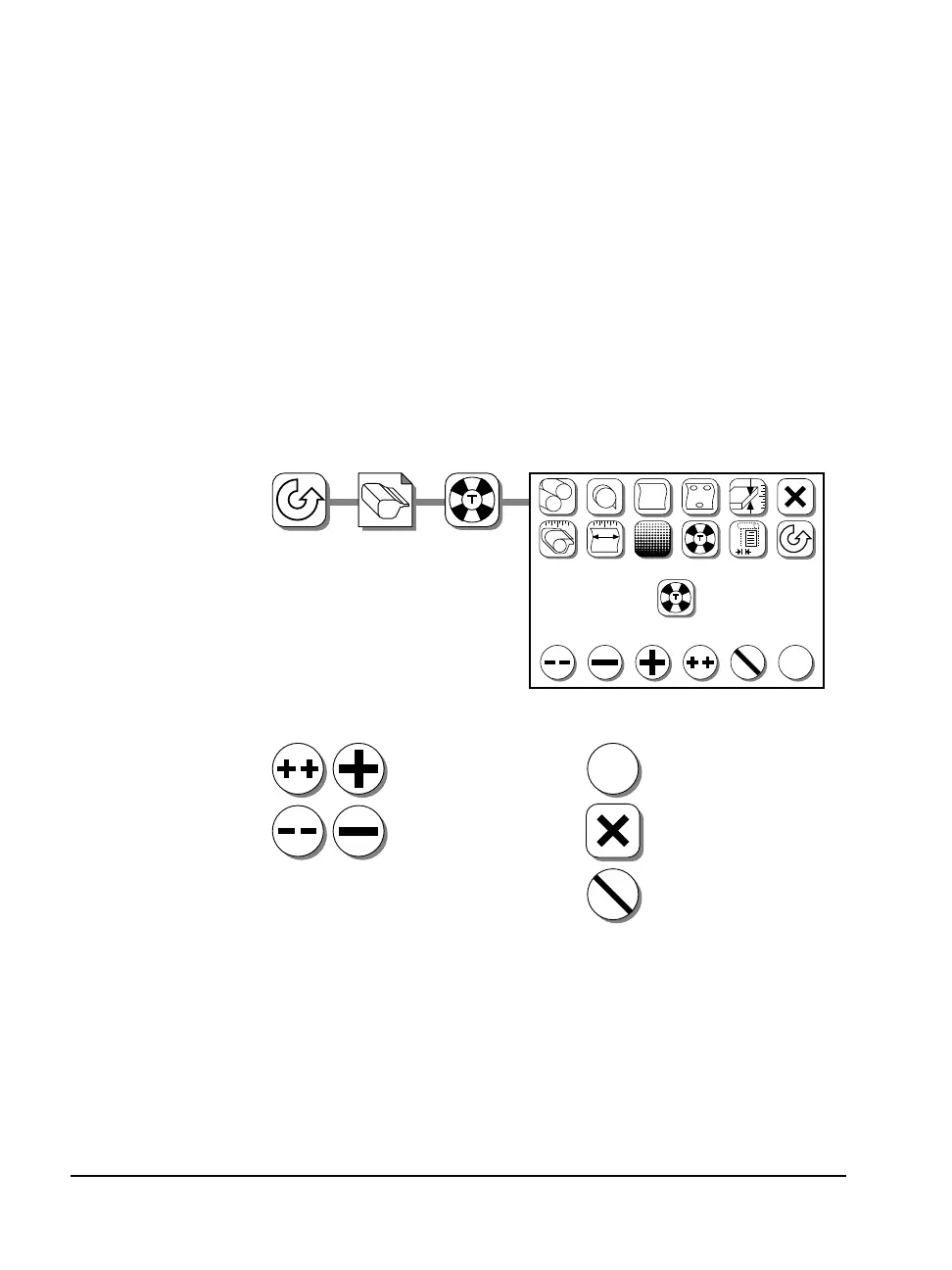
Select test:
4 dpi’s, 1, 5, or 10
1200 dpi, 1, 5, or 10
1800 dpi, 1, 5, or 10
2400 dpi, 1, 5, or 10
3600 dpi, 1, 5, or 10
Press Abort to cancel and
return to the Pause screen.
#
✓
?
#1
?
?
FF
✓
✓
Press Accept to image
the test page.
1. Select a test page: 2. Image the page:
4 dpi's
1
✓
Press Cancel to reject your
new settings and remain
in the Cassette screen.



 To Next Page