5–12 SelectSet Avantra Series Control Panel and Operating Guide
Cleaning Avantra 36 and 44 Take-up Area Punch Trays
Perform the following procedure to empty the take-up cassette punch
chaff tray.
1. Turn off the imagesetter.
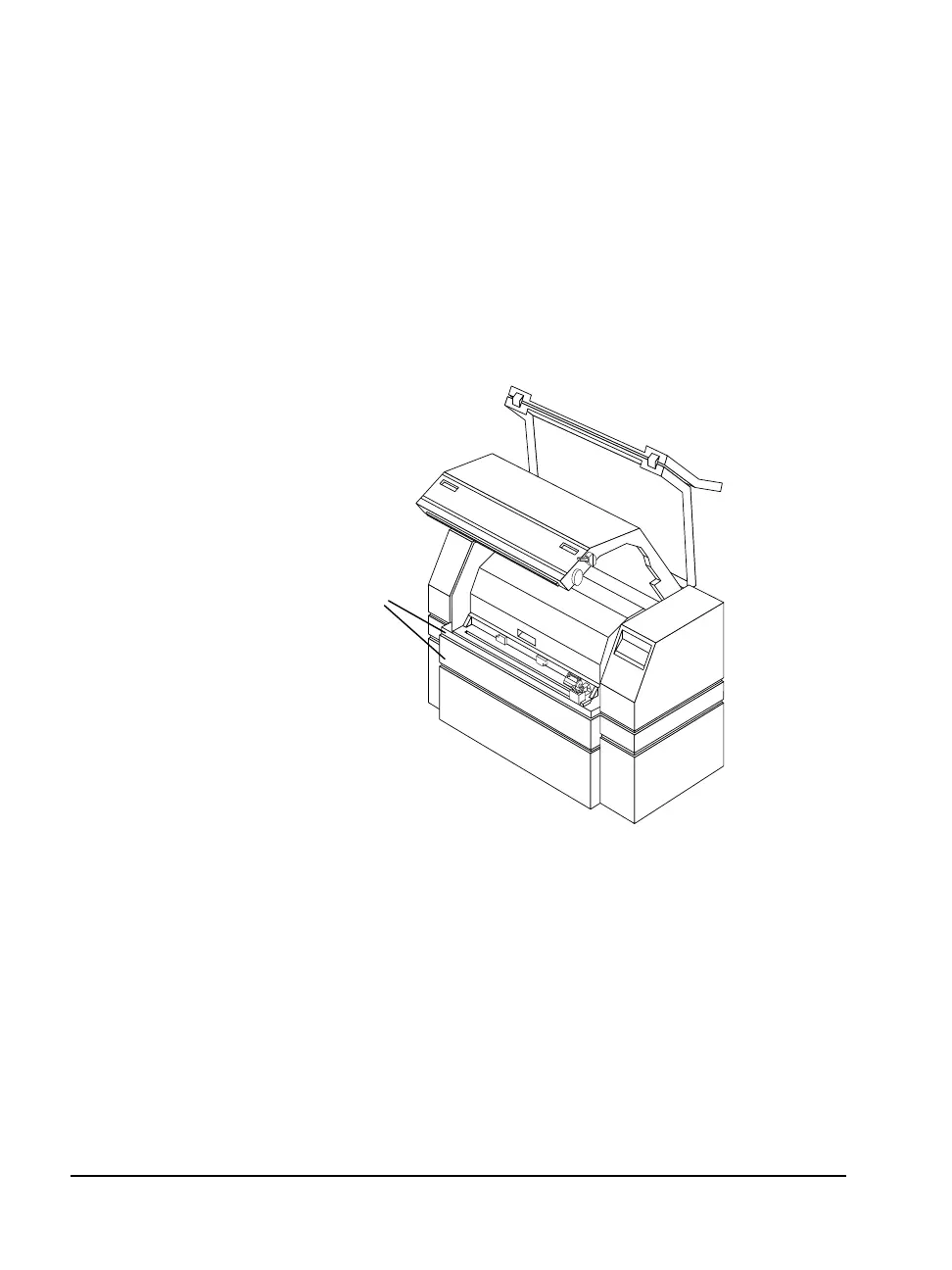
2. Lift the top and middle access panels up and out from the cutter
area. See Figure 5.10.
The take-up cassette punch tray is located below the cutter area
below the nip drive assembly. See Figure 5.8.
Figure 5.10 ➀—The Avantra 36/44 imagesetter top and middle access panels.
➀



 To Next Page