4–2 SelectSet Avantra Series Control Panel and Operating Guide
Control Panel Display
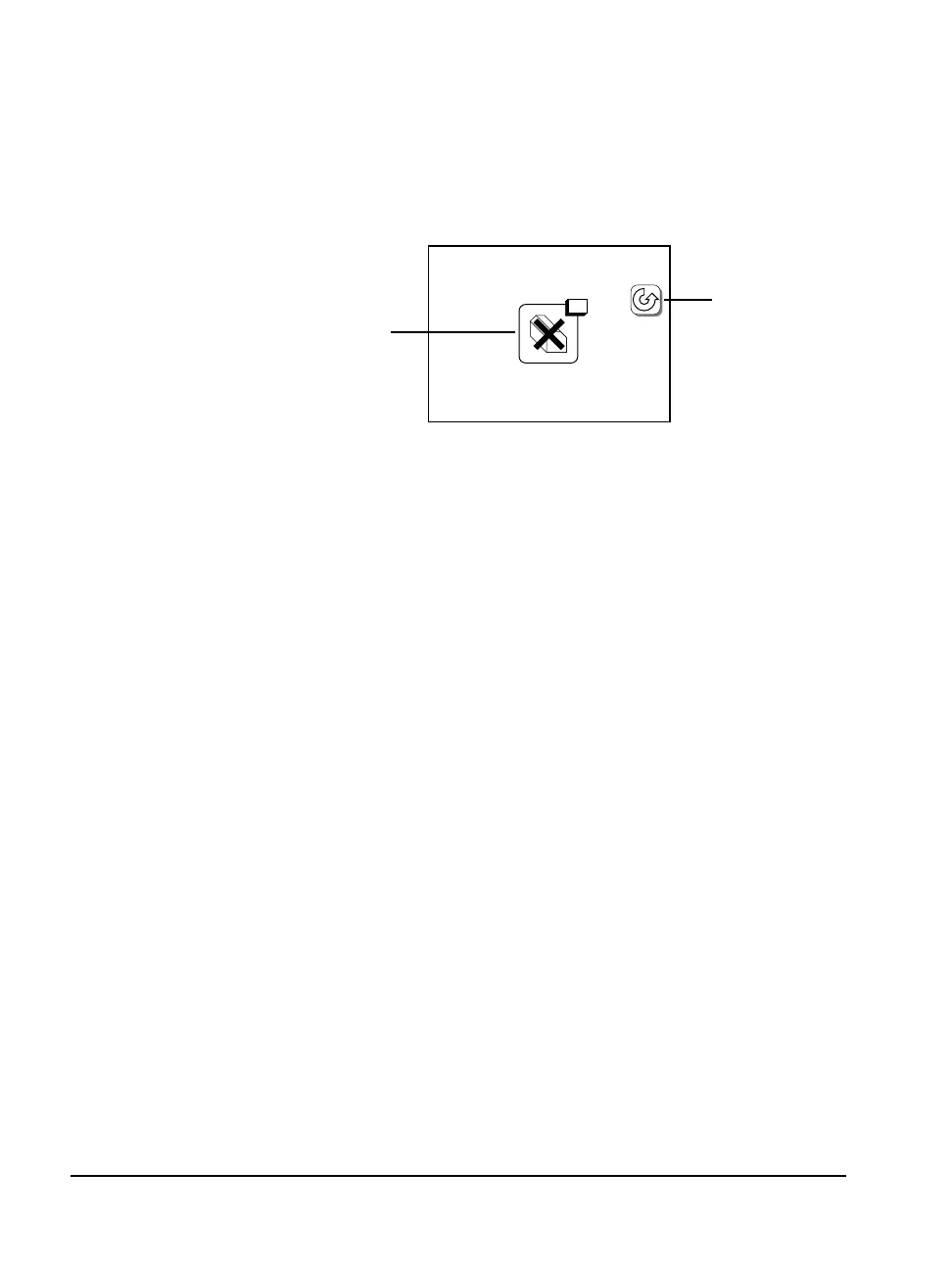
When an error occurs, all icons on the control panel screen are
replaced with a single error icon and the Pause button.
Figure 4.1 Control panel reporting error 5.
➀—Error icon. ➁—Pause button.
Clearing Error Messages
To determine what action is required, refer to the section List of Error
Messages and Corrective Actions later in this chapter.
To clear the error message from the control panel:
1. Identify the error message, then press Pause.
2. Correct the problem and reset the system if necessary.
5
➀
➁



 To Next Page