Using the Imagesetter Control Panel 2–19
The Run Screen
Basic Operating Modes
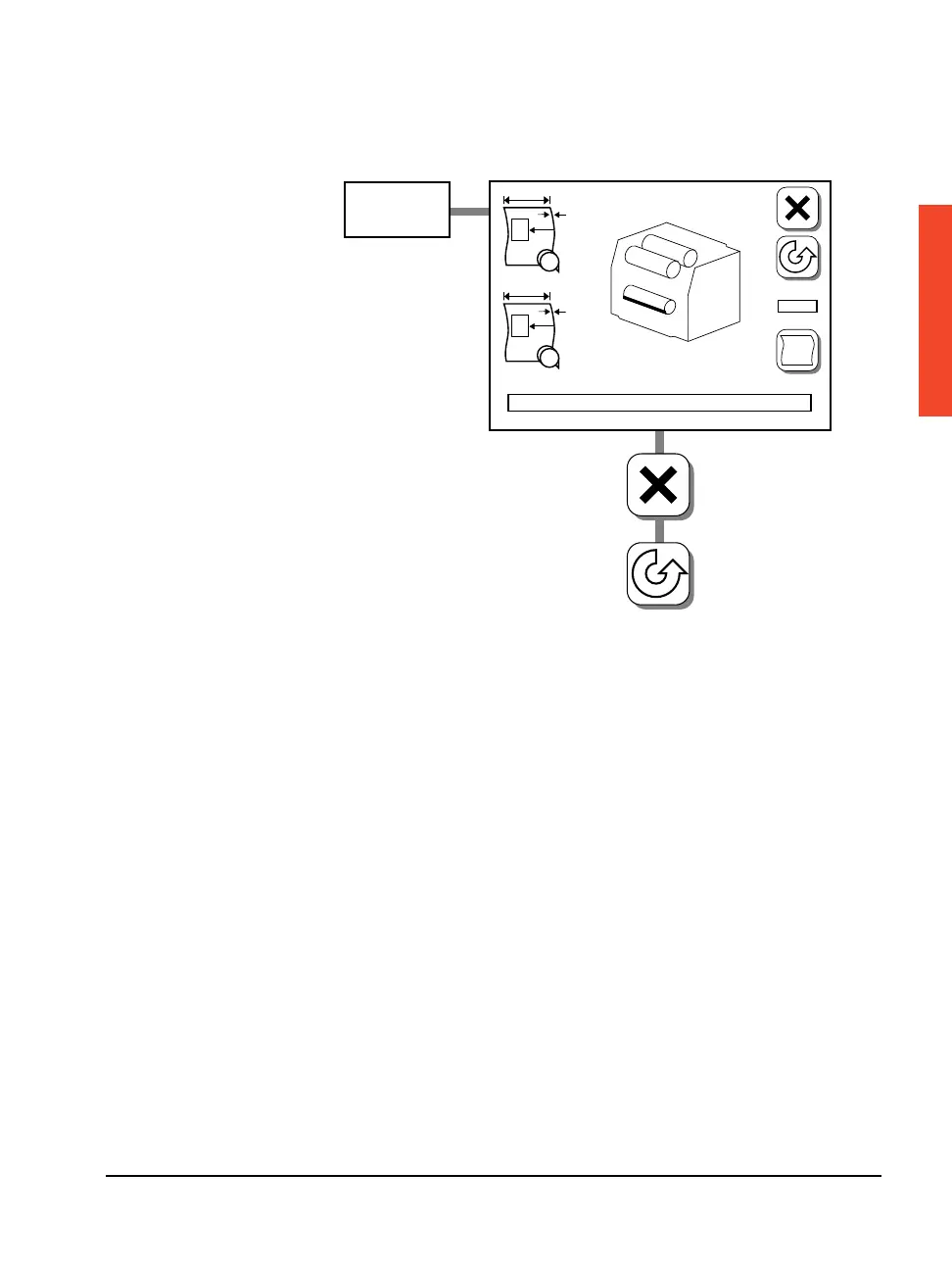
The SelectSet Avantra imagesetter has three operating modes in the
Run screen:
n Idle: The imagesetter is ready and waiting to image a job.
n Busy: The imagesetter is imaging a job.
n Pause Pending: The imagesetter goes into Pause mode when the
job it is currently imaging is complete. Pause Pending mode is
indicated by a flashing Pause button on the Run screen. The
Pause screen appears when the imagesetter goes into Pause mode.
Startup
F
#1
PL
#2
A
B
Abort
Pause



 To Next Page