Using the Imagesetter Control Panel 2–9
Flashing Buttons
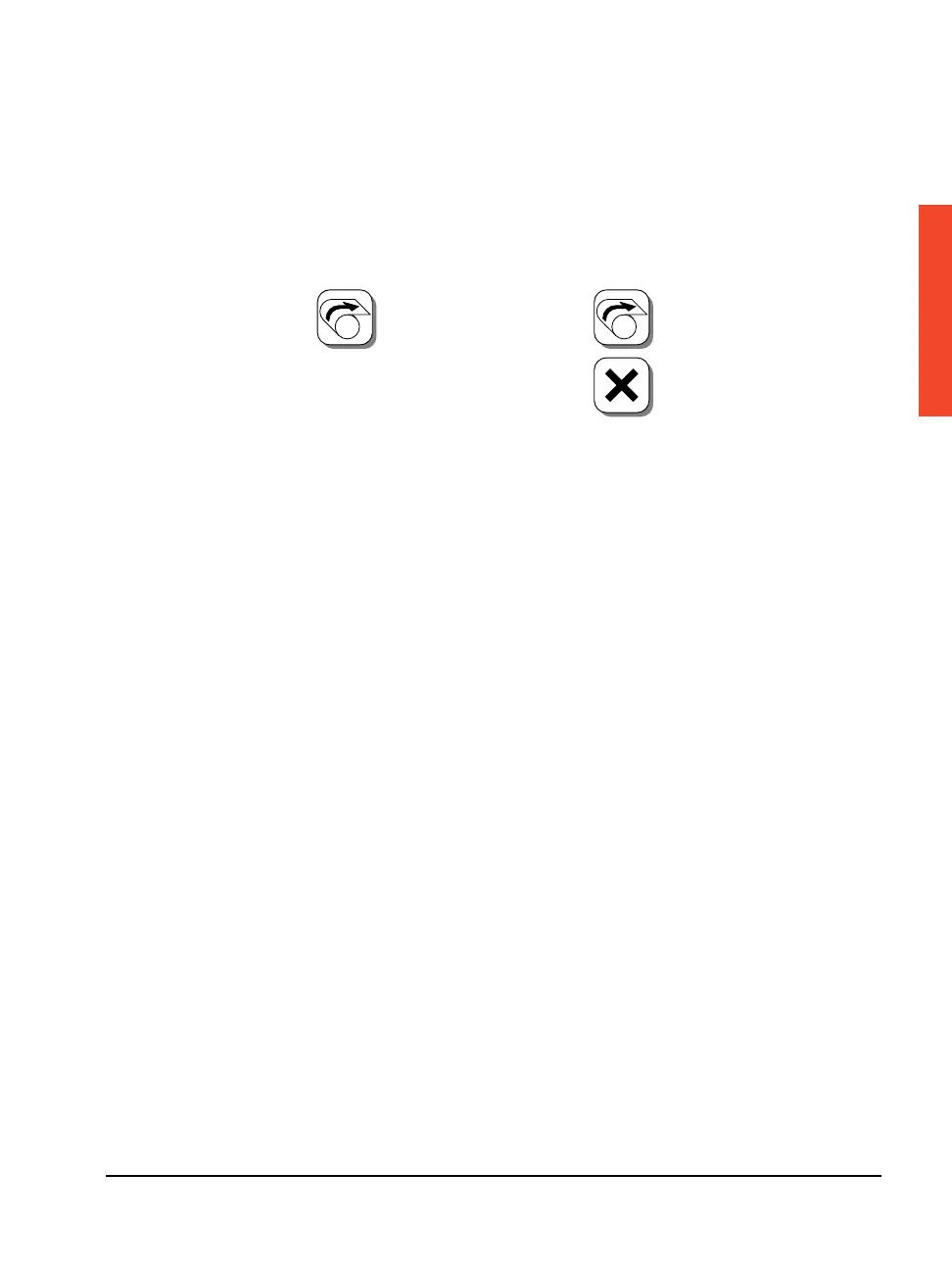
To perform some functions, you must press a button twice. Whenever
a button requires that you press it a second time, it flashes. For
example, as shown below, you must press the Load Supply button
twice to load media from a supply cassette into the imagesetter.
❖ Note: In all cases, the button flashes when it requires that you
press it a second time. If you do not press the button a second
time within five seconds, the function cancels itself.
To Load a Supply:
A
Press once and the icon
flashes.
Press again to complete
loading or...
...press Abort to cancel.
A



 To Next Page