5–4 SelectSet Avantra Series Control Panel and Operating Guide
Model-Specific Procedures
Cleaning Avantra 20 and 25 Intake Filters
Check both the Electronics Enclosure Intake filter and the Drum Intake
filter every day to make sure they are not blocked.
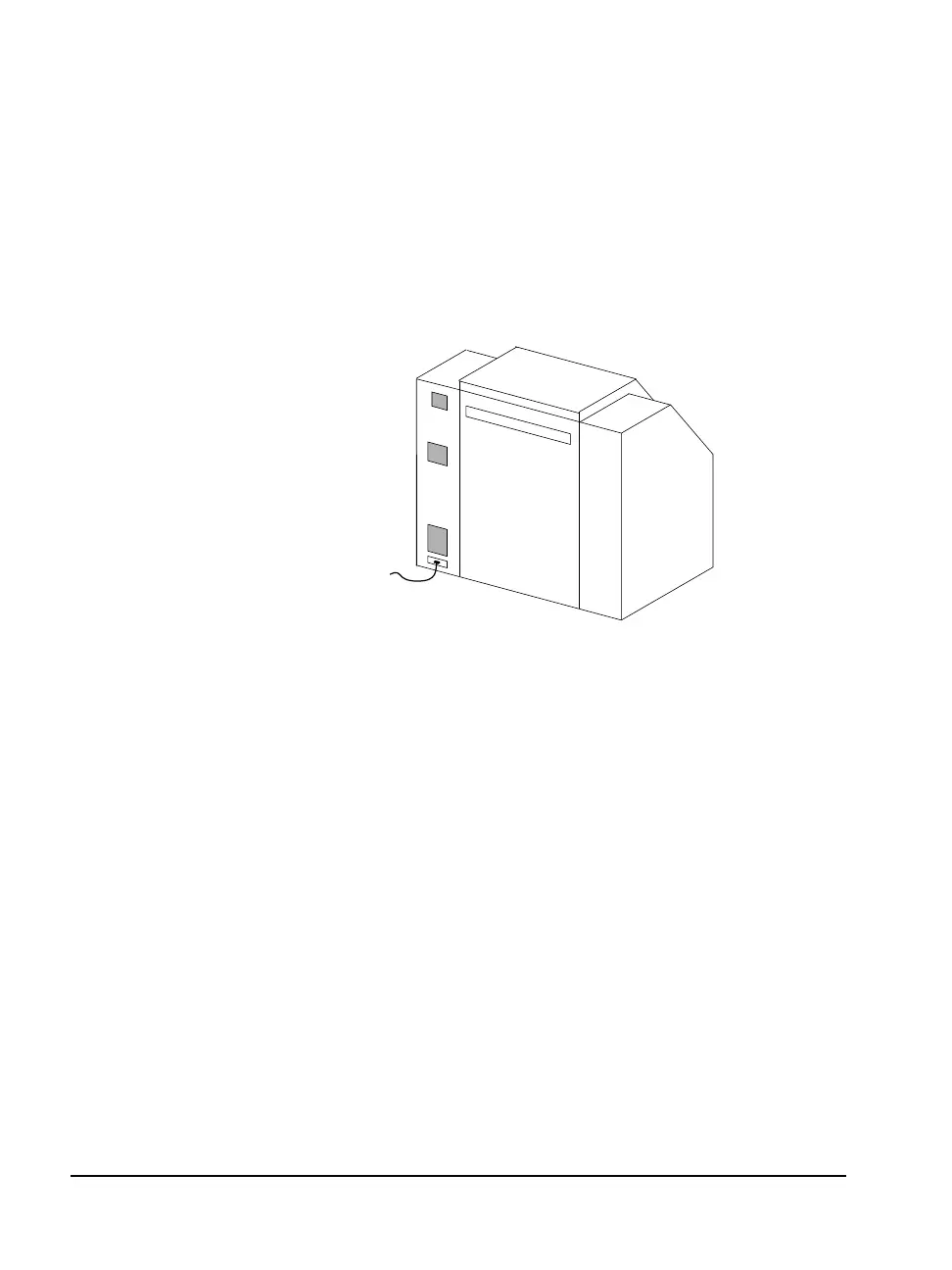
Figure 5.2 Rear view of the Avantra 20/25 imagesetter.
➀—Electronics enclosure filter. ➁—Drum intake filter.
n Clean the Electronics Enclosure Intake filter. This filter is
approximately 1/4 in. (6 mm) thick and made of black plastic
foam.
Interval: Weekly.
Method: Shut down the imagesetter. Open the right side top door.
The filter is located on the inside back panel of the side door. Pull
out the filter and vacuum it.
n Replace the Drum Intake filter. This filter is approximately
3/4 in. (19 mm) thick and is made of several different layers.
Interval: Once a month or more frequently if necessary.
Method: Shut down the imagesetter. From the rear of the image-
setter, pull out the filter and replace it. Use part number C00305-
001. Contact your service provider for information about ordering
replacement filters.
➀
➁



 To Next Page