3–2 SelectSet Avantra Series Control Panel and Operating Guide
Using The Exposure Test Page
Always image a test page to evaluate your exposure settings.
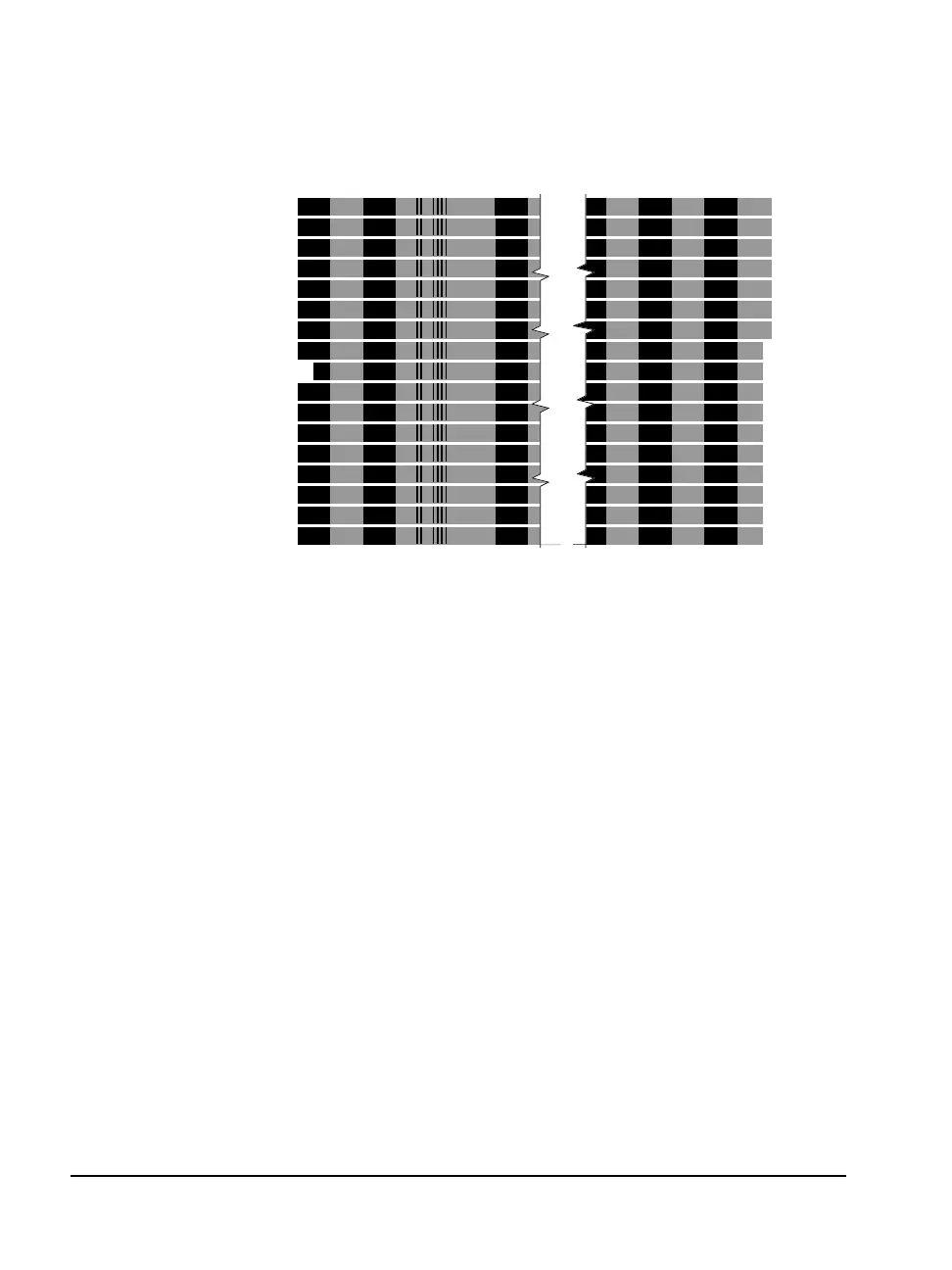
Figure 3.1 An example of a test page.
➀—Reference band, indicated by an indent at the left side of the test page.
➁—Imaging resolution, indicated by a bar code.
➂—Increment value, indicated by indents at the right side of the test page.
Test Page Components
A test page is made up of a number of bands imaged at different
exposures. The number of bands on the page varies with the width of
the media.
n The bands consist of black 100% regions and gray 50% regions.
n A reference band near the center of the page is imaged at the
current exposure set in the Cassette Screen. The reference band is
indented at the left edge of the test page. See ➀ in Figure 3.1.
➀
➁
➂



 To Next Page