Using the Imagesetter Control Panel 2–43
Specifying a Supply Cassette and Program Number
Once you select a supply cassette, assign a cassette program number
to it so you can use preset parameters as follows:
After you select a cassette number, all parameters you change affect
that cassette. You can change or examine parameters for a cassette
that is not currently installed in the imagesetter.
You cannot assign the same cassette number to both supplies. For
example:
n Cassette 1 is specified as Supply A.
n You select Supply B.
n You can specify cassettes 2, 3, 4 or 5 for Supply B.
n You cannot specify cassette 1 for Supply B.
✓
?
#1
?
?
FF
#
1200
dpi
1800
2400
3600
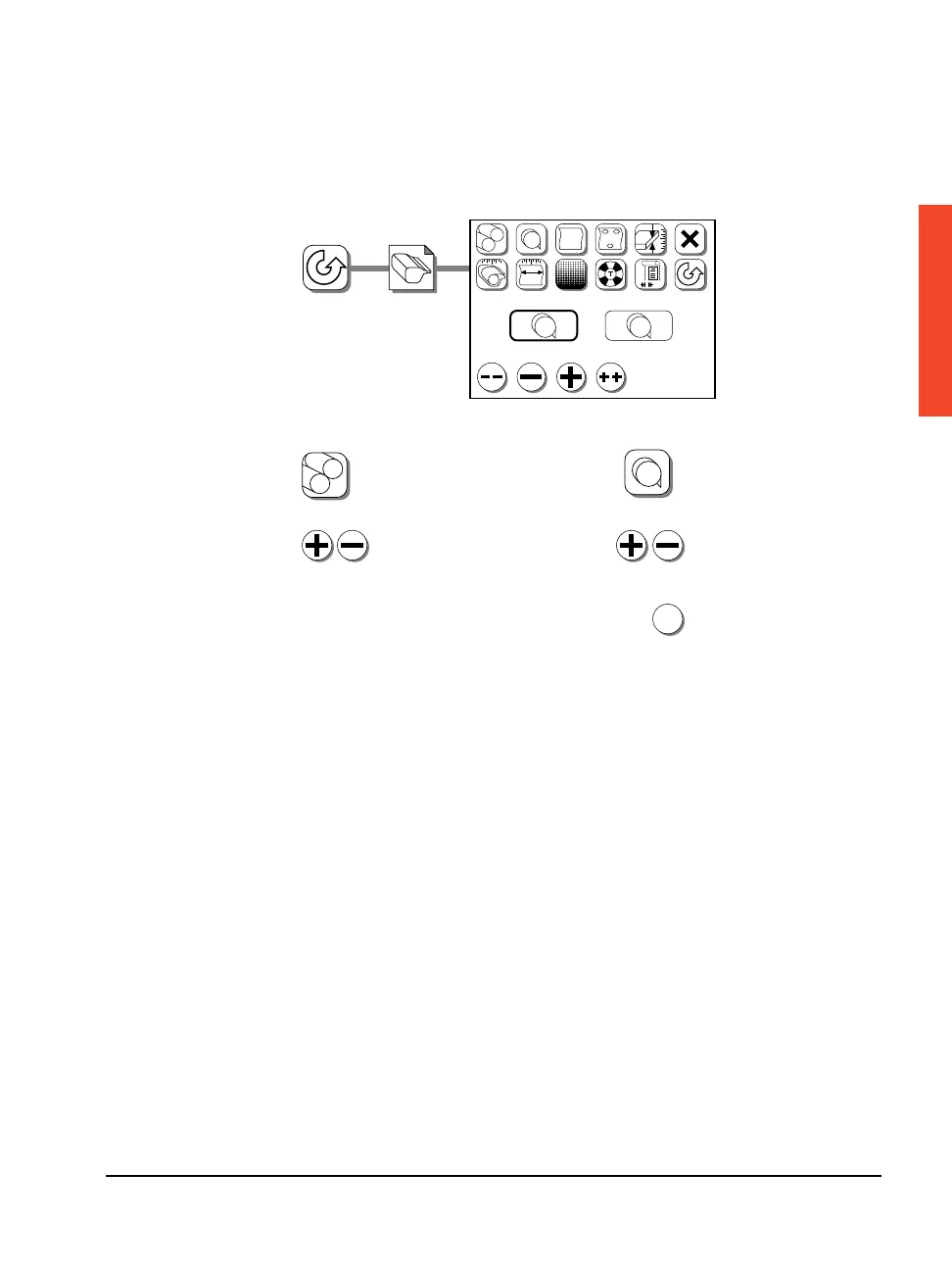
Select Supply A or B:
#1
1. Press Select Supply.
2. Press Plus or Minus to highlight
the supply you want and continue.
Select Cassette Program Number:
1. Press Cassette Number.
2. Press Plus or Minus to
highlight the cassette
number you want.
3. Press Accept.
?
#1
?
?
FF
The cassette number you select
is assigned to the selected supply.
A B



 To Next Page