2–8 SelectSet Avantra Series Control Panel and Operating Guide
Using Accept and Cancel
Press Accept to perform a function, such as Feed, or to accept a
selection for a job parameter, such as Media Type and Media Width.
Press Cancel to cancel a requested function, such as Cut, or to cancel a
selection for a job parameter, such as Image Mode.
Special Features of the Accept and Cancel buttons:
n Accept and Cancel are displayed on the Utilities screen when you
first reach it.
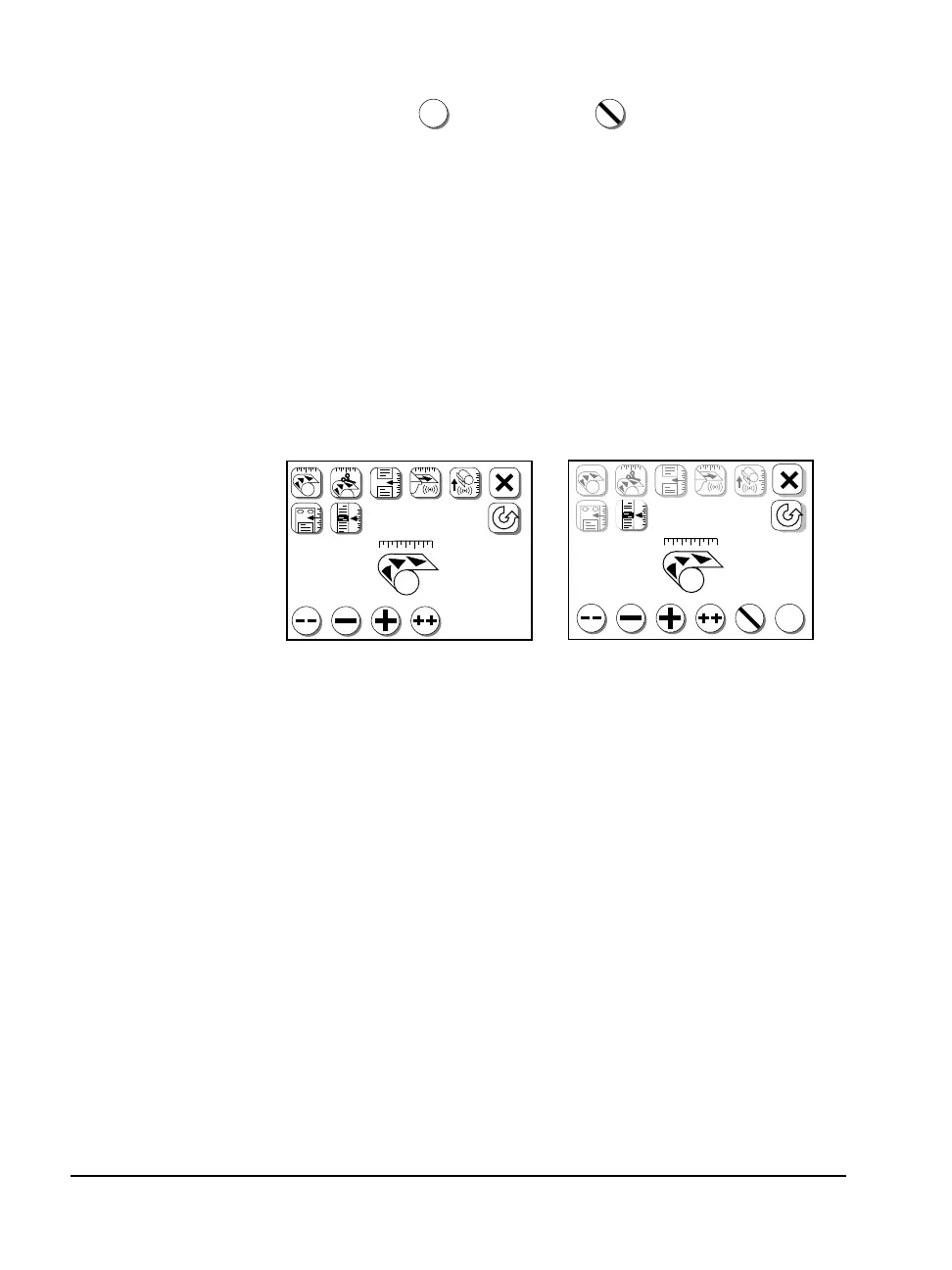
n Accept and Cancel appear on the Cassette Setup, Feed Amounts,
and Configuration screens only after you press Plus, Plus Plus,
Minus, or Minus Minus to change a parameter.
Figure 2.4 The Feed Amounts screen. Left, before you change a parameter.
Right, after you press either ➀—Minus Minus, ➁—Minus, ➂—Plus, or ➃—Plus Plus
to change a parameter, ➄—Cancel and ➅—Accept appear.
✓
F
✓
➀➁➂➃➄➅➀➁➂➃
17.0 in
F
17.0 in
✓✓



 To Next Page