2–12 SelectSet Avantra Series Control Panel and Operating Guide
Displaying Current Parameter Settings
Once you reach a specific screen, you can display the current setting
for any of its functions by pressing the function’s button icon. The
current setting appears in the center of the screen.
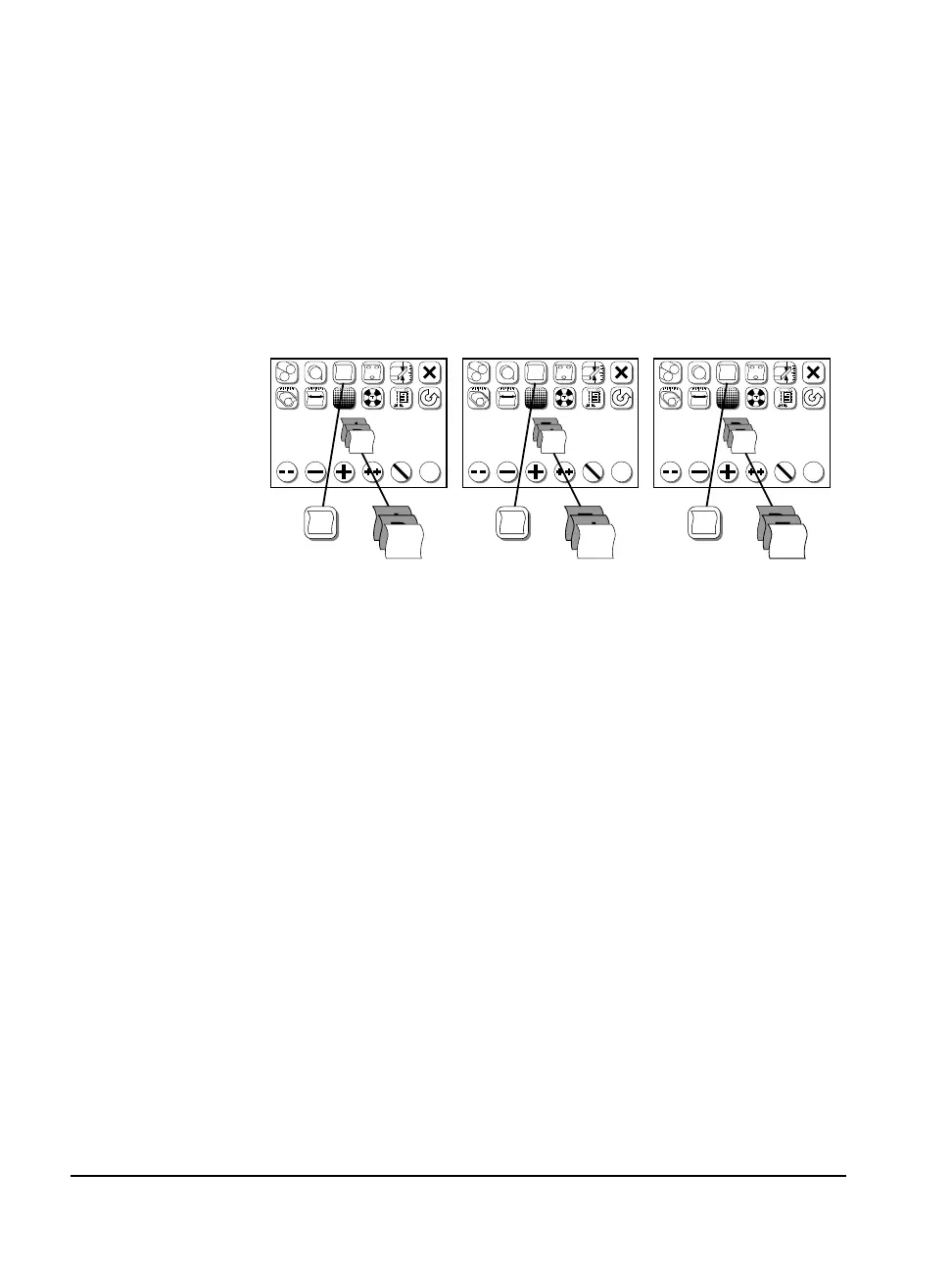
For some functions, such as Media Type, the button icon also changes
to show the current setting for that function. If you change the setting
for the function, the button displays the change. Figure 2.5 shows how
Media Type information is displayed.
Figure 2.5 As you select different types of media in the Cassette Setup
screen, the Media Type button displays the change.
Left, film selected; center, paper selected; right, plate selected.
P
F
F
PL
P
✓
?
#1
?
?
F
✓
F
PL
P
F
F
F
PL
✓
?
#1
?
?
F
✓
P
P
PL
✓
?
#1
?
?
F
✓
PL
PL
P
F
PL
P
P
F
PL



 To Next Page