2–40 SelectSet Avantra Series Control Panel and Operating Guide
Setting the Imaging Exposure
You must specify an exposure setting (density range) for each resolu-
tion that you use.
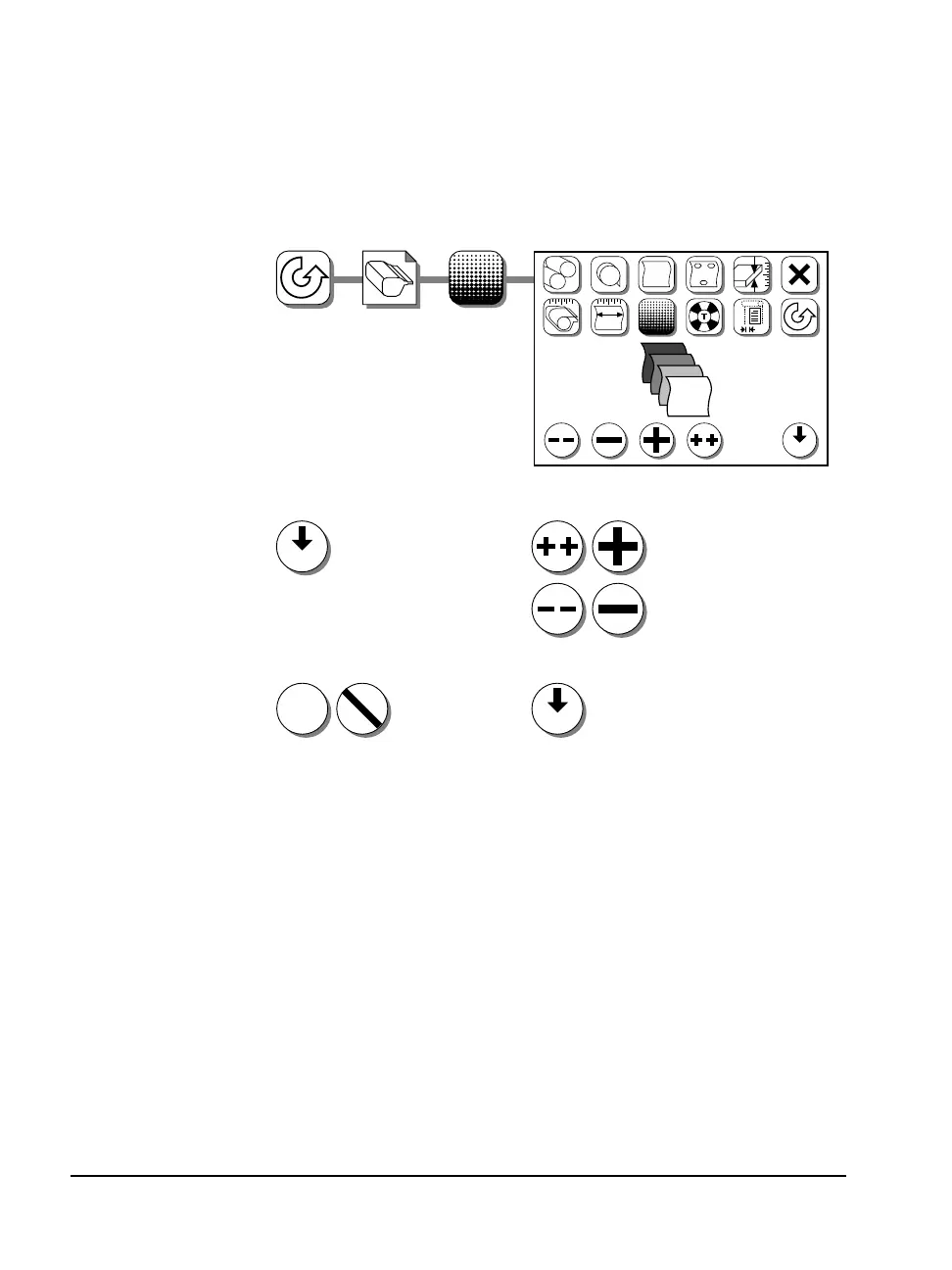
The steps for selecting the exposure are:
❖ Note: You must run exposure tests to determine the optimum
exposure setting for your work. Run tests for each media type and
each imaging resolution before you begin production.
❖ Note: The Avantra 25E does not have the 3600 dpi setting. As a
result, 3600 dpi is not an available selection for resolution.
See Chapter 3: Running Exposure Tests in this user guide for informa-
tion on running and evaluating test pages.
dpi
Density Range:
0 to 1430
dpi
1. Select resolution:
1200, 1800, 2400
or 3600 dpi
✓ ✓
2. Adjust exposure:
?
#1
?
?
FF
#
1200
dpi
1800
2400
3600
802
752
711
698
dpi
Adjust exposure for other
resolutions as required.
3. Accept or cancel: 4. Repeat as needed:



 To Next Page