2–14 SelectSet Avantra Series Control Panel and Operating Guide
Specifying Numerical Values
Some functions, such as Media Amount, require you to specify a
numerical value.
To specify a numerical value:
1. Press the icon that represents the parameter you need to change.
2. Use Plus, Plus Plus, Minus Minus, or Minus to increase or
decrease the numerical value until the one you want is displayed.
3. Confirm your selection. Press Accept to keep or press Cancel to
discard your changes.
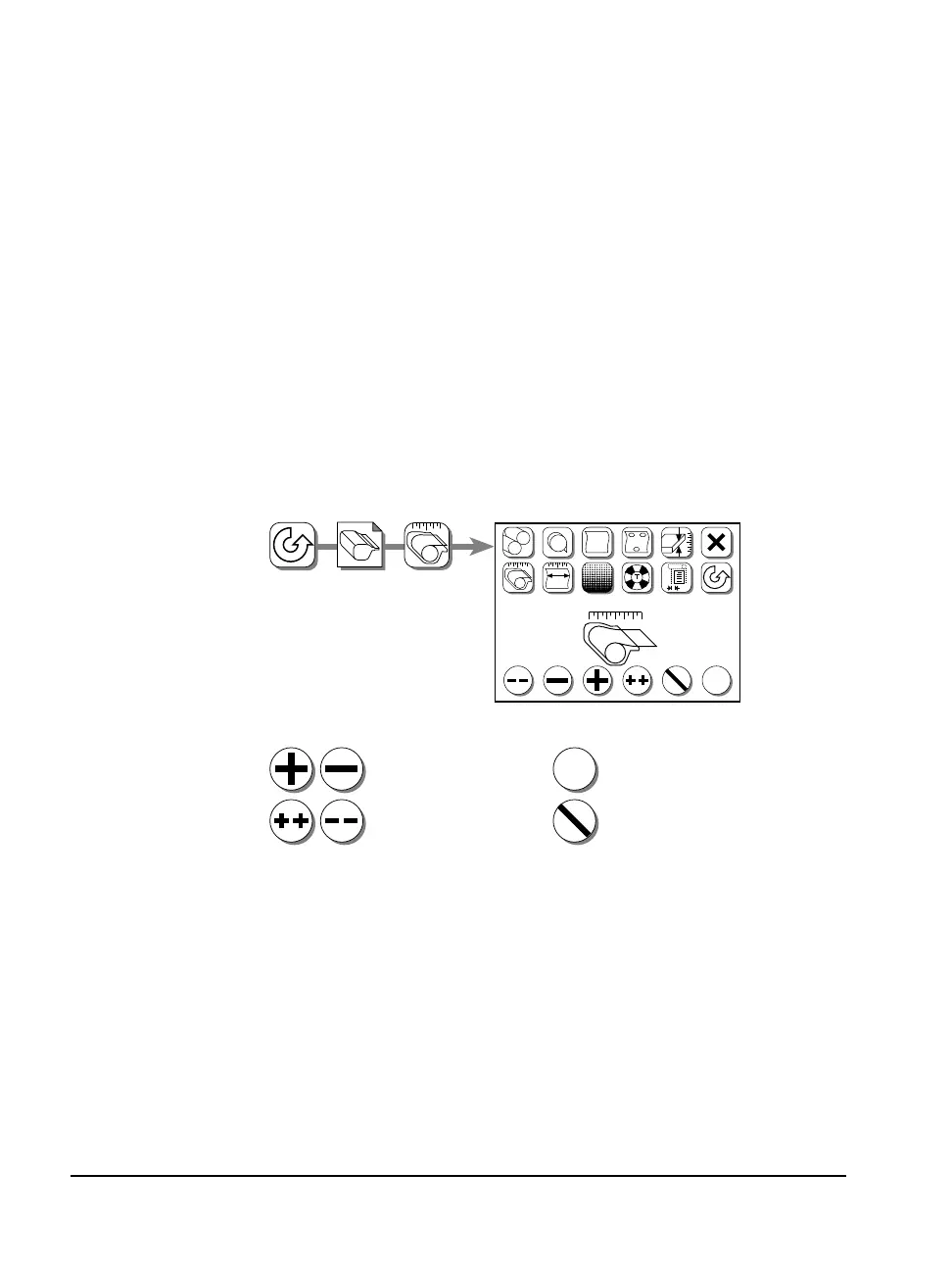
The example below shows how to change the Media Amount value,
which is specified in the Cassette Setup screen.
?
✓
?
#1
?
?
FF
✓
1. Press Pause, Cassette Setup, Media Amount.
2. Change the media amount setting:
Press Plus or Minus to
change the media amount.
✓
✓
Range:
0.0 to 250.0 feet
0.0 to 76.1 meters
Press Accept to change
the media amount, or...
...press Cancel to discard.
3. Accept or Cancel:
#
?
170 ft



 To Next Page