Using the Imagesetter Control Panel 2–17
Viewing Software Revisions
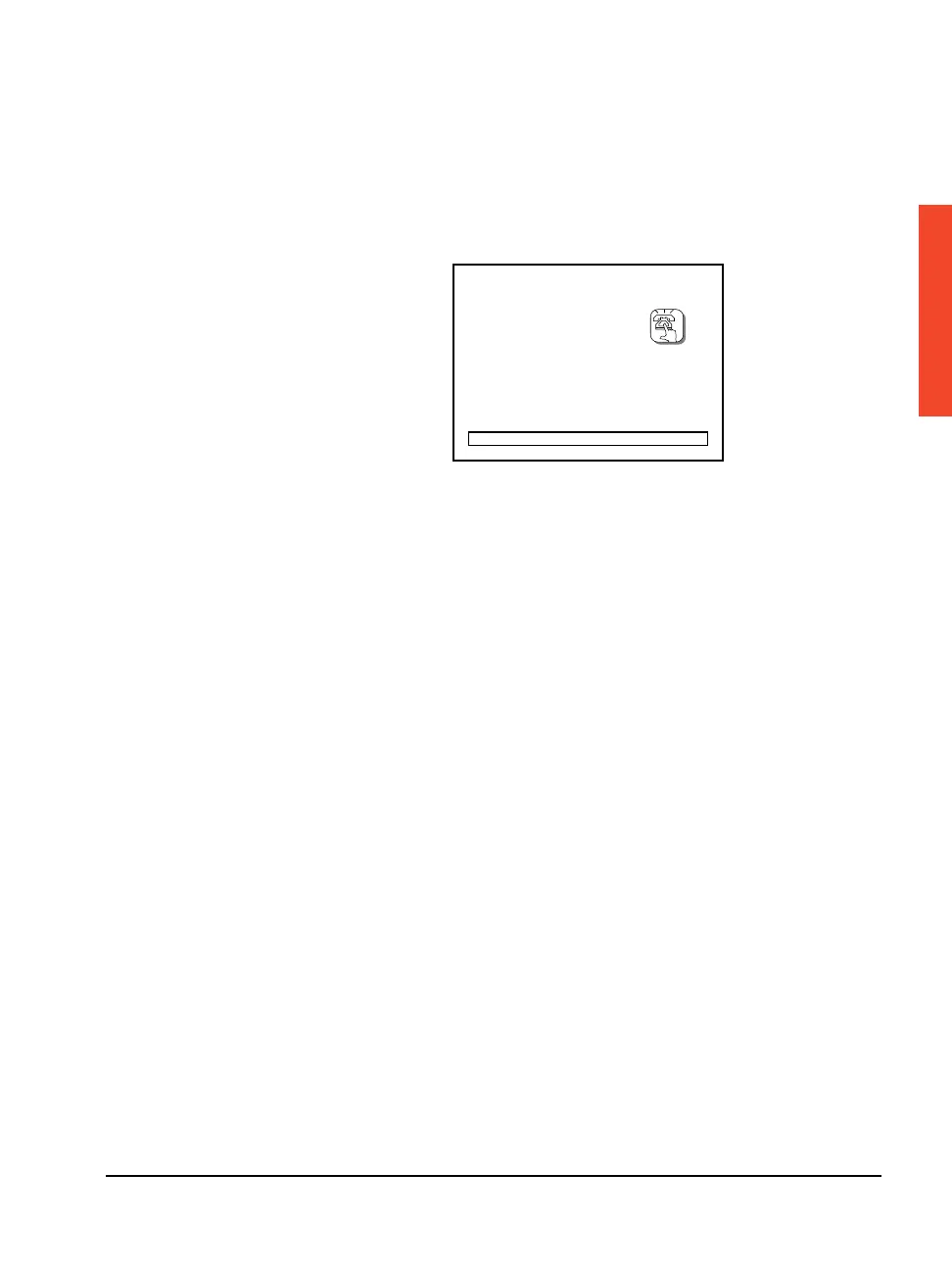
At start up, the control panel displays a dial-out button, a progress
bar, and the revision levels of its firmware. Firmware is the basic
operating software for the SelectSet Avantra imagesetter. This infor-
mation can be helpful when diagnosing system problems.
Figure 2.9 The system displays the revision level of the different modules that make
up the operating software. Some items are not present on some Avantra models.
Shutting Down the Imagesetter
Follow these steps to shut down the imagesetter:
1. Shut down the RIP. Follow the instructions in the manuals that
come with it.
2. Shut down the imagesetter by turning off its power. Use the
power switch located to the left of the control panel.
SYSTEM START-UP
DL: xx
OCP: xxxx
DIAG: xxxx
CORR: xxxx-xx
DSP: xxxx
DEC: xxxx
BRDG: xxx



 To Next Page