2–16 SelectSet Avantra Series Control Panel and Operating Guide
If you get error message 15, connect the RIP to the imagesetter.
Follow the instructions in the manuals that come with your RIP.
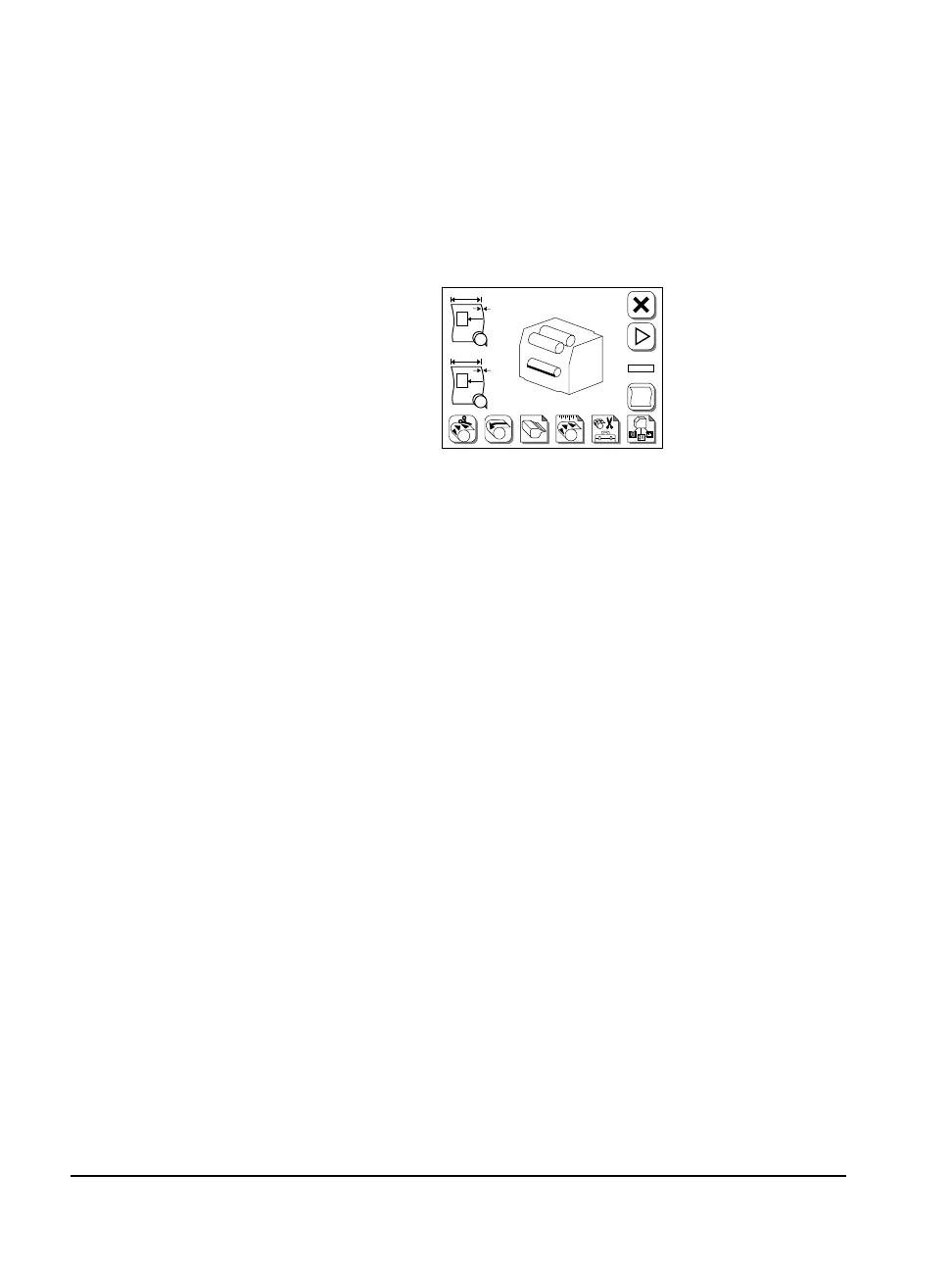
If the imagesetter is not ready, the Pause screen appears instead of
the Run screen. The Pause screen appears, for example, if no
media is loaded, no take-up cassette is in place, or the bridge for
on-line processing is out of position.
Figure 2.8 The Pause Screen appears if the imagesetter is not ready.
3. Turn on the other parts of your imaging system.
4. To ensure consistent results, let the imagesetter run for twenty
minutes before you begin to image jobs.
#
F
#1
PL
#2
A
B



 To Next Page