Using the Imagesetter Control Panel 2–5
Basic Controls
The buttons (pressure-sensitive icons) listed below are the basic
controls in the control panel screens. Press each button to use the
function indicated.
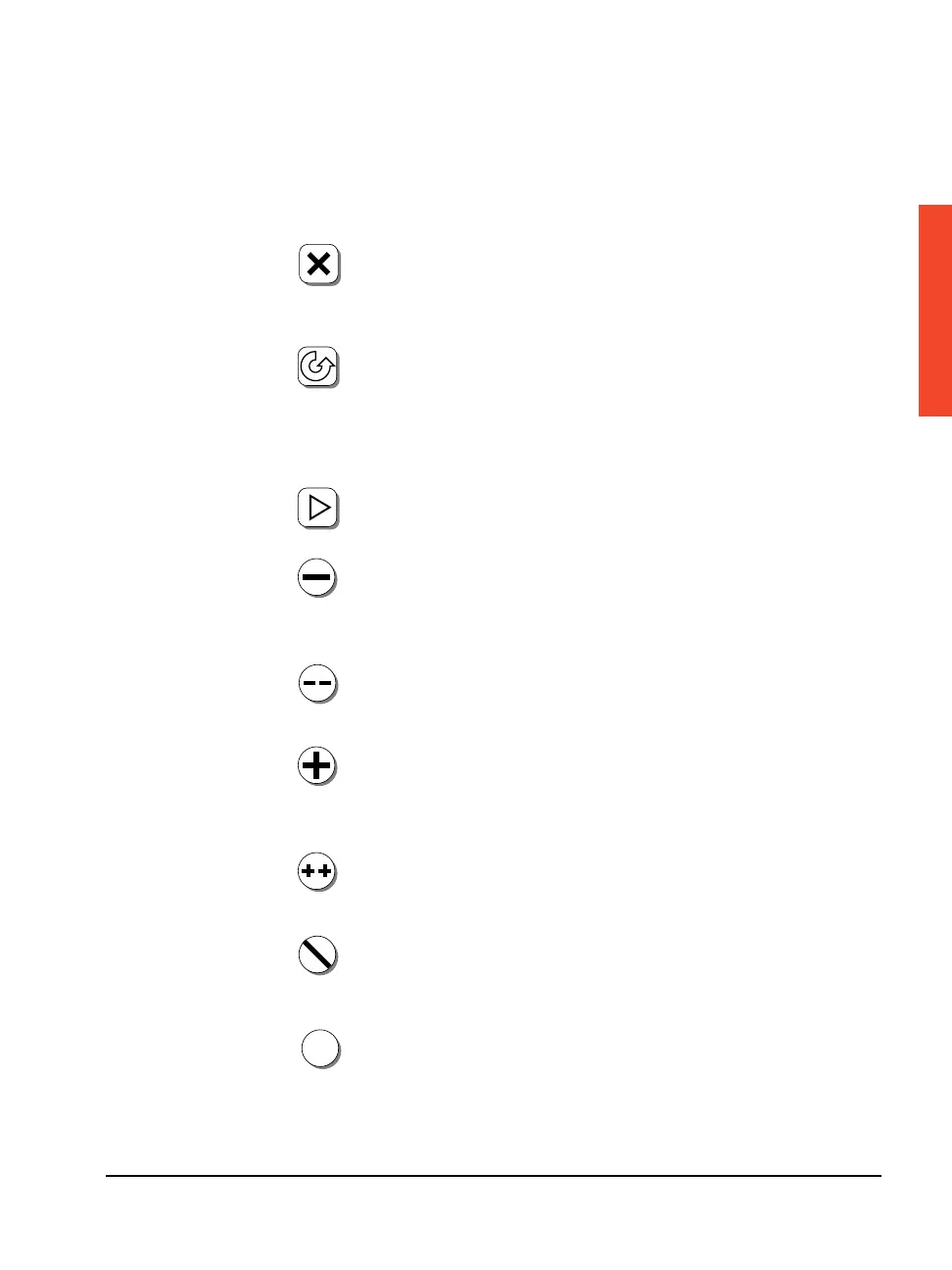
Abort: Appears on all screens. On the Run screen, Abort
cancels a job that is being imaged. On the Pause screen, Abort
cancels feed or cut functions. On other screens, Abort cancels
the current operation and returns you to the Pause screen.
Pause: Puts the imagesetter in Pause mode and returns to the
Pause screen. If the imagesetter is imaging a job, it puts the
imagesetter in Pause Pending mode, which automatically changes
to Pause as soon as the job is complete. In Pause mode, you can
change parameters or perform tasks, such as loading media.
Run: Puts the imagesetter in Run mode (ready to accept and
image jobs from the RIP) and returns to the Run screen.
Minus: Decreases the value of numerical parameters. Cycles
through parameter selections in descending order when icons
show choices.
Minus Minus: Decreases the value of numerical parameters in
larger increments than Minus.
Plus: Increases the value of numerical parameters. Cycles
through parameter selections in ascending order when icons
show choices.
Plus Plus: Increases the value of numerical parameters in
larger increments than Plus.
Cancel: Discards any changes made in the current screen and
redisplays the parameters in use when you first reached the
screen.
Accept: Accepts the parameters displayed on the screen.
✓
✓



 To Next Page