Using the Imagesetter Control Panel 2–31
Viewing Engine Status
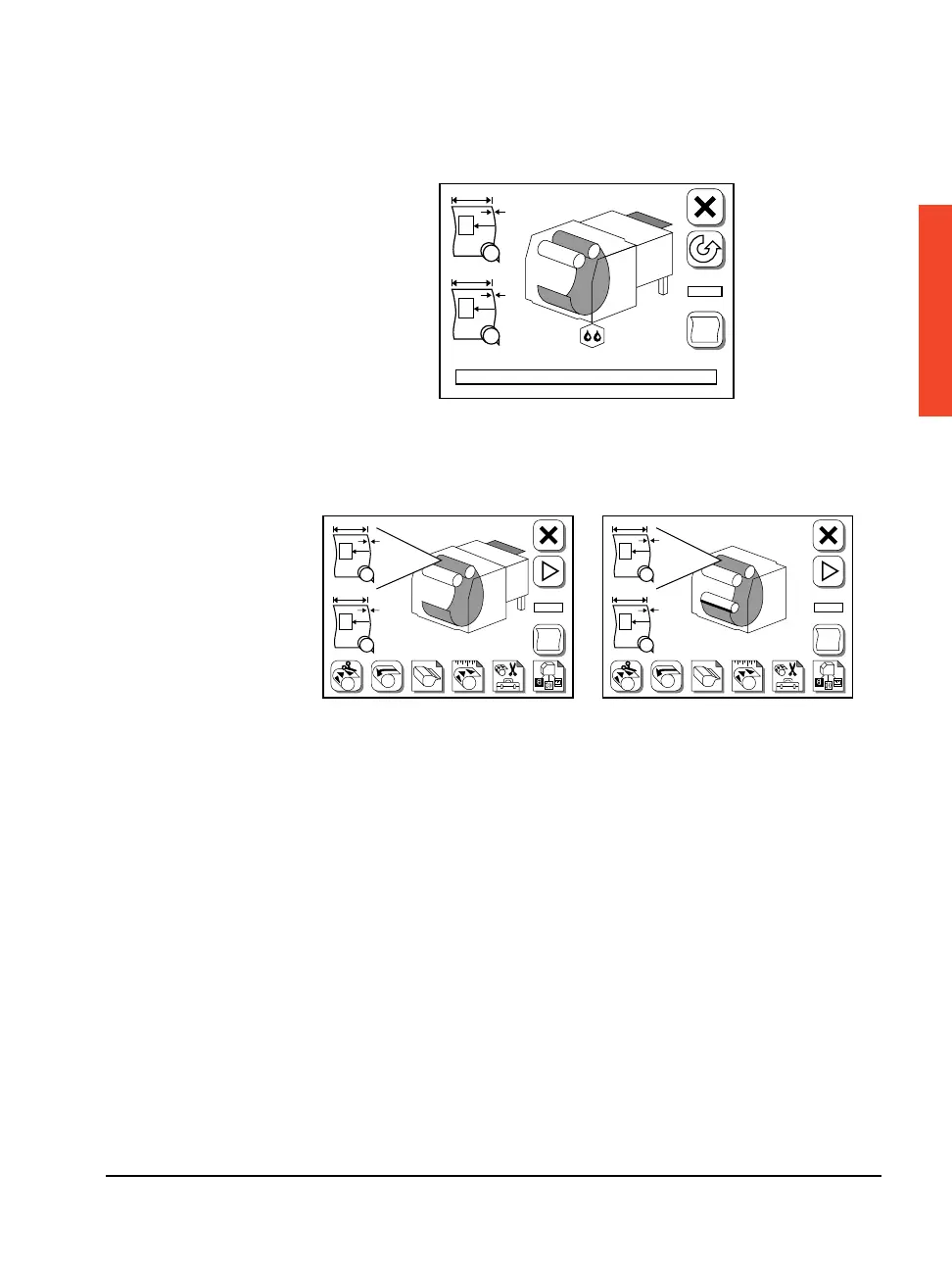
Figure 2.20 The Engine Status area in the center of the control panel indicates
whether on-line or off-line processing is specified in the Configuration screen.
Figure 2.21 Left, on-line processing. The take-up cassette is removed
and the on-line processor (OLP) is displayed.
Right, off-line processing. The take-up cassette is installed.
#
F
#1
PL
#2
A
B
#
F
#1
PL
#2
A
B
F
#1
PL
#2
A
B



 To Next Page