2–34 SelectSet Avantra Series Control Panel and Operating Guide
Monitoring the Amount of Media
in the Supply Cassettes
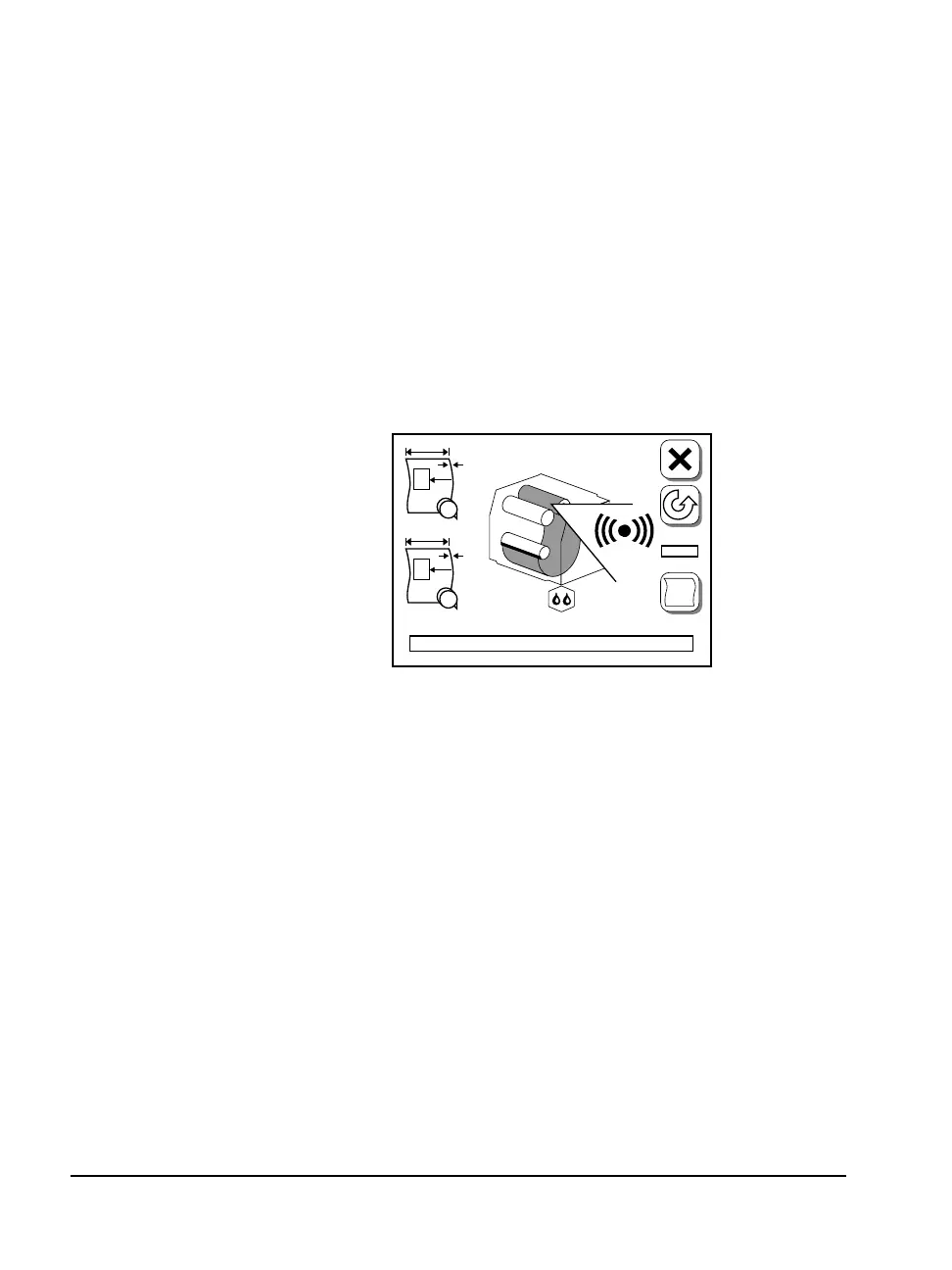
n Specify the Supply Alarm amount on the Feed Amounts screen
under the Pause screen.
n When the amount of media remaining in the currently loaded
supply cassette drops below this amount, an alarm icon appears.
n The alarm blinks until you reload media.
n The imagesetter continues imaging until the supply cassette is
completely empty. At this point, error message 4, Out of Media,
appears on the control panel.
Figure 2.25 Supply alarm icon.
Appears in both the Run and Pause screens.
A
B
F
#1
PL
#2



 To Next Page