Imagesetter Maintenance 5–11
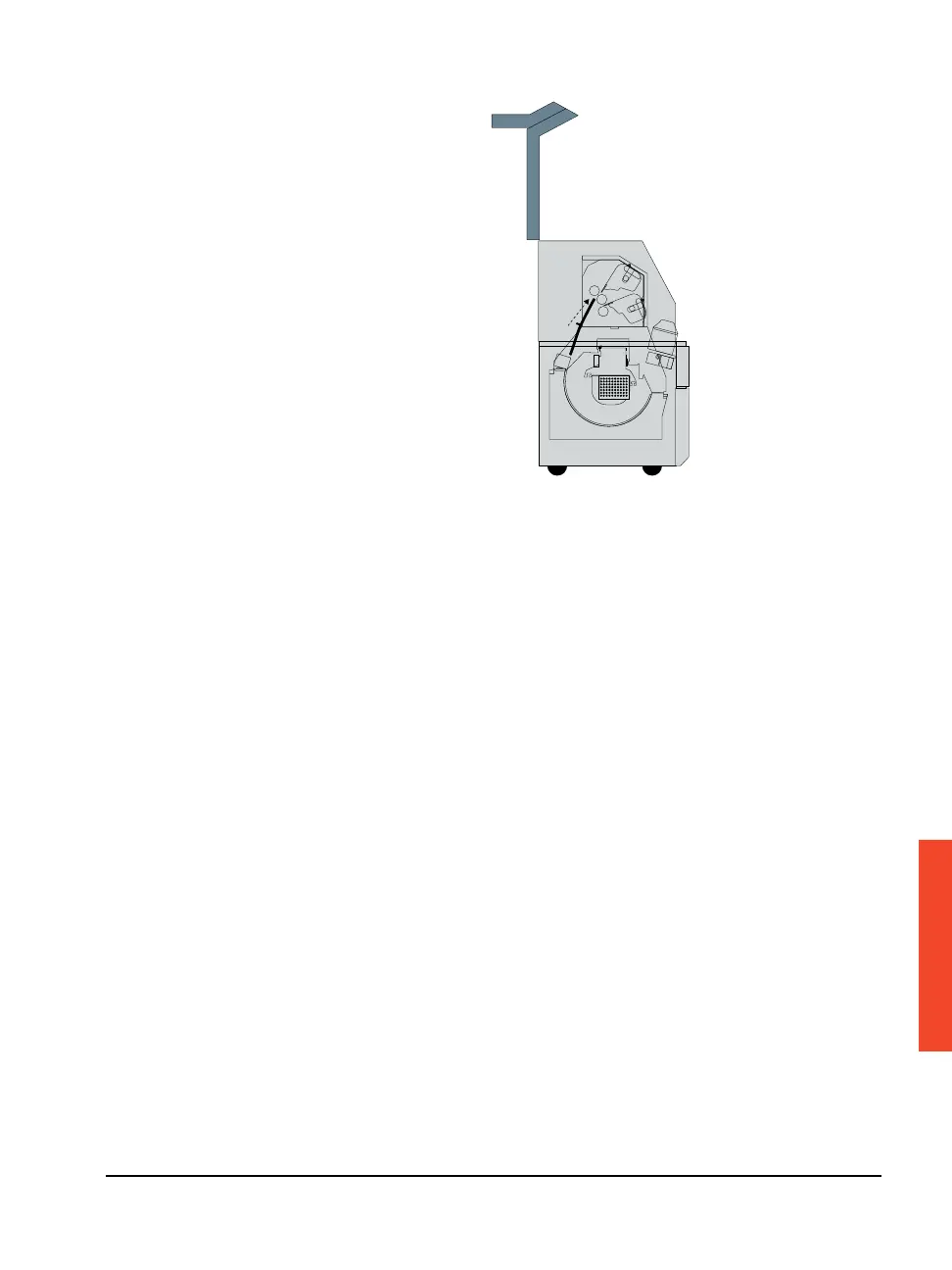
Figure 5.9 The Avantra 36/44 imagesetter with the top cover open.
3. Remove the upper light shield that covers the rear of the media
supply area.
Lift it straight up and out of the imagesetter.
4. Lift up the lower hinged light shield and push it out of the way to
the back of the imagesetter.
5. Lift out and empty the supply punch chaff tray and then replace it.
The supply punch chaff tray is located in the back of the image-
setter. See Figure 5.8.
6. Push the lower hinged light shield toward the front of the image-
setter.
7. Replace the upper light shield.
8. Close the top cover and restart the imagesetter.



 To Next Page