2–24 SelectSet Avantra Series Control Panel and Operating Guide
When you use the on-line processor mode:
n The imagesetter feeds imaged media past the cutter.
n The cutter cuts the media.
n The imagesetter feeds the cut media through the bridge to the
processor.
❖ Note: For on-line processing, a minimum of 13.3 inches (34 cm)
of media for the Avantra 36 and 44, and a minimum of 10 inches
(25 cm) of media for the Avantra 20, 25, and 30 must be fed past
the cutter before the cut can be performed. The imagesetter ignores
the Feed and Cut Amount set in the Feed Amounts screen.
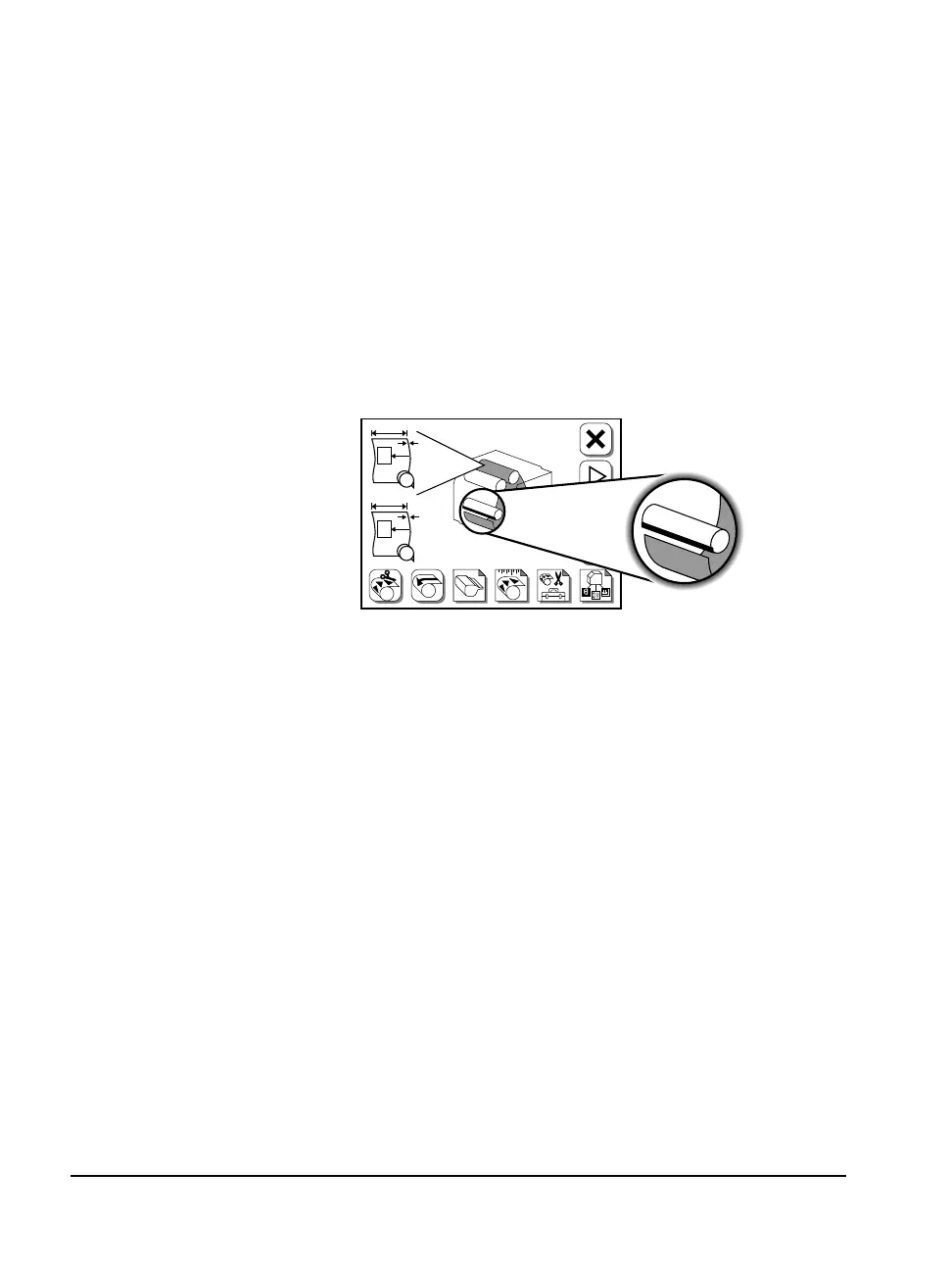
Figure 2.11 The display changes to show that the media has been cut.
#
F
#1
PL
#2
A
B



 To Next Page