Using the Imagesetter Control Panel 2–37
❖ Note: The Avantra 25E does not have the 3600 dpi setting. As a
result, 3600 dpi is not an available selection for resolution and
test pages.
Range:
Avantra 20 and 25 Avantra 30
3 to 8 mil 3 to 8 mil
Avantra 36 and 44
3 to 12 mil
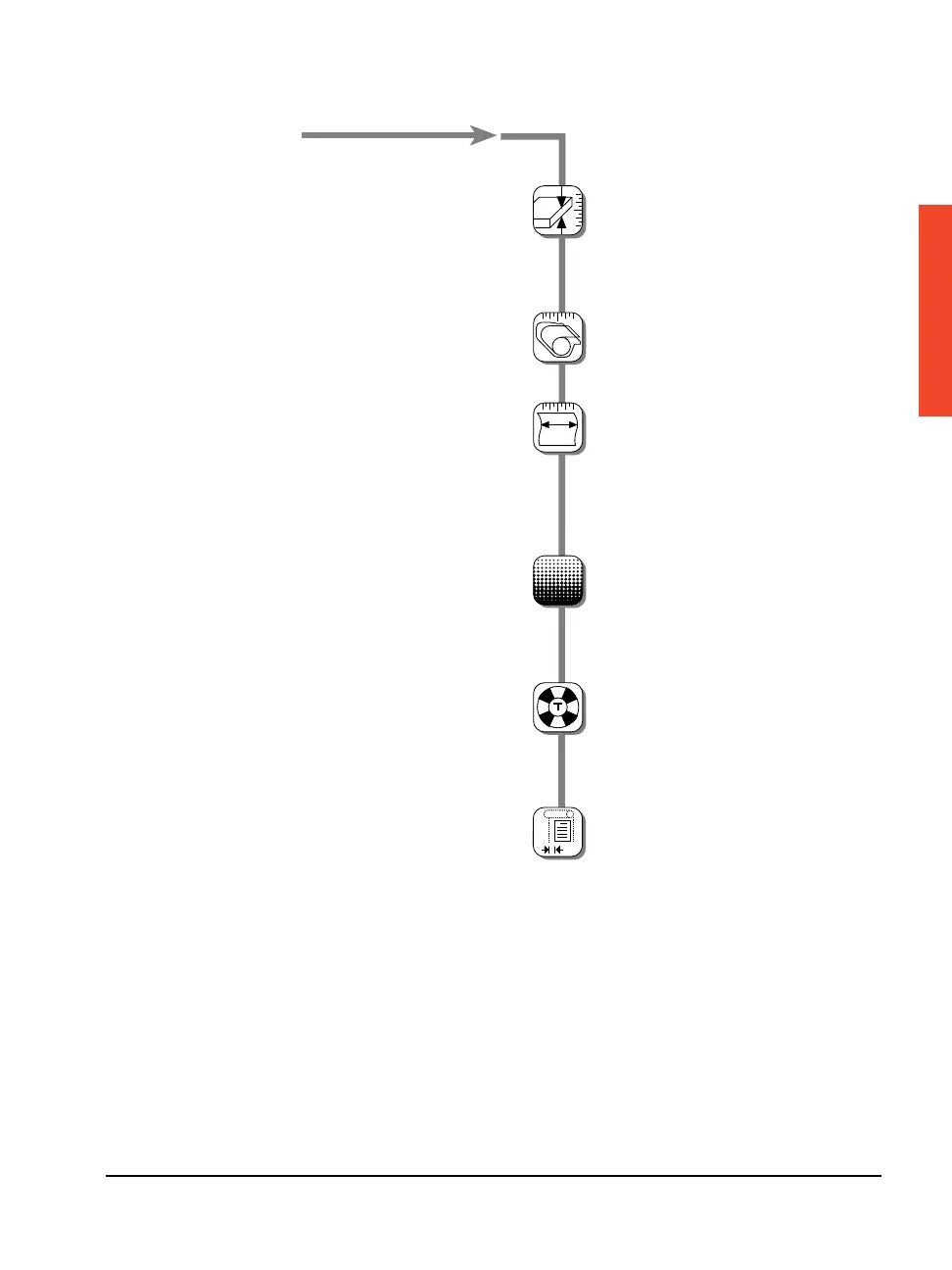
Media Thickness
Cassette Setup, continued...
Media Amount
Media Width
Exposure
Range:
0.0 to 250.0 ft.
0.0 to 76.1 m
Range:
Avantra 20 Avantra 25
10.0 to 14 in. 10.0 to 18 in.
250 to 356 mm 250 to 458 mm
Avantra 30 Avantra 36 and 44
14.0 to 30 in. 16 to 36 in.
356 to 763 mm 406 to 914 mm
Select resolution:
1200, 1800, 2400, or
3600 dpi
Density Range:
0 to 1430
?
?
Test Page
Select test and increment:
4 dpi's, 1, 5, or 10
1200 dpi, 1, 5, or 10
1800 dpi, 1, 5, or 10
2400 dpi, 1, 5, or 10
3600 dpi, 1, 5, or 10
Range:
0.0 to 0.30 in.
0 to 8 mm
Image Offset



 To Next Page