E16 Door Phone Administrator Guide
Note
The direct IP calls will be blocked if the direct IP is disabled.
Note
•
The max call time of the device is also related to the max call time of SIP. If
you use a SIP account to make a call, please pay attention to the max call
time of the SIP server. If the max call time of the SIP server is shorter than
the max call time of the device, then the SIP server max call time will be
applied.
7.6
Call Settings
7.6.1
Maximum Call Duration Setting
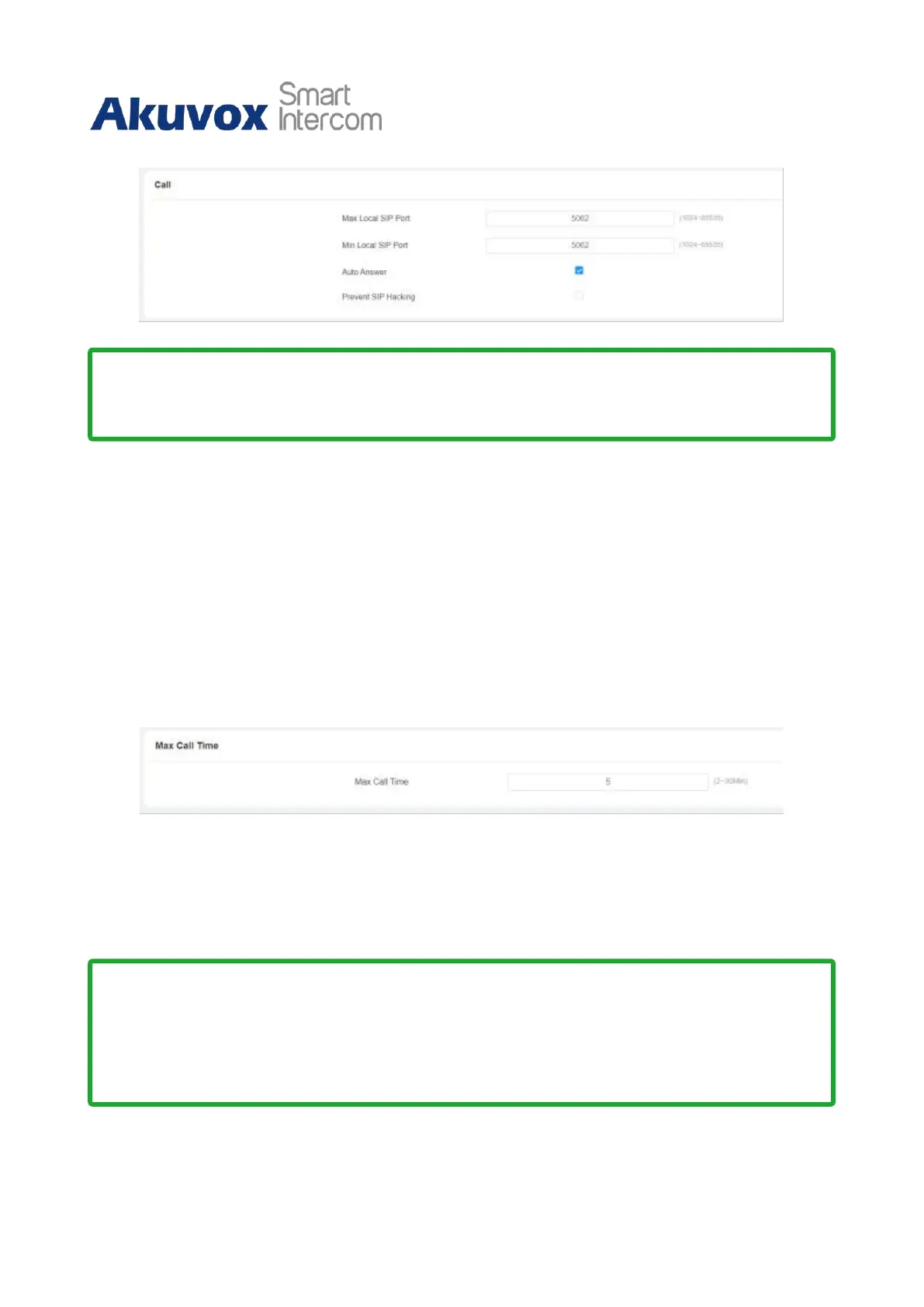
E16 series door phone allows you to set up the call time duration in receiving the call from
the calling party as the calling party might forget to hang up the phone. When the call time
duration is reached, the door phone will terminate the call automatically. To do the
configuration, you can go to Intercom > Call Feature > Max Call Time.
Parameter Set-up:
•
Max Call Time: enter the call time duration according to your need (ranging from
2-30 min.). The default call time duration is 5 min.



 To Next Page