Single Tenant Door Phone
AKUVOX SMART INTERCOM www.akuvox.com
21. Backup
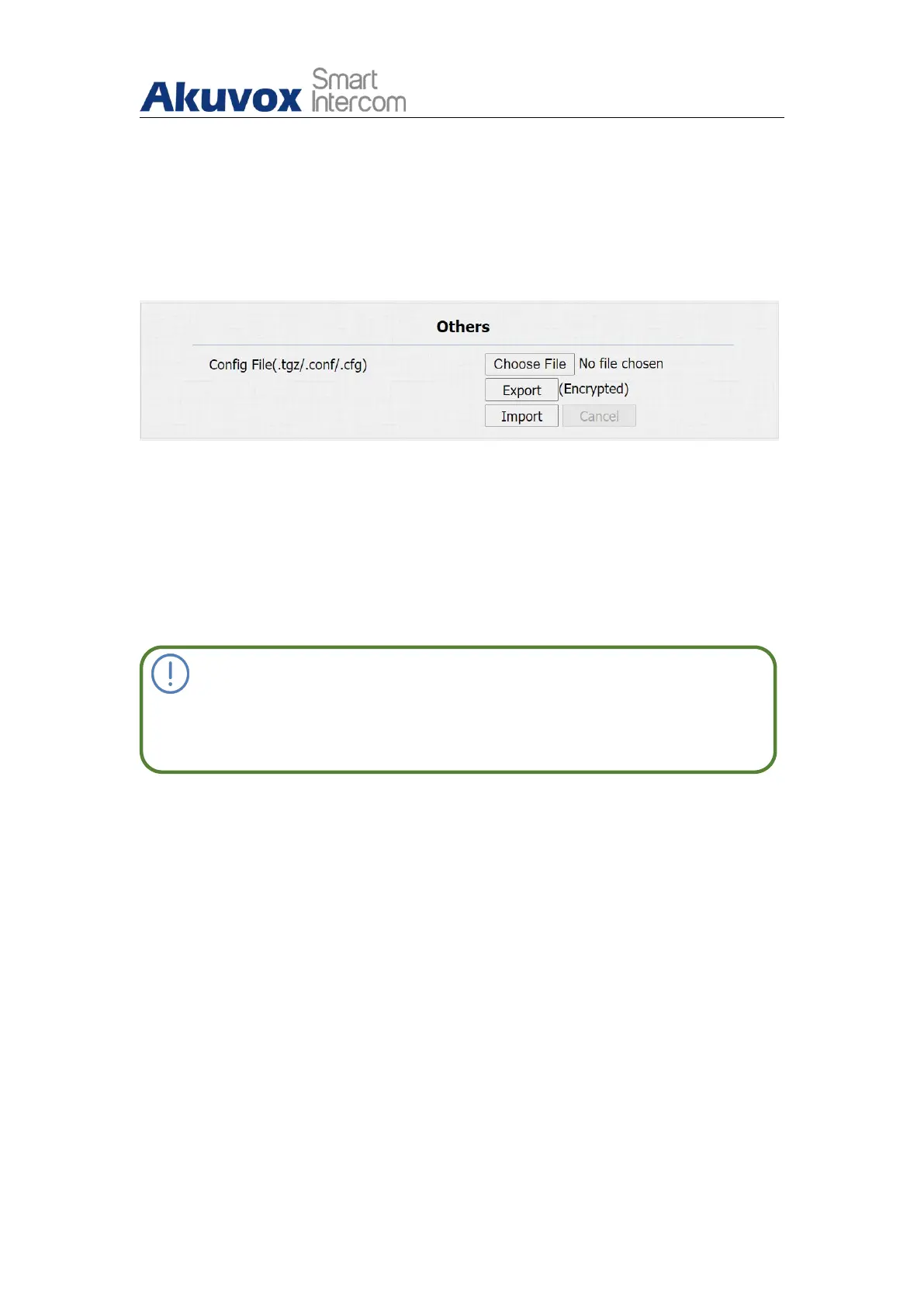
Configuration files can be imported to or exported out of the device to your
local PC on the device web Upgrade > Advanced > Others interface if needed.
Parameter Set-up:
Export Config File: to export current config file.
Export/Import: to export current config file (Encrypted) or import new
config file.
Note:
For E12W, the operation path is Upgrade > Diagnose > Others.


 To Next Page
 Loading...










