The attendant enters the value of the defective trunk in the form of two digits. The entry is
confirmed when Programming accepted is displayed. After repair, the correct operation of
the trunk is tested by the system and, if this is successful, the trunk is removed from the list of
defective trunks.
6.9 Date - Time
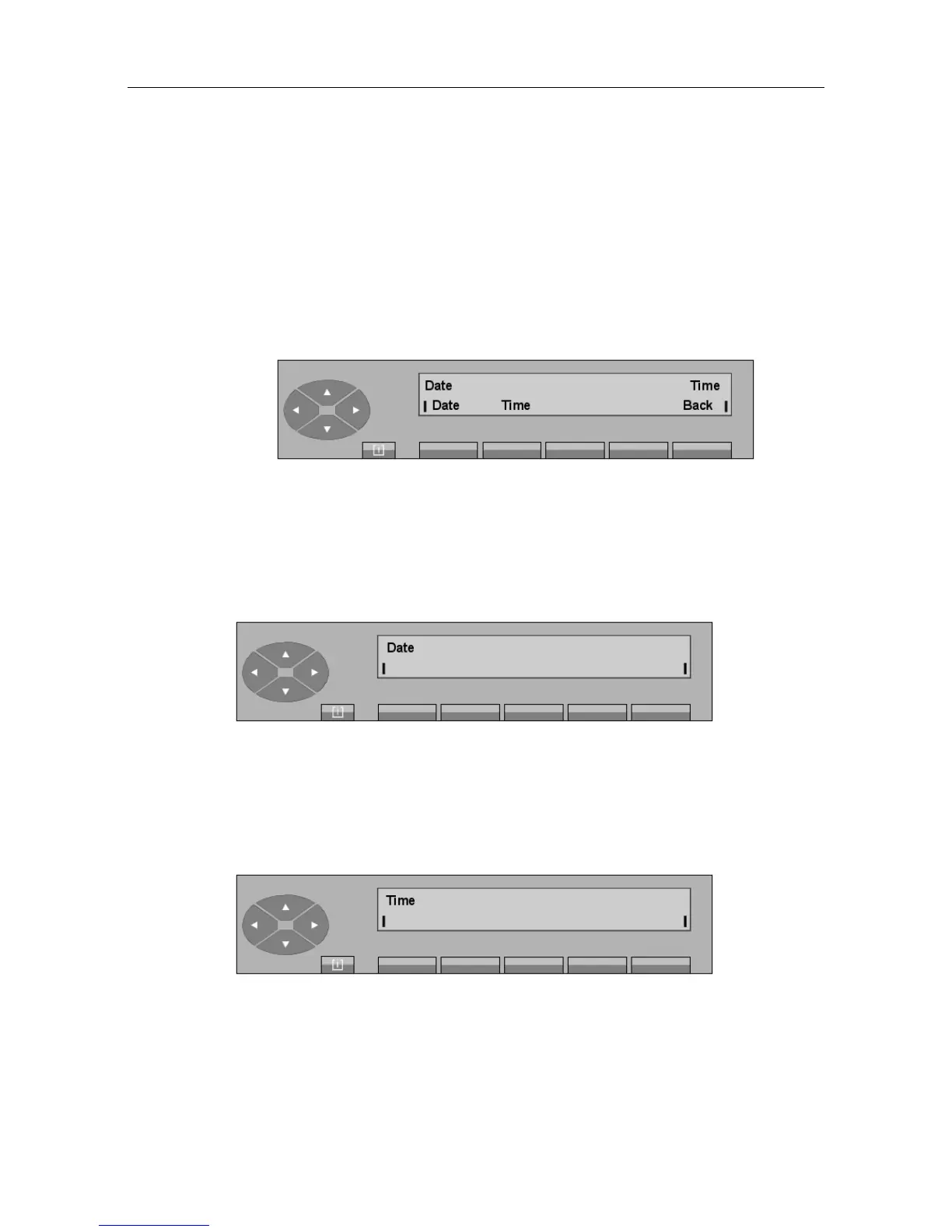
Press the Date or (Dat+Tm) key to display:
Date To modify the date for the entire installation.
Time To modify the time for the entire installation.
Back Returns to the initial screen.
- Pressing the Day key displays the date programmed:
The date can be modified as follows:
• Enter via the digital keypad 2 digits for the day,
• Enter via the digital keypad 2 digits for the month,
• Enter via the digital keypad 4 digits for the year.
- Pressing the Time key displays the time programmed:
The time can be modified as follows:
• Enter via the digital keypad 2 digits for the hours,
• Enter via the digital keypad 2 digits for the minutes.
"() ') % !
6-19














 To Next Page