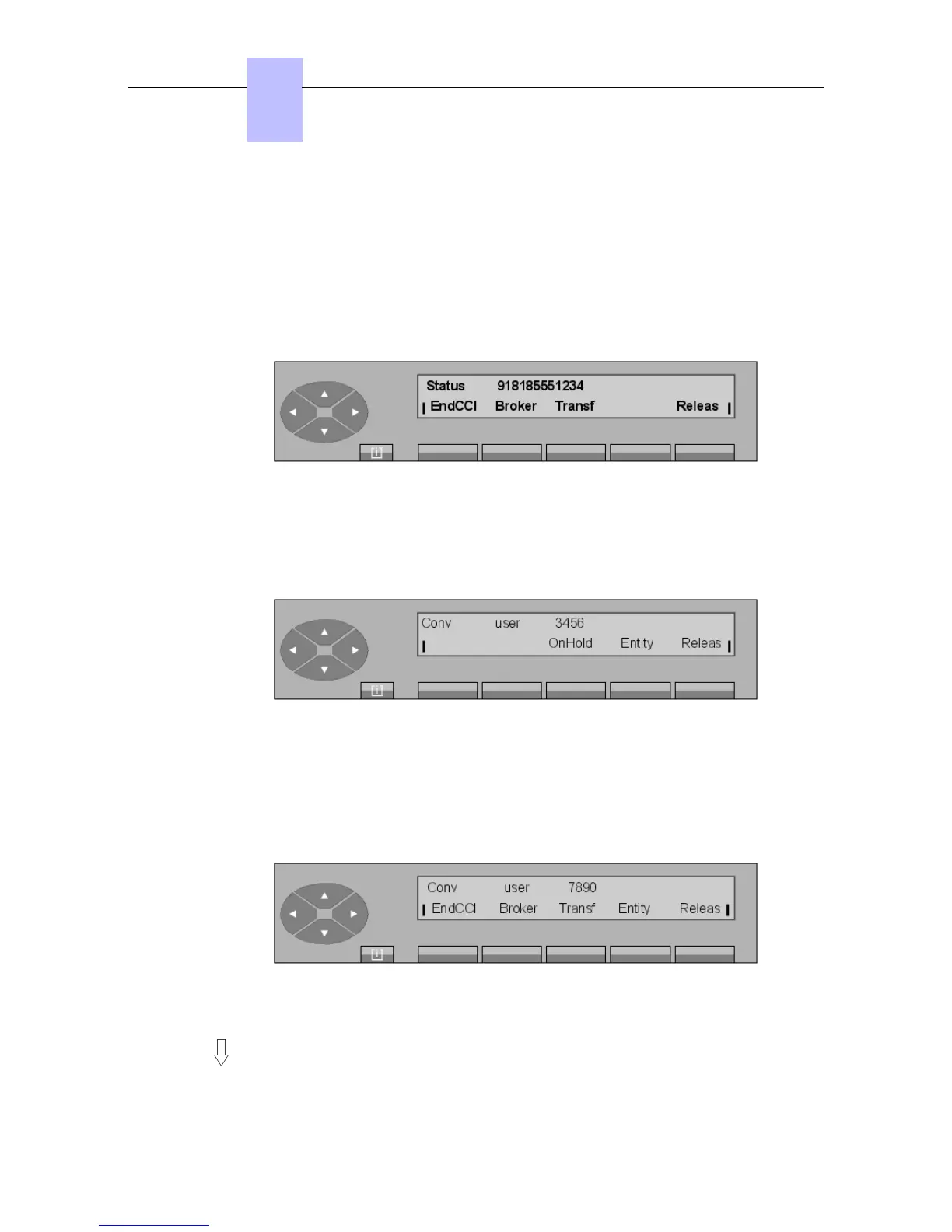
EndCCI To cancel the consultation call with the called user.
Broker To make a broker (back-and-forth) call when the attendant set is in
consultation call mode.
Transf To transfer the call to the first user (transfer on ringing).
Text To leave a text message for the called party (if a digital link is used).
Releas To release the current call and return to the initial state.
When the external user answers, the screen shows:
Figure 2.56: Conversation screen
Pressing the Transf key transfers the call to the user on hold (transfer on answer).
Pressing the EndCCI key releases the user (in consultation call mode) and returns the
attendant to the first user; for example:
Pressing the OnHold key puts the first user on hold.
2.8 Broker call
Broker call mode (back and forth) is activated between sets 3456 and 7890. Starting from the
conversation screen in consultation call mode:
Figure 2.58: Conversation screen in consultation call mode
Press the Broker key: user 2 is automatically put on hold and hears the music-on-hold.
Chapter
2
! &$
2-22














 To Next Page